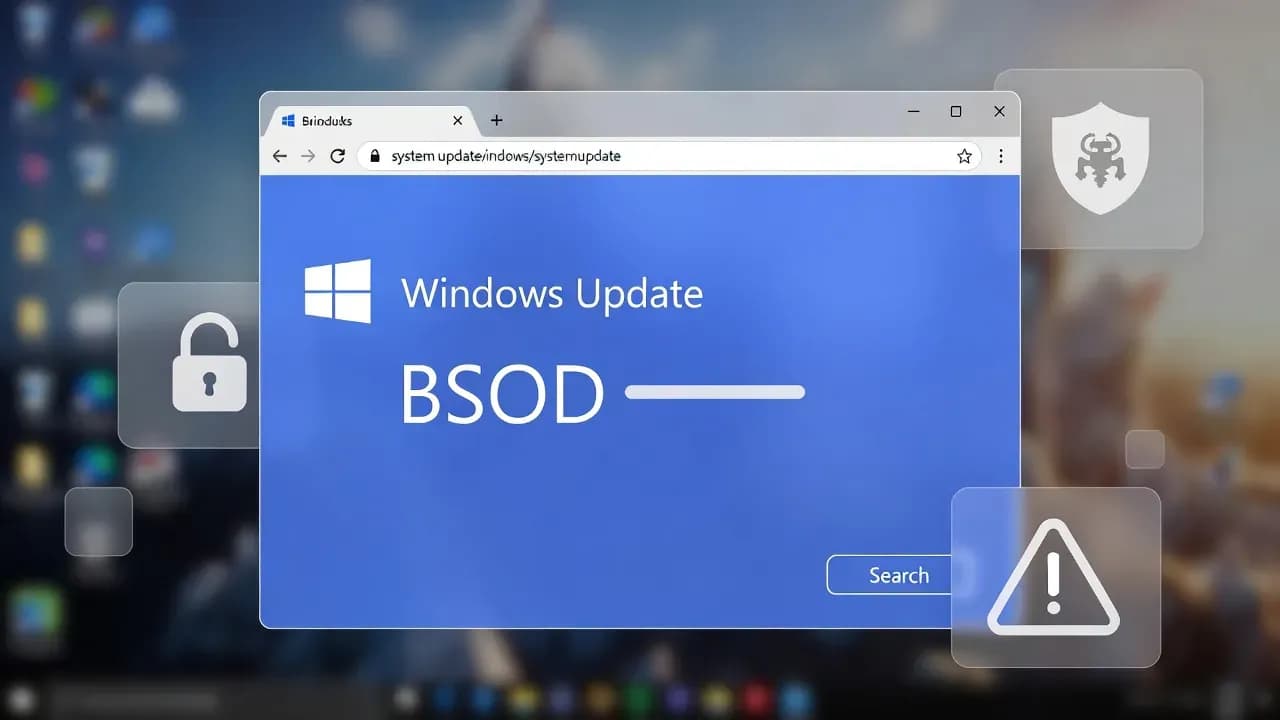
ClickFix Malware Uses Fake Windows Update Screens to Infect PCs
New variants of ClickFix social engineering attacks are evolving to use fake Windows Update and BSOD screens to convince victims to manually execute malicious commands. These campaigns leverage highly convincing UI mimicry and clipboard manipulation to drop advanced info-stealers like LummaC2 and Rhadamanthys, demonstrating the persistent threat of human-centric exploitation techniques.

Introduction
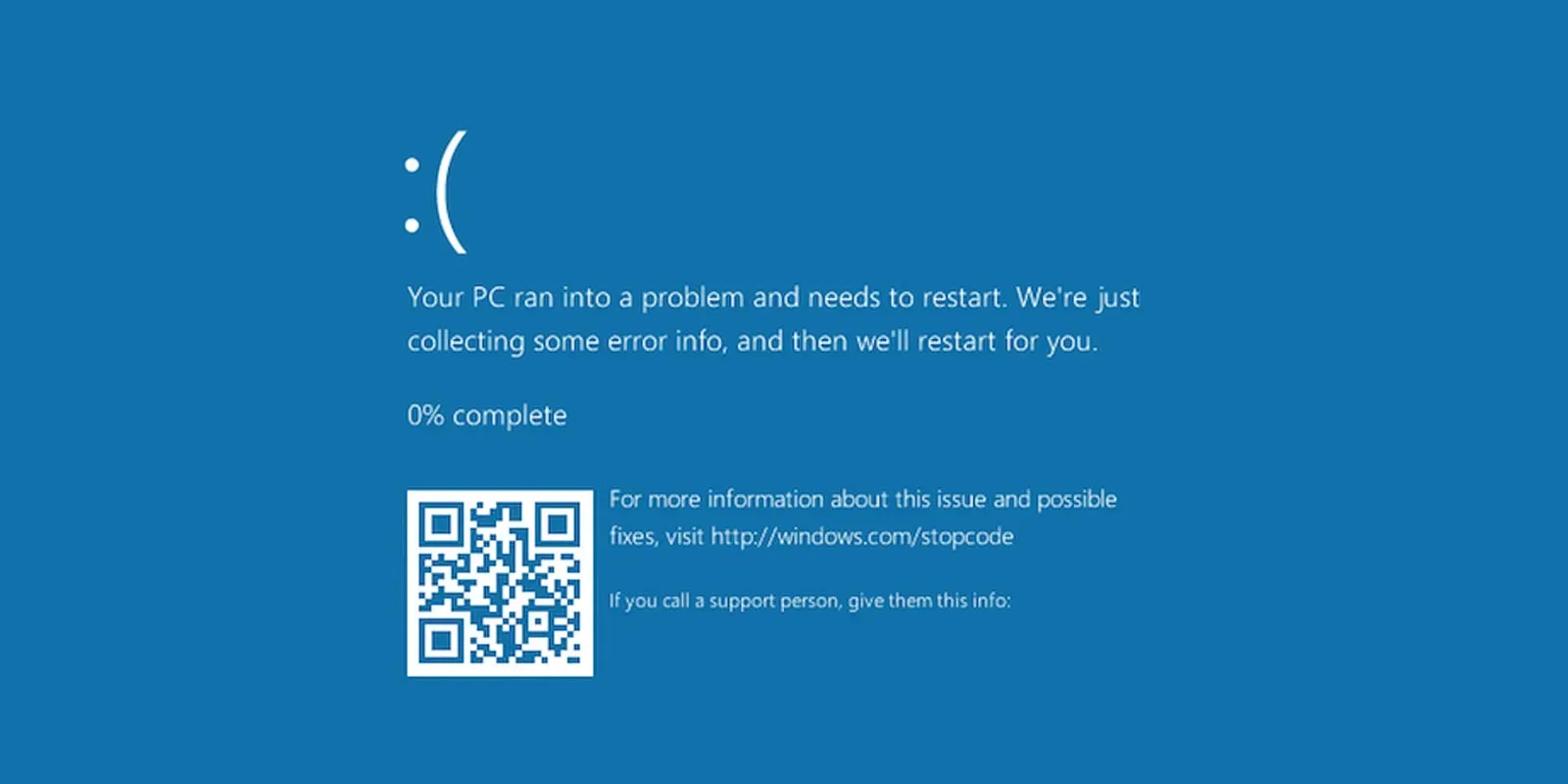
Cybercriminals are refining a deceptive social engineering malware deployment technique known as ClickFix, leveraging browser-based UI mimicry to trick users into infecting their own machines. Recent campaigns display fake Windows Update or Blue Screen of Death (BSOD) screens in full-screen mode, convincing victims that a critical system update or crash has occurred. Users are instructed to manually perform actions like pressing Win+R, pasting clipboard content, and running commands that ultimately install malware such as LummaC2 and Rhadamanthys infostealers.
What Happened
Security researchers have observed evolving ClickFix attacks since late 2025, starting with classic fake CAPTCHA or verification lures and now incorporating high-fidelity Windows UI clones.
- Threat actors send phishing emails or manipulate malvertising to lure victims to compromised pages that open deceptive interfaces.
- These pages automatically copy malicious commands to the victim’s clipboard using JavaScript, then prompt them to execute them via Run or PowerShell.
- Recent Huntress telemetry shows ClickFix campaigns delivering infostealers like LummaC2 and Rhadamanthys, often hidden via steganography inside images to evade detection.
Unlike traditional drive-by exploits, ClickFix does not rely on software vulnerabilities; instead, it exploits user trust and interaction to bypass defenses.
Technical Details
How ClickFix Works
ClickFix leverages scripts that:
- Deliver a convincing UI - fake update or BSOD - via
fullscreenbrowser APIs. - Automatically inject a malicious command into the clipboard through JavaScript.
- Instruct users to open system dialogs (
Win+R, Run, PowerShell) to execute the command. - The command downloads and executes a payload loader (often via
mshta.exeor PowerShell), which then loads the final malware in memory without dropping disk artifacts.
Malware Payloads
Security researchers have linked ClickFix campaigns to delivery of:
- LummaC2 - an info-stealer capable of harvesting credentials, cookies, and system data.
- Rhadamanthys - another infostealer often coupled with reflective loading techniques to evade signatures.
Steganographic stego-loaders embed malware within image pixels to bypass static scanning and reconstruct malicious code dynamically in memory.
Who is Affected and Why It Matters
ClickFix targets are not limited to corporate endpoints; any Windows user browsing compromised sites can fall victim. The deceptive nature of fake Windows Update/BSOD screens effectively leverages:
- Familiar OS visuals to reduce suspicion, especially among less technical users.
- Psychological pressure (urgency and panic) to prompt compliance.
Once executed, the malware can steal sensitive credentials, session tokens, and system information, significantly elevating risk for enterprise and personal users alike.
Active Threat Landscape
Recent telemetry and expert analysis indicate:
- ClickFix attack patterns have expanded to include OS detection and adaptive UI content, boosting their ability to lure victims with realistic guidance and video tutorials tailored to the user’s platform.
- The technique accounts for a growing proportion of blocked social engineering malware attempts, marking it as one of the fastest rising threat vectors following classic phishing.
- Variants have been reported that affect not only Windows but also leverage similar patterns against other OS through tailored scripts.
Recommended Mitigations and Best Practices
To defend against ClickFix attacks:
User Awareness and Training
- Do not run commands from unknown prompts - legitimate system updates will never ask you to paste code into a dialog.
- Teach staff to recognize UI mimicry and question full-screen browser screens claiming OS issues.
Technical Controls
- Disable automatic script copying through browser hardening or extensions that block clipboard manipulation.
- Limit access to browser APIs that allow full-screen takeover in enterprise policies.
Endpoint Protection
- Employ endpoint detection that flags suspicious
mshta.exe, PowerShell execution patterns, and in-memory code loads. - Integrate behavioral analytics to identify unusual paste - run sequences.
Vendor and Security Community Response
Industry researchers from Huntress, Push Security, and Microsoft security blogs have documented and provided guidelines for identifying and mitigating ClickFix campaigns. Push Security noted the trend towards multi-OS targeting and enhanced social engineering mechanics.
Conclusion
The ClickFix malware delivery technique exemplifies how human behaviour remains a core attack surface despite advances in automated security tooling. By mimicking trusted OS visuals and leveraging user interaction, attackers successfully bypass many traditional defenses. Protecting against such threats requires advancing user education, tightening browser and endpoint policies, and adopting detection mechanisms oriented around social engineering vectors.
Related Incidents
View All Critical
ShadowLeak and ZombieAgent: Critical ChatGPT Flaws Enable Zero-Click Data Exfiltration from Gmail, Outlook, and GitHub
Security researchers have disclosed critical vulnerabilities in ChatGPT that allowed attackers to silently exfiltrate se...
 High
HighMicrosoft Enforces Mandatory MFA for Microsoft 365 Admin Center as Credential Attacks Surge
Microsoft is now actively enforcing mandatory multi-factor authentication for all accounts accessing the Microsoft 365 A...
 Medium
Cisco ISE XXE Vulnerability Exposes Sensitive Files to Authenticated Attackers After Public PoC Release
Cisco has patched a medium-severity XML External Entity (XXE) vulnerability in Identity Services Engine that allows auth...
Comments
Want to join the discussion?
Create an account to unlock exclusive member content, save your favorite articles, and join our community of IT professionals.
New here? Create a free account to get started.