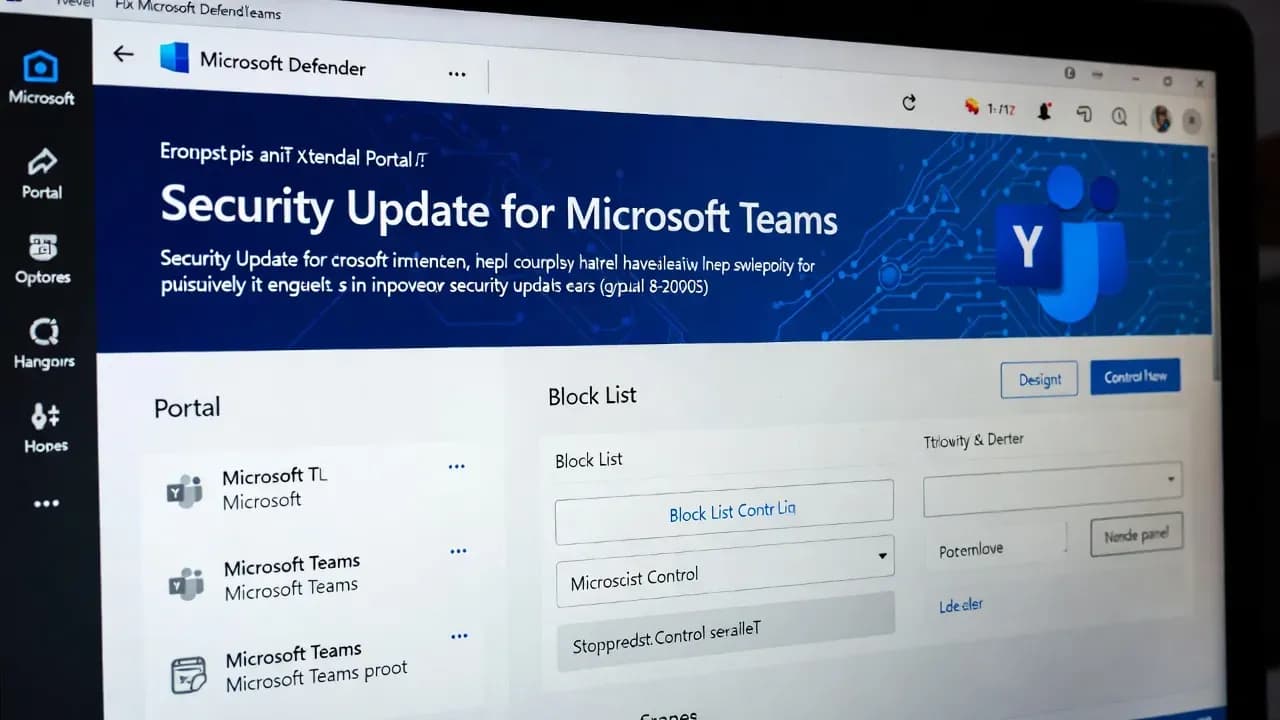
Microsoft Teams Enhances Security: Admins Can Block External Users via Microsoft Defender
Microsoft is rolling out a security-focused update that enables administrators to centrally block external users and domains in Microsoft Teams from the Microsoft Defender portal - a significant boost to collaboration security and compliance for enterprise environments.

Introduction
Microsoft is enhancing the security controls of its collaboration platform, Microsoft Teams, with a new software update that allows administrators to **block external users and domains directly from the Microsoft Defender for Office 365 portal. Traditionally, blocking external communication in Teams required navigating separate admin centers or relying on federation and external access policies. This change unifies access control into a centralized security console, which strengthens compliance and reduces administrative overhead.
Why This Matters: Centralized Security Controls
For organizations of all sizes, collaboration tools like Microsoft Teams are mission-critical. Yet, they also widen the threat surface available to attackers - especially when communications traverse tenant boundaries.
By integrating Teams external user blocking into the Tenant Allow/Block List (TABL) features of the Defender portal, Microsoft simplifies management and empowers security teams. This enables security admins - with appropriate roles - to define precisely which external accounts or domains are permitted or denied communication across chats, channels, meetings, calls, and invitations.
How It Works: From Admin Center to Defender Portal
Once the feature is available (rolling out from early January 2026), organizations using Microsoft Defender for Office 365 Plan 1 or Plan 2 will see a new Teams senders tab under the Tenant Allow/Block List in the Defender portal. Security administrators can:
- Add or remove blocked domains (up to 4,000 entries).
- Block individual external addresses (up to 200 per tenant).
- Maintain audit logs for compliance and traceability.
- Apply changes across all Teams clients and services.
Importantly, this update does not override existing Teams settings or federation configurations, allowing organizations to retain their current policies while adopting enhanced control.
Security and Compliance Implications
Centralizing block lists in Microsoft Defender significantly improves operational security and compliance:
- Rapid Response: Security teams can react immediately to threats or unwanted external collaboration without toggling between consoles.
- Auditability: All block and unblock activities are logged, aiding compliance reviews and forensic analysis.
- Consistency: Policies applied through Defender synchronize with Teams federation and external access settings, maintaining a coherent access posture.
Required Configuration and Best Practices
Before using the new Defender blocking feature, admins must enable specific settings in the Teams admin center:
- “Block specific users from communicating with people in my organization”.
- “Allow my security team to manage blocked domains and blocked users” (disabled by default).
Once enabled, security groups and roles (including Global Administrator, Security Administrator, and Teams Administrator) can manage blocked entries with precision.
Real-World Use Cases
This update is particularly relevant for:
- Large enterprises collaborating with multiple external partners.
- Highly regulated industries where external communication channels must be tightly controlled.
- Security operations teams responding to phishing, impersonation, or threat actor activities targeting collaboration tools.
Blocking external accounts at the domain or individual level can prevent unauthorized access, reduce phishing vectors, and enhance overall threat posture.
Limitations and Considerations
While powerful, the feature is not without considerations:
- Organizations must have Defender for Office 365 licensing.
- Incorrectly blocking domains may interrupt legitimate partner communications.
- Admins should establish review workflows to avoid block list drift and business impact.
Conclusion
Microsoft’s decision to centralize Teams external user blocking within the Defender portal marks a significant evolution in software update strategy for enterprise collaboration. By consolidating access control and security - while preserving compliance and auditability - this feature reflects the growing need for cohesive defensive tools in hybrid work environments.
For security professionals and IT administrators, this update reduces complexity while strengthening organizational resilience against external threats and unauthorized access.
Related Incidents
View All Critical
ShadowLeak and ZombieAgent: Critical ChatGPT Flaws Enable Zero-Click Data Exfiltration from Gmail, Outlook, and GitHub
Security researchers have disclosed critical vulnerabilities in ChatGPT that allowed attackers to silently exfiltrate se...
 High
HighMicrosoft Enforces Mandatory MFA for Microsoft 365 Admin Center as Credential Attacks Surge
Microsoft is now actively enforcing mandatory multi-factor authentication for all accounts accessing the Microsoft 365 A...
 Medium
Cisco ISE XXE Vulnerability Exposes Sensitive Files to Authenticated Attackers After Public PoC Release
Cisco has patched a medium-severity XML External Entity (XXE) vulnerability in Identity Services Engine that allows auth...
Comments
Want to join the discussion?
Create an account to unlock exclusive member content, save your favorite articles, and join our community of IT professionals.
New here? Create a free account to get started.