Zendesk Support Portals Abused for Global Relay Spam Wave, Victims Flooded with Legit-Looking Ticket Emails
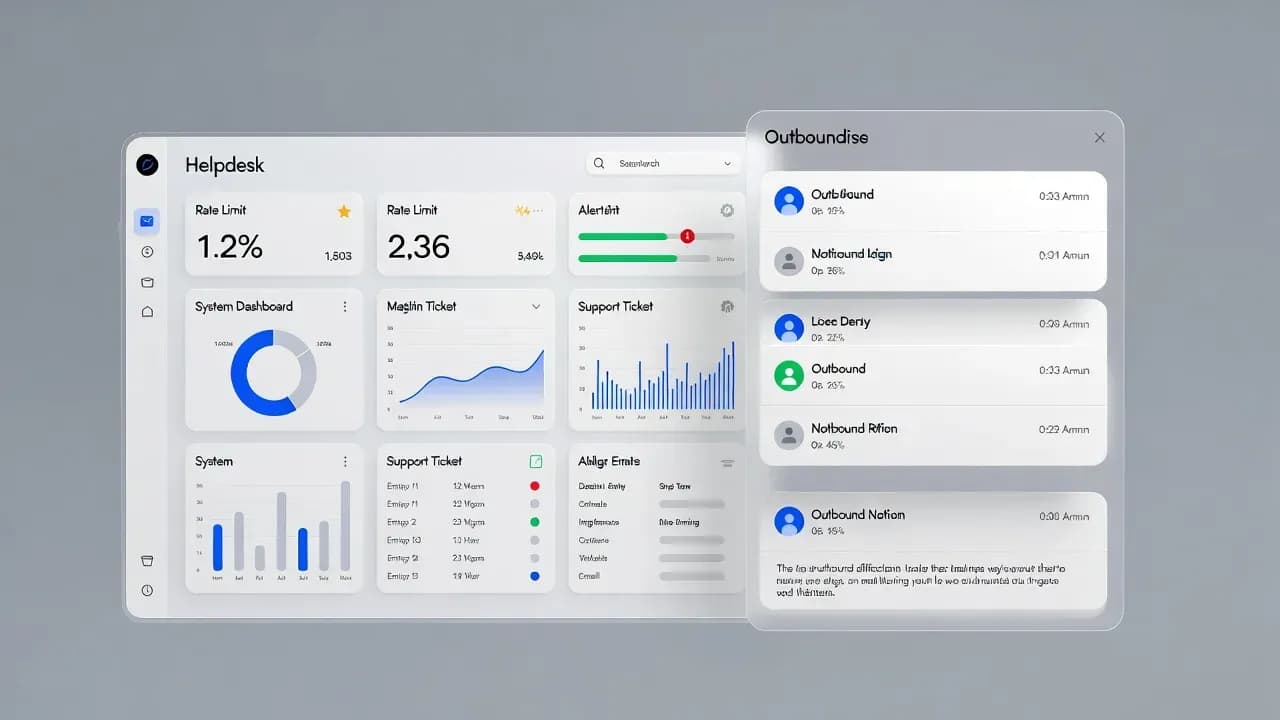
A large-scale spam campaign is weaponizing Zendesk support workflows by creating fake tickets that trigger legitimate confirmation emails to victims at scale. The messages often look authentic because they come from real company support systems, and the volume can reach hundreds per recipient. Here is what is happening, why it is effective, and the concrete hardening steps Zendesk customers should apply to prevent their instances from being used as relay spam infrastructure.

Wave first widely reported
Emails per victim
Brands publicly cited as affected
High-risk placeholders to remove
What is happening
A global spam wave is leveraging unsecured Zendesk support systems to send large volumes of automated emails to victims. Instead of relying on typical spam infrastructure, attackers submit fake support tickets in Zendesk instances that allow unverified users to create requests. Zendesk then sends an automatic confirmation email to the address provided by the attacker, which makes the message appear to originate from a legitimate brand support channel.
Reports indicate the wave started on January 18, 2026, with victims receiving hundreds of emails that contain strange, sometimes alarming subject lines. In many of the examples shared publicly, the emails do not contain obvious malicious links, which suggests the primary goal is disruption, harassment, or creating confusion rather than immediate credential theft. That said, the tactic is inherently high risk because it conditions recipients to trust a sender and a workflow that attackers can later repurpose for phishing.
Why this works: "relay spam" using trusted support workflows
The key advantage for attackers is deliverability. Zendesk-driven emails are often sent from reputable domains belonging to the Zendesk customer, not from Zendesk itself. That means messages can bypass spam filters that would normally block mass spam. The attacker also benefits from automation, because submitting tickets can be scripted and scaled across large email lists.
This pattern is widely referred to as relay spam: using a third party platform to relay unwanted email and obscure the true source of the abuse. Zendesk has previously acknowledged that open ticket submission can create this side effect when auto-reply triggers fire on ticket creation, particularly if the trigger includes user-controlled fields such as the ticket subject.
Who is affected
The spam wave has been observed coming from support portals of multiple well-known brands and public sector entities. Public reporting has referenced examples involving companies such as:
- Discord
- Tinder
- Riot Games
- Dropbox
- CD Projekt and related domains
- NordVPN
- Tennessee state departments
The common thread is configuration, not sector. Any organization that runs an open Zendesk instance with "anyone can submit tickets" enabled and a first-reply trigger that echoes user-controlled content can inadvertently become a spam relay.
Operational impact: more than "annoying email"
Even if the emails contain no payload, the business impact can be meaningful:
Brand damage: recipients see your domain as the sender and may associate it with spam or harassment.
Deliverability degradation: your support domain reputation can suffer, increasing the risk that legitimate support replies land in spam.
Support disruption: helpdesk queues can be flooded with garbage tickets, delaying real customer issues.
Security follow-on risk: once recipients are conditioned to trust a support workflow, attackers can shift from disruption to targeted social engineering.
What Zendesk says it is doing
Zendesk has stated it introduced additional safety controls aimed at detecting unusual activity and stopping relay spam more quickly. Zendesk also emphasizes that this is not necessarily a "platform vulnerability" in the classic sense, but an abuse of open workflows when customers choose configurations that allow unverified ticket submissions and auto-responses.
Defender playbook: how to stop your Zendesk instance being used for relay spam
1) Restrict ticket creation to known or verified users
If your business model allows it, move from an open instance to a closed or restricted model so only users you add can submit tickets via the Help Center. This directly breaks the attacker's ability to inject arbitrary email addresses at scale.
2) Remove risky placeholders from first-reply triggers
If you must stay open, audit any triggers that fire on ticket creation and avoid including user-controlled placeholders in the subject or body of the first reply. The high-risk placeholders called out in Zendesk guidance include:
{{ticket.title}}{{ticket.requester.first_name}}{{ticket.requester.last_name}}{{ticket.requester.name}}
Use static text for the initial confirmation message. Once you have established a genuine interaction, using additional placeholders later is safer.
3) Add friction and bot resistance where possible
Use Zendesk's anti-spam tooling, including CAPTCHA and bot detection where supported, and consider additional controls for forms, APIs, and email ingestion paths that attackers can abuse for mass submissions.
4) Monitor for abuse signals
Implement monitoring and alerting for:
- Sudden spikes in ticket creation volume
- Repeated ticket creation patterns with unusual subjects or multilingual unicode styling
- Large numbers of "new ticket received" outbound emails
- Increased suspended tickets or blocked submissions
5) Protect recipients and your reputation
If your brand has been used as a spam relay:
Closing
This campaign highlights a recurring modern reality: legitimate SaaS workflows can be weaponized at scale when "frictionless" defaults meet automation. Zendesk customers should treat open ticket submission and first-reply triggers as security-sensitive controls, not just support configuration. The most effective mitigation is straightforward: restrict who can submit tickets, and ensure first replies cannot be turned into attacker-controlled content. Those changes prevent your helpdesk from becoming part of a global spam supply chain and protect both recipients and your brand reputation.
Frequently Asked Questions
Public guidance indicates this is primarily workflow abuse: attackers use open ticket submission to trigger legitimate confirmation emails. Zendesk states that recipients' personal information was not accessed through Zendesk as part of this spam vector.
Because the emails are sent by real Zendesk customer support systems and often originate from reputable customer domains, they can appear legitimate to filtering systems.
They can still be harmful. High-volume inbox flooding is disruptive, can degrade trust in your brand, and can be a precursor to later social engineering.
Restrict ticket submission to verified or added users if possible, and remove user-controlled placeholders from first-reply triggers so attackers cannot inject arbitrary content into outgoing emails.
Ignore or delete unexpected support confirmations and avoid interacting with suspicious messages. If a message includes links or requests, treat it as untrusted and verify through official channels.

Comments
Want to join the discussion?
Create an account to unlock exclusive member content, save your favorite articles, and join our community of IT professionals.
New here? Create a free account to get started.