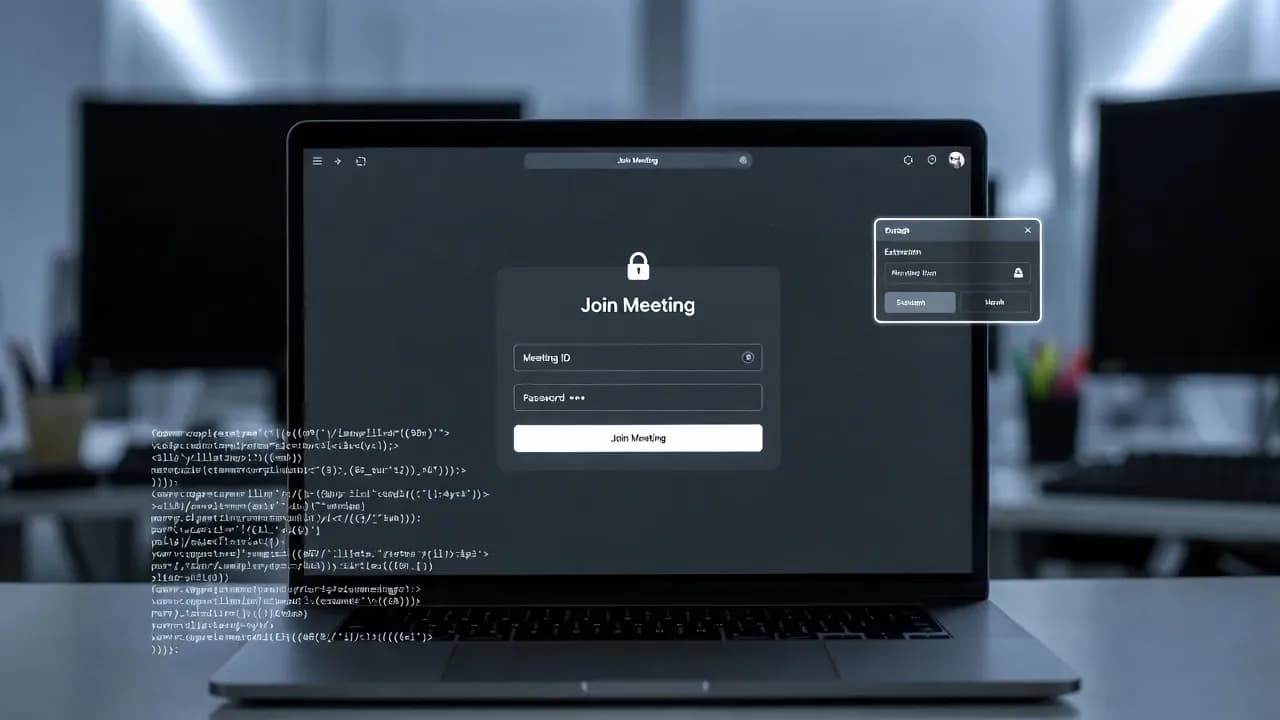
Zoom Stealer extensions steal meeting data from 2.2M
Security researchers have uncovered a browser-extension campaign dubbed “Zoom Stealer” that collected conferencing links and meeting metadata from users across Chrome, Edge, and Firefox. The operation is tied to a larger cluster attributed to a threat actor tracked as DarkSpectre, with infrastructure and artifacts suggesting China-linked activity. Organizations should audit installed extensions and review meeting-link hygiene to reduce exposure.

Incident overview
Researchers at Koi Security disclosed a campaign they call Zoom Stealer, a set of 18 browser extensions that collectively reached an estimated 2.2 million users across Chrome, Microsoft Edge, and Firefox. The extensions were described as functional tools, but they also harvested online meeting intelligence - including meeting URLs, IDs, topics, and, in some cases, embedded passwords - from major conferencing platforms.
Koi Security attributes Zoom Stealer to a broader operation linked to a single threat actor they track as DarkSpectre, which they say spans multiple extension-based campaigns over several years. The Zoom Stealer activity is positioned as a distinct objective within that ecosystem: systematic collection of corporate meeting intelligence at scale.
What happened
Koi Security reports the Zoom Stealer extensions were distributed through official browser extension marketplaces and operated normally for end users, while requesting permissions that enabled access to numerous videoconferencing services. The researchers said the data collection was triggered when a victim visited webinar registration pages, joined meetings, or navigated conferencing platforms.
Key confirmed points from the disclosures:
- Scale: ~2.2M users impacted via 18 extensions.
- Target surface: Permissions covering 28 videoconferencing platforms (including Zoom, Microsoft Teams, Google Meet, and Cisco WebEx).
- Collection: Meeting URLs/IDs (including embedded passwords), registration metadata, session details, and speaker/host dossiers.
- Exfiltration: Real-time streaming via persistent WebSocket connections.
- Marketplace status (at publication): Some extensions were reported as still available, including Chrome Audio Capture and Twitter X Video Downloader.
Technical details
What the extensions collected
The campaign focused on meeting intelligence, not traditional credential theft alone. Reported data types include:
- Meeting URLs and meeting IDs, including embedded passwords when present in links
- Registration status, topics, and scheduled times
- Speaker/host names, titles, biographies, and profile photos
- Company logos, promotional graphics, and session metadata
Koi Security describes this as a mechanism for building a searchable dataset of corporate meeting context - valuable for impersonation, competitive intelligence, and targeted social engineering.
How exfiltration reportedly worked
Rather than periodic "check-ins," the extensions allegedly established persistent WebSocket connections to stream meeting activity in near real time as users interacted with conferencing pages.
Koi Security also documents supporting infrastructure components used by the operation, including a Google Cloud Function endpoint and Firebase-related components referenced in their write-up.
Who is affected and why it matters
This campaign is relevant to any organization where employees rely on browser-based conferencing workflows, including:
- Sales and marketing teams registering for webinars and demos (high frequency of registration pages)
- Executives and product teams attending roadmap, M&A, or strategy sessions
- Customer support and success joining external calls across multiple platforms
- IT and security teams managing meeting platforms and identity policies
The operational risk is not limited to "privacy exposure." If attackers can obtain meeting links (and any embedded access tokens/passwords), they can potentially:
- Join confidential calls and capture sensitive discussions
- Identify senior stakeholders and target them with role-accurate impersonation
- Build social-engineering pretexts based on real sessions, topics, and attendee context
- Map supplier/customer relationships by correlating companies, events, and speakers
Koi Security explicitly frames the end-product as a dataset that could enable large-scale impersonation operations.
Active exploitation and attribution signals
Koi Security ties Zoom Stealer to a threat actor they track as DarkSpectre, and states it is part of a broader set of extension campaigns totaling millions of impacted users over multiple years.
For attribution, BleepingComputer reports indicators cited by the researchers, including hosting patterns and artifacts consistent with China-linked operations (e.g., Alibaba Cloud hosting, ICP registrations, Chinese-language strings/comments, timezone-aligned activity patterns, and monetization tuned toward Chinese e-commerce).
Important operational note: even when a campaign is publicly disclosed, removal from extension stores and cleanup across endpoints can lag. BleepingComputer reported that Koi Security had notified the relevant parties and that multiple extensions were still present at the time of publication.
Recommended mitigations and workarounds
For individuals and small teams
- Audit and reduce installed extensions to the minimum necessary set, prioritizing publishers you can verify and justify operationally.
- Review permissions for any extension that requests broad access across unrelated sites/services (e.g., a video downloader requesting access to Zoom/Teams/Webex domains).
- Remove questionable extensions immediately, then restart the browser to ensure the extension no longer executes content scripts.
For enterprises (IT / security teams)
-
Enforce extension governance:
- Use browser management controls to implement allow-lists (approved extensions only) and block high-risk categories where feasible.
- Audit installed extensions regularly and investigate "recently updated" extensions that suddenly request additional permissions.
-
Network and telemetry monitoring:
- Hunt for unusual outbound WebSocket connections from browsers to domains that are not required for business operations.
- Monitor access to conferencing registration pages from endpoints with high-risk extensions installed; correlate with suspicious background requests.
-
Meeting-link hygiene:
- Avoid configurations that place meeting passwords directly in URLs when possible.
- Prefer authenticated join flows, waiting rooms/lobbies, and domain-restricted attendee policies for sensitive meetings.
Why "official store" is not a guarantee
Google describes a combination of automated and manual review for Chrome Web Store submissions, along with removal/deactivation mechanisms when violations are detected - but campaigns can still slip through, particularly when extensions behave cleanly for extended periods or change via updates.
Vendor and security community response
BleepingComputer reports that Koi Security disclosed the extensions and that outreach was made for comment (including to Google), with the status of some extensions still active in the store at the time of publication.
Separately, Malwarebytes has documented similar dynamics in extension-led campaigns: extensions that appear legitimate, accrue installs/reviews, and later shift behavior - sometimes described as "sleeper" patterns.
Conclusion
Organizations should treat browser extensions as a supply-chain surface, not a convenience feature. Immediate priorities are: audit installed extensions, enforce enterprise allow-lists, and tighten meeting-link and join policies to reduce the value of harvested conferencing metadata.
Frequently Asked Questions
Start with an inventory of installed extensions (Chrome/Edge/Firefox), then enforce an allow-list policy and remove any extension with unjustified access to conferencing domains.
Meeting URLs, IDs, participant context, and speaker dossiers can enable impersonation, targeted phishing, and unauthorized meeting access - especially when links include embedded credentials or weak join controls.
No. Platform reviews reduce risk but do not eliminate it, particularly when extensions behave legitimately for long periods or change behavior after updates.
Related Incidents
View All Critical
ShadowLeak and ZombieAgent: Critical ChatGPT Flaws Enable Zero-Click Data Exfiltration from Gmail, Outlook, and GitHub
Security researchers have disclosed critical vulnerabilities in ChatGPT that allowed attackers to silently exfiltrate se...
 High
HighMicrosoft Enforces Mandatory MFA for Microsoft 365 Admin Center as Credential Attacks Surge
Microsoft is now actively enforcing mandatory multi-factor authentication for all accounts accessing the Microsoft 365 A...
 Medium
Cisco ISE XXE Vulnerability Exposes Sensitive Files to Authenticated Attackers After Public PoC Release
Cisco has patched a medium-severity XML External Entity (XXE) vulnerability in Identity Services Engine that allows auth...
Comments
Want to join the discussion?
Create an account to unlock exclusive member content, save your favorite articles, and join our community of IT professionals.
New here? Create a free account to get started.