
Windows XP Bliss Meets Windows 11 Bloom in Viral Wallpaper Remix
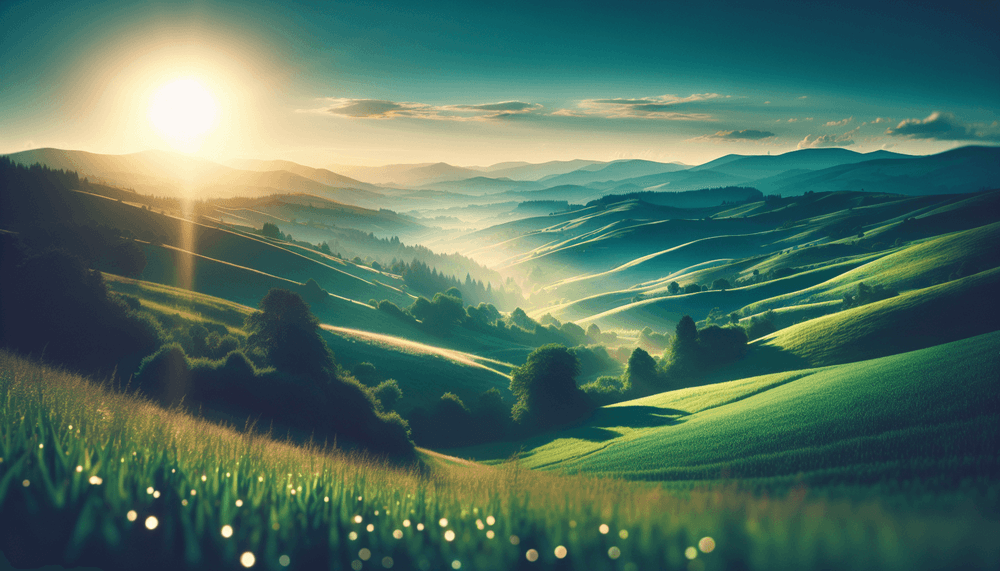
A creative wallpaper design blending Windows XP's legendary Bliss landscape with Windows 11's modern Bloom visual elements surfaced on Reddit in early March 2026, capturing attention from Windows enthusiasts and design communities. The remix maintains the iconic rolling green hills from the original Bliss photograph while incorporating the softer, translucent design language that defines Windows 11's aesthetic approach.
The original Bliss wallpaper, photographed by Charles O'Rear in Sonoma County, California, became one of the most recognizable desktop backgrounds in computing history when Microsoft selected it as Windows XP's default wallpaper in 2001. The new remix preserves the pastoral serenity of those hills while overlaying design elements that echo Windows 11's Bloom theme, which emphasizes organic shapes, subtle gradients, and light-based visual effects.
Reddit users began sharing variations of the wallpaper across multiple subreddits focused on Windows customization, desktop theming, and nostalgic computing content. The design resonates with users who appreciate both the historical significance of Windows XP's visual identity and the refined aesthetic direction Microsoft has taken with Windows 11's interface design.
This grassroots remix reflects the ongoing cultural impact of Windows XP's visual legacy, even as Microsoft continues evolving its design language through successive operating system releases. The Bliss wallpaper's enduring popularity demonstrates how certain visual elements transcend their original technical context to become cultural touchstones in computing history.
Related: Microsoft releases Windows 10 KB5078885 security update
Related: Windows 11 Drag Tray Renamed to Drop Tray in New Builds
Related: Windows 11 Breaks C: Drive Access on Samsung Laptops
Related: Windows 11 Gets New GPO to Remove Preinstalled Apps
Windows Users and Desktop Customization Enthusiasts
The wallpaper remix primarily appeals to Windows users across all supported versions who enjoy customizing their desktop environments. Windows 10 and Windows 11 users can easily apply the custom wallpaper through standard desktop personalization settings, while the design also works on older Windows versions that support modern image formats.
Desktop theming communities on Reddit, particularly subreddits dedicated to Windows customization and retro computing, have embraced the remix as part of broader discussions about Microsoft's design evolution. The wallpaper serves both practical and nostalgic purposes, allowing users to maintain visual connections to Windows XP's era while working within contemporary operating system environments.
Design professionals and digital artists have also shown interest in the remix as an example of successful visual bridge-building between different design eras. The wallpaper demonstrates techniques for harmoniously combining established visual elements with modern design principles, making it relevant for creative professionals studying interface design evolution.
How to Download and Install the Bliss-Bloom Wallpaper Remix
Users can obtain the wallpaper through various Reddit threads where community members have shared download links to high-resolution versions. The image files typically come in standard desktop resolutions including 1920x1080, 2560x1440, and 4K formats to accommodate different monitor configurations and display preferences.
Installation follows standard Windows wallpaper procedures: right-click on the desktop, select 'Personalize' from the context menu, navigate to 'Background' settings, and choose 'Browse' to locate the downloaded image file. Windows 11 users can also access wallpaper settings through the Settings app under Personalization > Background, while Windows 10 users follow similar paths through their respective Settings interfaces.
For users seeking additional customization options, the wallpaper works well with third-party desktop enhancement tools and can be combined with matching icon packs or system themes that complement the Bliss-Bloom aesthetic. Some Reddit users have created companion elements including matching folder icons and taskbar modifications that extend the visual theme across the entire desktop environment.