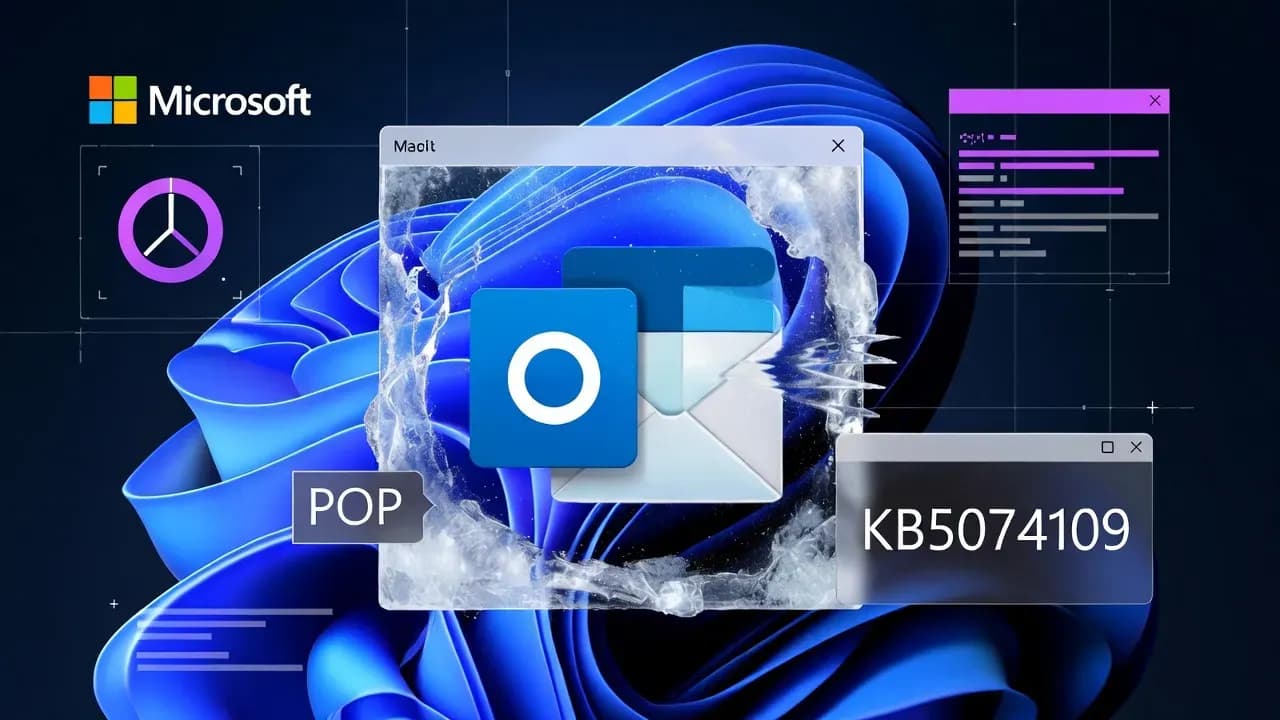
Microsoft confirms KB5074109 issue that freezes classic Outlook for POP accounts on Windows 11
Microsoft is investigating reports that the January 2026 Windows 11 security update KB5074109 can cause classic Outlook to hang, freeze, or fail to restart after closing when POP email account profiles are configured.

Microsoft has acknowledged an emerging issue where the January 2026 Windows 11 security update (KB5074109) can destabilize the classic Outlook desktop client for users who still rely on POP email profiles. In affected setups, Outlook may hang or freeze, and a particularly disruptive symptom has been reported: after closing Outlook, it may not exit cleanly, which prevents it from launching again until the process is fully terminated or the device is restarted.
The problem matters because POP is still common in small businesses and legacy mail workflows where local mail storage and simple retrieval are preferred. Even if POP usage is declining versus Exchange and IMAP, a bug that blocks Outlook from restarting can halt email operations for teams that depend on the classic client.
What users are seeing
Reports cluster around two behaviors:
Outlook becomes unresponsive (hangs/freezes) during normal use.
Outlook does not exit properly after closing, and then cannot be reopened because the previous instance is still stuck in the background.
From an IT support perspective, this is the kind of issue that looks like a user-side performance problem at first, but it is strongly correlated with the KB5074109 installation timeframe.
Affected scope: Windows 11 KB5074109 and POP account profiles
Microsoft's advisory ties the issue to Windows 11 systems updated to KB5074109 (released January 13, 2026). The confirmed trigger condition is the presence of POP account profiles in classic Outlook.
Two practical implications follow:
Environments using Exchange, Microsoft 365 (Modern Auth) mailboxes, or IMAP-only configurations may not be impacted.
Devices running Windows 11 24H2 and 25H2 are the primary focus in current reporting for KB5074109, so fleet segmentation by OS version can help you assess risk quickly.
Microsoft currently lists the issue as "investigating" and notes that symptoms may evolve as they learn more.
Why POP profiles can be a special failure point
POP workflows in classic Outlook tend to emphasize local PST/OST behavior, periodic polling, and different connection and send/receive patterns than Exchange-based profiles. That combination can make POP configurations more sensitive to subtle changes in networking, authentication prompts, or shutdown/cleanup routines in the Windows update stack.
At this stage, Microsoft has not published a root cause. The safest operational position is to treat this as a Windows update regression that manifests in Outlook only when POP profiles are involved.
Recommended mitigations while Microsoft investigates
1) Validate quickly: confirm KB5074109 and confirm POP usage
On affected endpoints, confirm KB5074109 is installed and confirm the mailbox type is POP. This avoids chasing unrelated Outlook performance problems and helps you decide whether targeted rollback is justified.
2) Short-term workaround: uninstall KB5074109 (risk tradeoff)
Microsoft's published workaround is to uninstall the KB5074109 security update via Settings:
Settings -> Windows Update -> Update history -> Uninstall updates -> remove "Security Update for Microsoft Windows (KB5074109)".
Important operational note: uninstalling a security update is a security posture decision. It can reduce stability risk for Outlook, but it may also re-expose the device to vulnerabilities that the January update patched. If you choose rollback, consider compensating controls (stricter web filtering, reduced local admin exposure, faster re-deploy once a fix lands) and document the exception.
3) Containment strategy for managed fleets
If this is impacting a subset of users, consider:
Temporarily pausing the January rollout for rings that still include POP users.
Communicating a clear helpdesk path: what symptoms qualify, how to confirm POP, and what mitigation the org approves (kill the stuck Outlook process vs uninstall KB).
Offering a continuity option for business-critical mailboxes (for example, Outlook on the web) until a permanent fix is available.
What to communicate to end users
A short message that reduces ticket back-and-forth:
If Outlook closes but will not reopen, do not keep clicking the icon repeatedly.
Report whether the account is POP.
If approved by IT, restart the device or contact support to terminate the stuck Outlook process.
Avoid uninstalling updates unless support instructs you to, because it changes security coverage.
What to watch next
Microsoft says it will update the advisory as they learn more. For admins, the practical next milestone is either:
A documented fix in a future cumulative update, or
A targeted mitigation or out-of-band update if impact is widespread enough.
Until then, treat POP-dependent endpoints as a distinct risk group in your Windows servicing strategy.
Frequently Asked Questions
Microsoft ties the issue to the Windows 11 January 2026 security update KB5074109.
The advisory refers to classic Outlook (Outlook for Microsoft 365) when POP account profiles are used.
Users report Outlook hangs/freezes, and also that Outlook may not exit properly, preventing it from restarting after closing.
Microsoft recommends uninstalling KB5074109 as a temporary workaround while the issue is investigated.
It can restore Outlook stability for some users, but it may remove security fixes. In managed environments, weigh the stability benefit against security exposure and apply compensating controls if you roll back.
Not yet. The issue is currently listed as investigating, and Microsoft says it will update the advisory as they learn more.
Comments
Want to join the discussion?
Create an account to unlock exclusive member content, save your favorite articles, and join our community of IT professionals.
New here? Create a free account to get started.