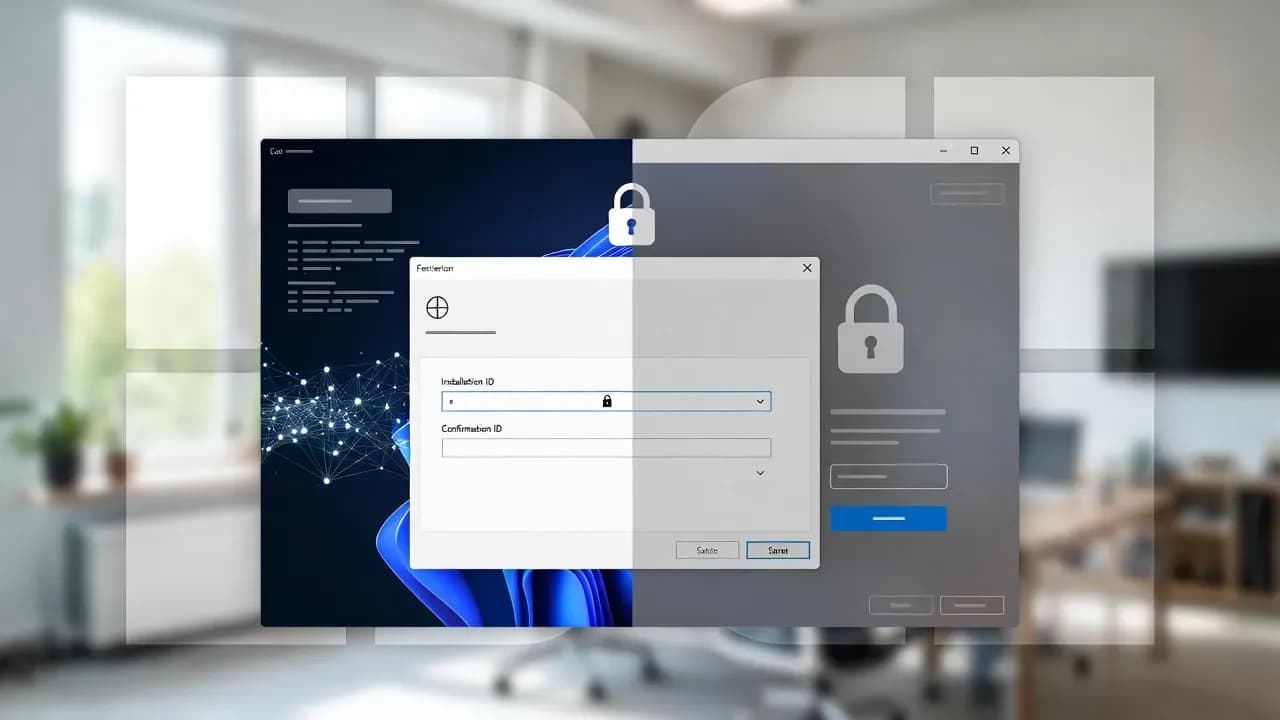
Microsoft Ends Windows Phone Activation: What Changes for Offline and Enterprise Setups
Microsoft has effectively ended the long-running phone-based activation workflow for Windows and related perpetual products. The replacement is a web-based activation portal that changes how IT teams handle offline, lab, and air-gapped activations.

Date Microsoft retired the phone activation workflow
New exchange point for Installation ID to Confirmation ID
A quiet change with loud operational consequences
For decades, Windows activation had a pragmatic escape hatch: when online activation failed or a machine could not reach the internet, technicians could fall back to phone activation. It was not elegant, but it was predictable. A locally generated Installation ID could be exchanged for a Confirmation ID, and the system would move on. That workflow mattered far more to IT than to consumers, because it was the rare licensing mechanism that worked reliably in controlled environments.
That era is now effectively over. Multiple reports indicate that the traditional automated phone workflow has been retired and replaced with an online process that routes users toward a web-based activation portal. In practice, this means the "offline" path still exists, but it is no longer phone-mediated. It is internet-mediated, often identity-mediated, and operationally different from what admins have scripted into their imaging and recovery routines.
The immediate impact is not theoretical. It hits the messy edge cases: lab devices with no outbound internet, OT or secured networks, reimaged endpoints during incident response, and older deployments that relied on the phone system as a last resort. What looks like a small licensing tweak becomes a workflow change that can delay rebuilds, complicate break-glass scenarios, and introduce new dependencies at the worst possible time.
What actually changed: from IVR to a web portal
Historically, phone activation was a separate channel designed to validate licenses when the OS could not complete online activation. The mechanics were straightforward: Windows generated an Installation ID, a technician called the regional number, entered the digits into an automated system, and received a Confirmation ID to complete activation. The tools were familiar, and the flow was consistent across years of Windows releases, which is why it remained baked into many enterprise runbooks even as digital licenses became the norm.
The new model keeps the concept of Installation ID and Confirmation ID but changes the exchange mechanism. Instead of a voice system, the exchange is performed via Microsoft's Product Activation Portal. The device being activated can still be offline, but the human performing activation must use a connected device to access the portal, submit the installation information, and retrieve a confirmation code to enter back on the target system.
This shift also exposes a documentation gap that is driving confusion in the field. Microsoft support documentation has long referenced phone activation and the activation UI path, and some pages still describe those steps. Yet real-world behavior reported by admins and multiple outlets indicates the phone channel now redirects users to an online portal flow. For IT operations, the key point is not the marketing language. It is the dependency change: the last-mile exchange now expects a browser-based workflow rather than a call-based workflow, and that affects how you support offline devices at scale.
How offline activation works now, and where it fits next to KMS and digital licenses
The most important nuance is that "offline activation" has not vanished. It has been re-framed. The target machine can remain disconnected, but the activation exchange has moved to a web portal that typically requires sign-in. For organizations, that introduces a new blend of licensing and identity where the process becomes harder to treat as a purely mechanical step performed by any technician on any device.
In parallel, this change does not replace enterprise volume activation. If you are using KMS, Active Directory-based activation, or subscription activation, your baseline strategy should remain the same: make activation a property of your enterprise infrastructure rather than a one-off manual action. The portal is best understood as a fallback channel for perpetual licensing scenarios, small environments, specialty devices, and exceptional cases where your normal activation rails are not available.
The practical landscape now looks like this:
| Scenario | Typical activation rail | What changes with phone activation removal |
|---|---|---|
| Retail or OEM devices with internet | Online activation and digital license | Usually no change, as activation is automatic once online |
| Retail key, online activation fails | Troubleshooter, support escalation | Phone is no longer a predictable last resort |
| Offline or air-gapped devices with perpetual licensing needs | Manual offline workflow | Portal becomes the new exchange point for Confirmation IDs |
| Enterprise devices (domain-joined) | KMS or Active Directory-based activation | Largely unchanged, but fallback flows should be revalidated |
| Imaging at scale | Automated activation via enterprise rails | Manual portal steps do not scale well; process design matters |
The table highlights a core operational reality: the portal-based approach is workable for exceptions, but brittle as a primary mechanism when you have volume. If you previously depended on phone activation as your "unblocker," you now need to decide whether the unblocker should be the portal, your volume activation design, or a pre-activation strategy tied to deployment and recovery workflows.
The story most coverage misses: licensing is becoming a workflow of dependencies
Microsoft will frame this as modernization and fraud prevention, and both points can be true without making the transition painless. Phone activation was costly to operate and difficult to secure against abuse at scale. A web portal can add stronger validation controls, more consistent telemetry, and tighter coupling between license events and identity signals. From an enforcement and fraud perspective, the move is rational.
For IT operations, the risk is the dependency stack. A phone line is a single dependency. A portal adds browser compatibility, service uptime, authentication paths, CAPTCHA or anti-abuse controls, and tenant-routing edge cases. Field reports already show that some activation experiences can be derailed by account context or tenant constraints, which turns an urgent rebuild into an administrative escalation. Even if these are edge cases, they are the kind of edge cases that appear during outages and incident response, when "just sign in and try again" is not a realistic instruction.
There is also a governance angle. In many organizations, licensing actions are intentionally separated from personal identities for auditability and separation of duties. When the activation workflow demands a sign-in, you must define whose identity is allowed to perform the action, how that access is controlled, how logs are retained, and how you avoid embedding sensitive credentials into frontline operational processes. This is not simply a user inconvenience. It is an operational control problem.
Finally, the documentation mismatch matters. When official support pages continue to mention phone activation while the real channel routes elsewhere, helpdesk and sysadmin teams lose time reconciling "what should work" versus "what works today." That friction becomes a hidden cost, especially for MSPs and IT departments supporting mixed fleets where legacy systems, reimaging, and constrained networks remain normal.
Practical guidance for sysadmins and IT teams
If your environments have reliable internet access, the most pragmatic approach is to reduce your dependency on manual activation entirely. Make sure devices are activated and digitally entitled before major hardware changes, and ensure your deployment processes preserve the licensing state where appropriate. When a motherboard swap or reimage is likely, planning activation as a lifecycle step, not a post-failure surprise, prevents the portal from becoming a last-minute bottleneck.
For environments that must remain offline, treat the portal workflow as a controlled operational procedure. That means validating it in advance, documenting the exact steps, and ensuring you have an approved account strategy that aligns with your security model. The portal's "offline device supported" framing does not eliminate the need for a connected device. It simply moves the connected part to a different endpoint, which must be operationally available when needed.
Enterprises should also re-check their volume activation posture. If KMS or directory-based activation is your standard, confirm it behaves as expected for your current Windows versions, imaging pipelines, and virtualization patterns. Many organizations only rediscover activation dependencies during recovery events. The removal of phone activation is a good forcing function to test rebuild runbooks end-to-end, including the licensing outcomes, not just the OS deployment.
Lastly, assume that edge cases will exist. Keep internal escalation paths clear, especially for scenarios where portal sign-in, tenant restrictions, or account policies block activation. The goal is not to debate whether the change is good or bad. The goal is to ensure that activation is not the reason a critical endpoint, lab system, or recovery workstation remains unusable when time matters most.
The takeaway: offline activation remains, but the trust model shifted
Microsoft's retirement of phone activation is not merely removing a convenience feature. It is shifting the trust model of activation from a voice-mediated exchange to a web-mediated workflow that more naturally supports identity, policy controls, and fraud prevention. That aligns with the broader direction of Windows licensing and account-linked entitlements, and it will be largely invisible to the consumer majority.
For IT professionals, the impact is concentrated in the places where Windows must keep working even when dependencies fail. Air-gapped systems, secured networks, legacy estates, and incident response rebuilds all relied on the predictability of the phone workflow. The portal may be the functional replacement, but it is operationally different and introduces governance and dependency considerations that deserve explicit treatment in runbooks.
If there is one action worth taking immediately, it is this: test your activation fallbacks before you need them. Whether your answer is "we never rely on manual activation because our enterprise rails handle it," or "we can activate offline via a controlled portal procedure," the important part is knowing which reality you operate in, and ensuring your teams are not discovering it under pressure.
Comments
Want to join the discussion?
Create an account to unlock exclusive member content, save your favorite articles, and join our community of IT professionals.
New here? Create a free account to get started.