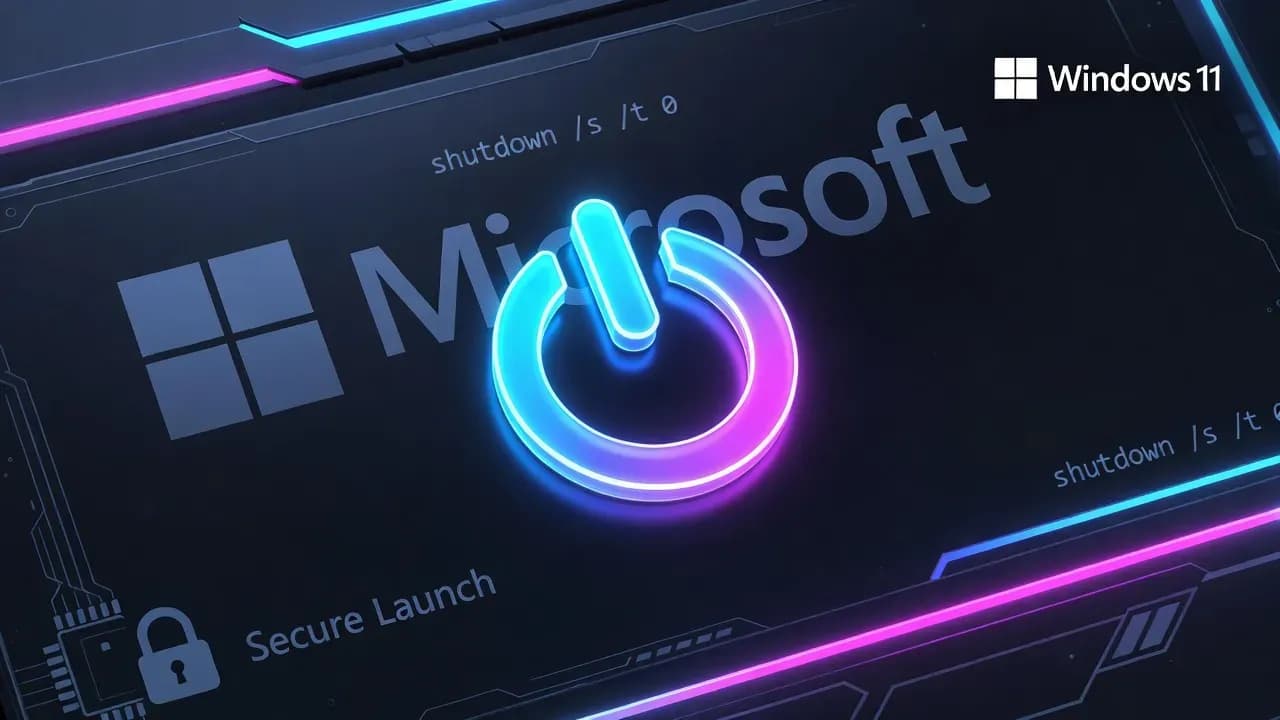
Microsoft confirms KB5073455 bug that prevents some Windows 11 23H2 PCs from shutting down
Microsoft has acknowledged a Windows 11 23H2 issue where some Secure Launch-enabled Enterprise and IoT devices restart instead of shutting down or entering hibernation after installing the January 2026 cumulative update KB5073455.

Some Windows issues are noisy but survivable. Others quietly undermine the most basic operational assumption in IT: that when you tell a machine to power down, it powers down. Microsoft has now confirmed a regression affecting Windows 11 version 23H2 where certain devices restart instead of shutting down, and in some cases cannot enter hibernation either, creating real risk for mobile users and enterprise fleets that rely on predictable power states for security and operations.
The bug appears after installing the January 2026 cumulative security update KB5073455, and Microsoft says it only impacts Windows 11 23H2 Enterprise and IoT editions where System Guard Secure Launch (Secure Launch) is enabled. For affected systems, a normal shutdown request results in an unexpected reboot, and hibernation may fail as well. The immediate workaround is blunt but effective: initiate shutdown from an elevated command prompt using shutdown /s /t 0. There is currently no equivalent workaround for hibernation.
What's happening: shutdown requests turn into restarts on Secure Launch devices
Microsoft's own description is straightforward: after installing KB5073455, "some PCs with Secure Launch are unable to shut down or enter hibernation" and "instead, the device restarts." This is not a cosmetic issue. In managed environments, shutdown behavior is tied to patching windows, BitLocker and pre-boot flows, maintenance automation, device compliance checks, and even incident response procedures that assume a machine can be powered off cleanly.
From a practical standpoint, the symptom pattern matters more than the phrasing. Users and admins typically see one of three variants:
A workstation "shuts down" and immediately boots back to the sign-in screen. A laptop is placed into hibernation and comes back online unexpectedly, draining battery in a bag or overnight. Or a device appears to honor "Update and shut down," but ultimately restarts, leaving users unsure whether the update completed, whether the system is safe to disconnect, or whether the shutdown instruction was ignored.
Because Microsoft has scoped the issue to Secure Launch-enabled Enterprise and IoT devices, most consumer Windows 11 installations will never encounter it. That does not make it harmless. The impacted group is the one most likely to run standardized power policies, device management, and security baselines at scale.
Why Secure Launch makes this different (and why enterprises should care)
Secure Launch is part of Microsoft's broader push to harden the boot chain against firmware-level threats, including bootkits and persistent rootkits that attempt to load before the OS can defend itself. In simplified terms, Secure Launch leverages virtualization-based security (VBS) to create a more trusted launch environment, raising the cost of attacks that rely on pre-OS tampering.
That context is important because it explains a common admin instinct that should be handled carefully: "If Secure Launch is involved, can we just disable it?" In many enterprises, Secure Launch is not a nice-to-have toggle. It is embedded in baseline security posture, audit expectations, and device eligibility for certain workloads. Disabling it to restore normal shutdown behavior may be unacceptable for regulated environments, and it can also create a configuration drift problem where some machines fall out of compliance silently.
There is also an operational reason to treat this as a security-adjacent regression even if it is not a vulnerability. Anything that disrupts boot and power-state transitions tends to collide with the same layer of controls that security teams care about: credential protections, pre-boot integrity, remote management tooling, and incident containment playbooks.
Affected scope: Windows 11 23H2 Enterprise and IoT with KB5073455 installed
Microsoft's current scoping is narrow and specific:
The affected OS is Windows 11, version 23H2, and the issue is tied to the January 13, 2026 cumulative update KB5073455. Microsoft states the update is offered for Enterprise and IoT editions of Windows 11 23H2, and that impacted devices have Secure Launch enabled. The Windows release health dashboard also tracks the issue as confirmed, reiterating that shutdown and hibernation can fail and trigger a restart instead.
That combination implies the typical impacted environments are managed fleets, kiosk-style deployments, specialized devices running IoT Enterprise, and corporate endpoints configured with advanced boot protections. If you only manage Windows 11 Home or Pro endpoints, Microsoft's own positioning suggests you are unlikely to see this behavior.
The official workaround: force shutdown from Command Prompt
Until Microsoft ships a fix, the workaround is operational rather than corrective:
Open Command Prompt and run:
shutdown /s /t 0
This forces an immediate shutdown request. It is not elegant, but it gives admins a predictable path to power down a device when the Start menu shutdown path fails. Microsoft also notes that there is currently no workaround for hibernation, which matters for laptops and any deployment that relies on hibernate for power-saving or for "safe transport" assumptions.
In real environments, the workaround needs to be translated into something manageable. Some organizations will wrap the command in a self-service shortcut, a support script, or a management tool action. Others will temporarily steer users to restart instead of shutdown and avoid hibernation where possible. For field teams, the most important behavioral instruction is to save work and explicitly shut down when finished, rather than assuming hibernation will protect battery.
Practical impact: what breaks in managed IT operations
Even if only a subset of devices are affected, this kind of regression has outsized downstream costs:
First, it increases support load because the symptom looks like user error. Many users interpret a reboot as "I clicked the wrong option," which delays escalation and creates inconsistent reporting. Second, it undermines maintenance procedures that rely on controlled shutdowns after patch installation. Third, it creates risk for laptops: a machine that fails to hibernate can drain to zero, which is not just a productivity problem but a potential data integrity issue if users keep trying to rely on hibernation as their safe state.
There is also a subtle security angle. Unexpected reboots can interfere with the timing and effectiveness of emergency actions. If a compromised endpoint must be powered down, or if a device must remain off for evidence handling, a regression that triggers an automatic reboot can complicate the process. That is not a breach on its own, but it is the kind of operational friction that defenders do not need during a real incident.
Recommended response for IT teams: contain, communicate, and monitor
If you manage Windows 11 23H2 Enterprise or IoT devices with Secure Launch enabled, treat this as a manageable regression with clear short-term controls:
Start by identifying the population. Inventory endpoints that have KB5073455 installed and Secure Launch enabled. Then validate whether the behavior reproduces consistently on a subset of machines, because you may find that it clusters by hardware model, firmware version, or specific security baseline variations.
Next, communicate clearly to affected users. The most effective message is simple: shutdown may restart; use an approved shortcut or support-provided command to power down; avoid relying on hibernation if you notice abnormal behavior; save work before closing the lid.
Finally, monitor Microsoft's release health updates and the KB notes for a resolution. Microsoft has indicated it will provide a fix in a future update, so expect a servicing-based resolution rather than an ad-hoc configuration change unless Microsoft later introduces a targeted mitigation mechanism.
What to do now if you're impacted today
If you need immediate stability:
Use the Command Prompt shutdown method for power-off operations and avoid hibernation on devices that show the issue. If laptops are involved, prioritize guidance that prevents battery drain, including explicit shutdown before travel and end-of-day routines.
If you have a patch governance process, document this regression as a known issue tied to KB5073455 for Windows 11 23H2 Enterprise and IoT. If you maintain golden images or device provisioning profiles, ensure your helpdesk and endpoint engineering teams have a consistent script or workflow ready, so the workaround is not improvised differently across teams.
The key is to treat this like a serviceability problem that touches security configuration, not like a random UI glitch. Secure boot-chain protections are exactly where enterprises do not want unplanned variance.
Frequently Asked Questions
Microsoft's current guidance points to Windows 11 version 23H2 systems after installing KB5073455, and the scope is limited to Enterprise and IoT editions with Secure Launch enabled.
Instead of powering off or entering hibernation, the device restarts. Many users see the system return to the sign-in screen shortly after choosing Shut down.
Yes. Microsoft recommends shutting down from Command Prompt using shutdown /s /t 0. Microsoft also notes there is no workaround for hibernation at this time.
Microsoft has not recommended disabling Secure Launch. In many enterprises, Secure Launch is part of a security baseline, so changing it can introduce compliance and risk tradeoffs.
Microsoft indicates the issue affects Enterprise and IoT editions for Windows 11 23H2 tied to KB5073455, making it unlikely for typical consumer Home/Pro devices.
Microsoft says it will release a resolution in a future update. Monitor Windows release health and the KB5073455 support page for updates.
Comments
Want to join the discussion?
Create an account to unlock exclusive member content, save your favorite articles, and join our community of IT professionals.
New here? Create a free account to get started.