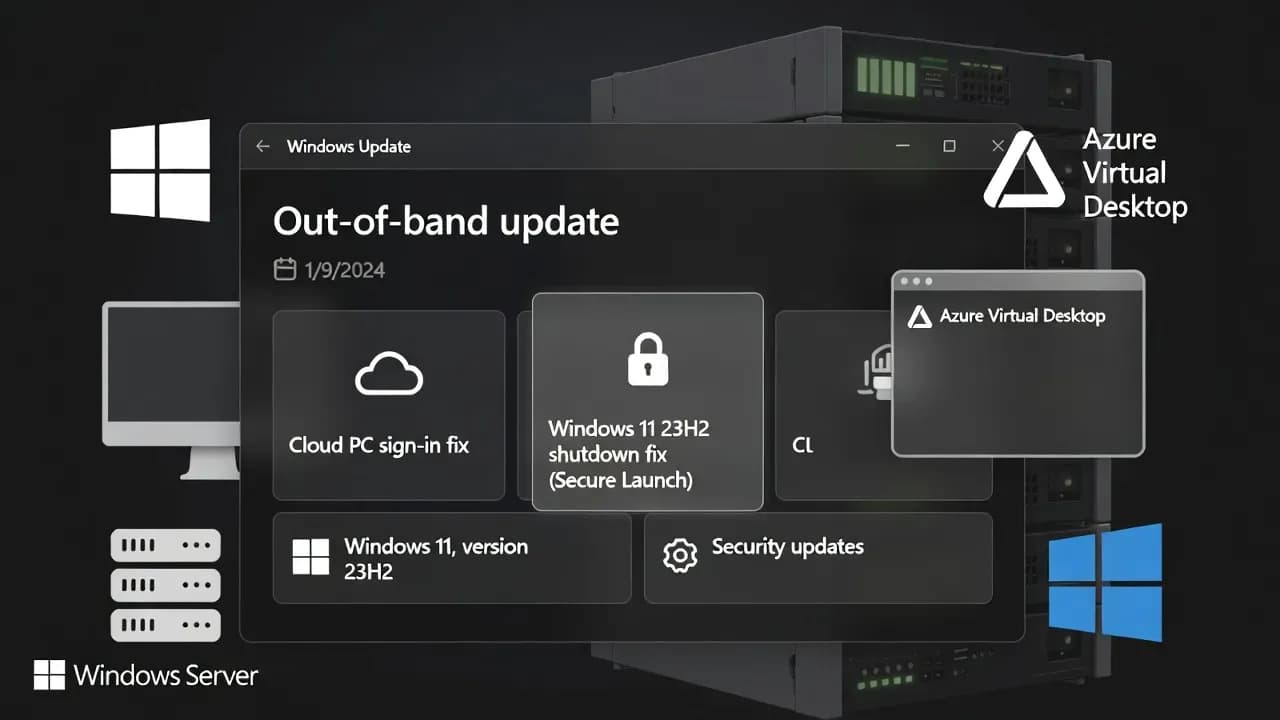
Microsoft Releases Out-of-Band Windows Updates to Fix Cloud PC Sign-In Failures and Windows 11 23H2 Shutdown Bug
Microsoft shipped OOB updates to fix Windows App sign-in failures to Cloud PCs and a Windows 11 23H2 Secure Launch shutdown issue. KB list and deployment guidance for admins.

OOB release date
OOB updates published
Primary enterprise services impacted
Why this matters for admins right now
Out-of-band updates are Microsoft's "break glass" mechanism, and these fixes land in the middle of January's patch cycle when many orgs are still staging deployments. The practical risk is twofold:
Remote access reliability: If your environment relies on Windows App to reach Windows 365 or Azure Virtual Desktop, credential prompt failures can turn into widespread support load and blocked business access.
Endpoint operability: On Windows 11 23H2 with Secure Launch, a shutdown/hibernate failure can look like a minor annoyance but becomes a lifecycle and compliance headache in enterprise images where Secure Launch is commonly enabled.
What changed after January Patch Tuesday
Microsoft documented a Remote Desktop authentication issue where credential prompts could fail in certain remote connection applications. The symptom is especially visible when using Windows App on Windows client devices to connect to Azure Virtual Desktop and Windows 365 Cloud PCs.
Separately, Windows 11 version 23H2 devices with Secure Launch enabled could fail to shut down or enter hibernation. In affected cases, the device restarts instead of completing the power transition. Microsoft also previously shared a workaround using a direct shutdown command for impacted devices.
The OOB updates Microsoft released (KB list)
The following OOB updates were released to address the regressions. Use the package that matches your OS and servicing baseline.
| Platform | KB | OS build(s) | What it fixes |
|---|---|---|---|
| Windows 11 25H2 / 24H2 | KB5077744 | 26200.7627 / 26100.7627 | Remote Desktop credential/sign-in failures (Windows App, AVD, Windows 365) |
| Windows 11 23H2 | KB5077797 | 22631.6494 | Remote Desktop credential/sign-in failures + Secure Launch shutdown/hibernate issue |
| Windows 10 ESU (21H2/22H2) | KB5077796 | 19045.6811 / 19044.6811 | Remote Desktop credential/sign-in failures |
| Windows Server 2025 | KB5077793 | 26100.32234 | Remote Desktop connections to Cloud PCs / sign-in failures |
| Windows Server 2022 | KB5077800 | 20348.4650 | Remote Desktop connections to Cloud PCs / sign-in failures |
| Windows Server 2019 | KB5077795 | 17763.8280 | Remote Desktop connections to Cloud PCs / sign-in failures |
Deployment notes (what to do and what to avoid)
1) Prioritize based on impact, not "latest available"
If you are not seeing either issue, there is little value in rushing emergency updates into stable rings. If you are impacted, the fastest path is to deploy the relevant OOB package to the affected populations only.
2) Expect manual distribution for many environments
These OOB updates are positioned as standalone packages (commonly pulled from Microsoft Update Catalog and deployed via your normal tooling). In controlled enterprise environments, treat them like targeted hotfixes: test, pilot, then expand.
3) Use KIR if you need the least disruptive enterprise mitigation
For organizations that cannot immediately install the OOB package, Microsoft also provided Known Issue Rollback options for enterprise-managed devices to address the Remote Desktop issue via Group Policy. This is often the lowest-risk mitigation when you need rapid relief without changing servicing baselines mid-cycle.
Known Issue Rollback packages mentioned by Microsoft
Microsoft published KIR downloads that map to the originating January 2026 security updates for each affected Windows version and Server build. These are intended for enterprise-managed devices and deployed using a special Group Policy.
- Windows Server 2022 KIR (KB5073457)
- Windows Server 2025 KIR (KB5073379)
- Windows Server 2019 and Windows 10 Enterprise LTSC 2019 KIR (KB5073723)
- Windows 11 25H2 and Windows 11 24H2 KIR (KB5074109)
- Windows 11 23H2 KIR (KB5073455)
- Windows 10 version 22H2 KIR (KB5073724)
Frequently Asked Questions
These are out-of-band cumulative updates intended to correct regressions introduced by the January security releases. They include prior security content plus targeted fixes documented in each KB.
Organizations using Windows App for Remote Desktop connections into Azure Virtual Desktop and Windows 365 Cloud PCs are the most likely to hit credential prompt failures, especially in helpdesk-heavy environments with frequent reconnect patterns.
No. Microsoft scoped the shutdown/hibernate regression to Windows 11 version 23H2 when Secure Launch is enabled. Other versions in this OOB wave primarily receive the Remote Desktop fix.
For the shutdown issue, Microsoft referenced a manual shutdown command as a temporary workaround. For the Remote Desktop issue in managed environments, KIR is often the fastest enterprise mitigation until you can schedule the OOB rollout.
Only if you are directly affected or if your internal change policy treats OOB releases as urgent reliability fixes. Otherwise, it is reasonable to wait for the next preview cumulative update or the next Patch Tuesday roll-up that includes these fixes.
Comments
Want to join the discussion?
Create an account to unlock exclusive member content, save your favorite articles, and join our community of IT professionals.
New here? Create a free account to get started.