Microsoft Products Ending Support in 2026: What IT Teams Must Know
A wave of Microsoft products - ranging from Office 2021 and Windows 11 (24H2) to critical server and developer tools - will reach end of support throughout 2026, exposing organizations to mounting security, compliance, and operational risks. This update examines the most important end-of-support milestones, the impact on IT environments, and best practices for planning migrations to supported platforms.

Introduction
Microsoft’s product lifecycle program dictates planned end-of-support milestones that have a direct impact on security, compliance, and IT operations. In 2026, several widely deployed Microsoft products will reach end of support, meaning no further security updates, patches, technical support, or content updates after their respective cutoff dates. Organizations still running these platforms risk exposure to unpatched vulnerabilities, compliance issues, and operational gaps if they fail to migrate to supported alternatives in a timely manner.
What’s Reaching End of Support in 2026
Microsoft has published official lifecycle information for products that will be retired or reach end-of-support (EOS) status across 2026, affecting both client and enterprise platforms:
Major End-of-Support Milestones
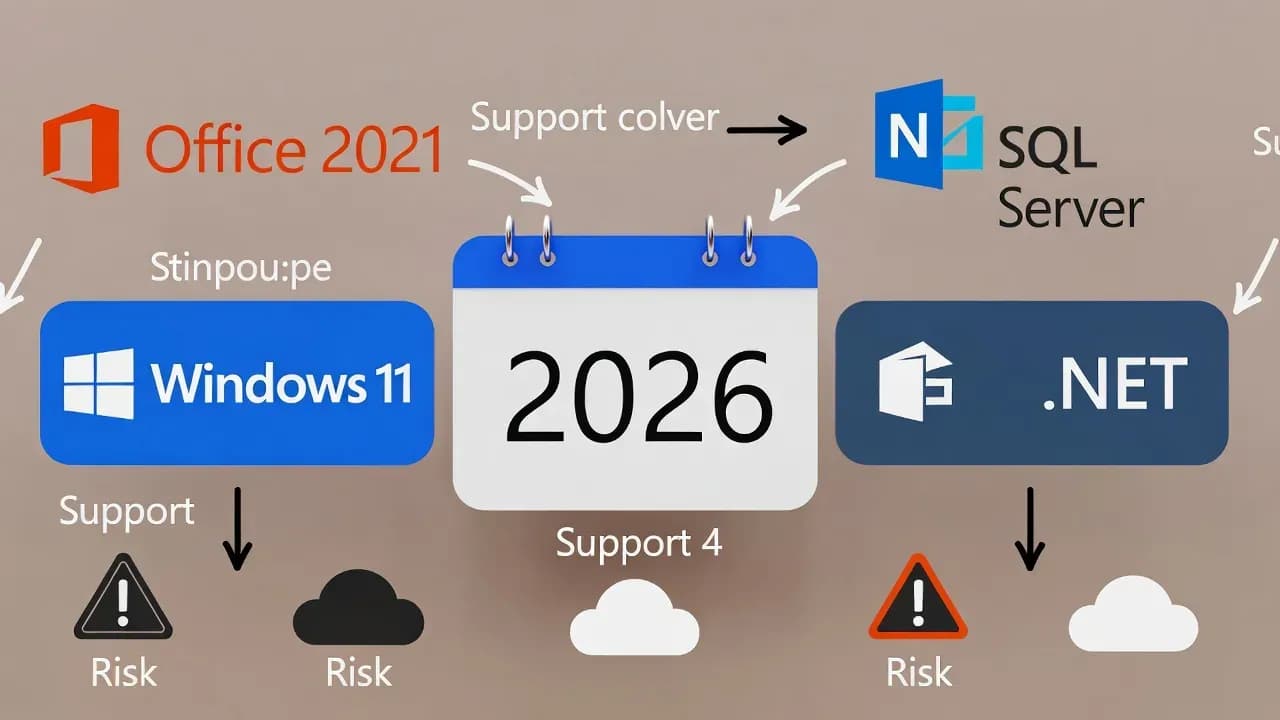
- Office 2021 / Office LTSC 2021 - Final support ends on October 13, 2026, concluding updates for perpetual Office suites still widely used in enterprise environments.
- Windows 11 Version 24H2 - Support ends on October 13, 2026, after which systems running this build will no longer receive security or quality updates.
- SQL Server 2016 - Extended support concludes on July 14, 2026, requiring database teams to plan migrations to newer versions to maintain security coverage.
- Dynamics CRM 2016 and older Dynamics variants reach end of extended support around January 13, 2026.
- Additional components like .NET 8 LTS, PowerShell 7.4, and certain legacy Dynamics components will also reach servicing endpoints throughout the year.
These milestones represent planned lifecycle completions rather than abrupt failures, but they carry significant implications for IT teams still running affected software.
Why End of Support Matters
When a product reaches end of support, Microsoft ceases all security and non-security patches, technical assistance, and online technical content updates. Without these updates, systems can become vulnerable to exploitation, especially in regulated industries where patching compliance is a requirement.
Moreover, unsupported software often fails regulatory audits and can create compliance violations under frameworks like PCI-DSS, HIPAA, and GDPR.
Impact on IT Environments
Enterprise Productivity
Products like Office 2021 and its components (Word, Excel, Outlook, PowerPoint) remain critical for daily business operations. Without continued support, users could encounter bugs and security issues that go unpatched - forcing organizations to consider subscription alternatives such as Microsoft 365 Apps or Office LTSC 2024 for on-premises needs.
Operating Systems
The Windows 11 24H2 EOS means devices running this version of Windows will be unsupported, pushing enterprises to adopt newer Windows 11 builds or consider cloud-centric Windows 365 offerings. Unsupported builds risk compatibility gaps with modern security tooling.
Server and Database
SQL Server 2016 EOS poses a major risk for database administrators as unpatched database engines can become high-value targets for attackers. Migration plans to SQL Server 2019 or later should be prioritized to ensure continuous security coverage and performance enhancements.
Recommended Migration and Mitigation Strategies
IT leaders and system administrators should begin preparations well before EOS dates:
Early Inventory and Assessment
- Identify affected systems running older versions of Windows, Office, or database engines.
- Audit dependencies such as custom applications tied to legacy platforms.
Plan and Test Upgrades
- Develop a migration roadmap to supported versions such as Windows 11 25H2, Office LTSC 2024, or newer SQL Server releases.
- Use test environments to validate application compatibility and performance impacts.
Leverage Extended Support Options
- For systems that cannot be migrated immediately, consider Microsoft’s Extended Security Updates (ESU) program where available. This provides a short extension for critical security patches while migration prepares.
Embrace Cloud Alternatives
- Evaluate Microsoft 365 and Azure SQL offerings for long-term platform support and integrated security services.
Conclusion
The 2026 end-of-support wave marks a critical pivot point for organizations relying on Microsoft technologies. From core productivity suites like Office 2021 to operating systems and database engines, failing to act could expose enterprises to operational risk and unpatched vulnerabilities. Proactive planning, early migration, and a clear understanding of support lifecycles will be essential for stable, secure IT environments in the years ahead.
Comments
Want to join the discussion?
Create an account to unlock exclusive member content, save your favorite articles, and join our community of IT professionals.
New here? Create a free account to get started.