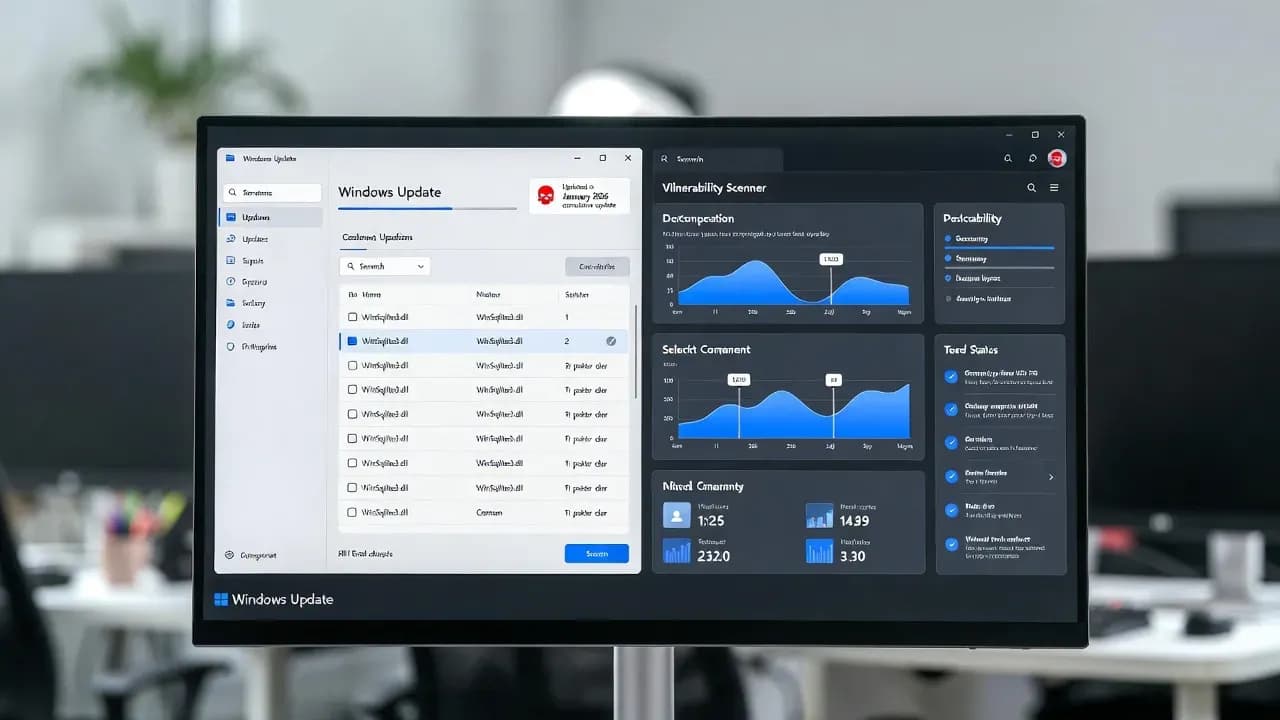
Microsoft updates WinSqlite3.dll after vulnerability scanners triggered security alerts
A routine Windows component became a noisy problem for security and compliance teams after multiple vulnerability-scanning tools began flagging WinSqlite3.dll as vulnerable. Microsoft's January 2026 cumulative updates address this directly by updating WinSqlite3.dll, providing organizations a clean, vendor-backed path to close the finding through standard patching.

Patch date that includes WinSqlite3.dll update
Windows 11 builds explicitly listing the fix
Windows Server OS Build with the fix
What changed and why IT teams cared
A routine Windows component became a noisy problem for security and compliance teams after multiple vulnerability-scanning tools began flagging a Windows DLL as "vulnerable." The component in question was WinSqlite3.dll, a Windows core library used to provide SQLite functionality for parts of the operating system and Microsoft software that relies on it.
The immediate enterprise impact was not limited to a pop-up on a single machine. In many environments, scanner findings automatically generate tickets, compliance exceptions, and escalation to endpoint and server operations. That is especially true when a detection appears across large fleets and the library name resembles a commonly tracked dependency. When these alerts hit production baselines, teams often face the same uncomfortable question: is this a true exposure that needs emergency remediation, or a scanner interpretation problem that needs clarification?
Microsoft's January 2026 cumulative updates address this directly by updating WinSqlite3.dll, with Microsoft noting that some security software had previously detected it as vulnerable. The practical result is that organizations should now have a clean, vendor-backed path to close the finding through standard patching rather than compensating controls or long-lived scan suppressions.
Where the fix is delivered
Microsoft indicates the WinSqlite3.dll update is included in January 13, 2026 and later cumulative updates across supported Windows releases. In the Windows 11 cumulative update documentation, Microsoft explicitly lists WinSqlite3.dll as updated and calls out the prior security-software detections. Windows Server update notes also include the same WinSqlite3.dll fix language.
For enterprise patching, this matters because it ties the remediation to the normal monthly servicing model. You do not need an out-of-band installer or a manual DLL replacement process. You remediate it the way you should remediate most Windows component issues: through the applicable cumulative update, verified by build level and post-install validation.
The critical nuance: WinSqlite3.dll is not sqlite3.dll
Microsoft also clarifies an easy-to-miss distinction that drives a lot of false conclusions during vulnerability triage:
- WinSqlite3.dll is a Windows core component and lives in system folders.
- sqlite3.dll (without the "Win" prefix) is typically shipped by individual applications in their own directories and is not a Windows component.
This is operationally important because many scanners report "SQLite DLL vulnerable" findings in a way that obscures which file is actually being flagged. If your detection is for sqlite3.dll in an application folder, updating Windows may not change the finding at all, because the vulnerable library is owned by the app vendor. Conversely, if the detection is specifically for WinSqlite3.dll in system paths, applying the January 2026 cumulative update should address it.
A disciplined remediation workflow starts by confirming which file your scanner is referring to, where it sits on disk, and whether Windows or an application owns the update lifecycle.
How to validate remediation in a way auditors will accept
In many environments, "we patched it" is not sufficient. You need evidence that the risk signal was resolved and that you did not just suppress the alert.
A practical validation sequence that generally satisfies security governance:
- Confirm the device received the January 13, 2026 (or later) cumulative update for its Windows version.
- Re-run the vulnerability scan against the same scope and confirm the WinSqlite3.dll finding is cleared.
- If the finding persists, confirm whether the scanner is actually flagging sqlite3.dll in an application directory and not the Windows component.
- Document the outcome in your vulnerability ticket: "Windows core component updated" versus "application-scoped sqlite3.dll requires vendor patch."
This last step sounds basic, but it prevents weeks of back-and-forth between endpoint teams and vulnerability management when the scanner language is ambiguous.
What to do if your scanner still flags SQLite after patching
If you have installed January 2026 cumulative updates and still see a "SQLite DLL vulnerable" alert, treat it as a classification problem before you treat it as a firefight.
Common reasons findings persist:
- The scanner is detecting sqlite3.dll shipped with a third-party app (common in enterprise tooling).
- The scanner is detecting multiple copies of SQLite libraries on the same system and only one was updated.
- The scanner is using file signature matching that does not account for how Microsoft or vendors backport fixes.
Your response should be practical and owner-driven:
- If it is sqlite3.dll in an application directory, raise it with the application owner and obtain an updated version from the vendor.
- If it is a Microsoft Store app, update it via the Store, because Store app servicing is separate from OS servicing.
- If it is WinSqlite3.dll, verify the device is actually on a January 13, 2026 or later cumulative update and that the patch installed successfully.
Avoid the temptation to implement broad, permanent scan suppressions for "SQLite" as a category. That is a common path to future blind spots because SQLite is widely embedded and periodically accumulates high-profile CVEs.
Why Microsoft's change reduces operational risk beyond "quieting alerts"
Even if the original driver was scanner noise, updating the Windows core component has a real operational value: it reduces ambiguity. Vulnerability management programs fail most often when ownership is unclear or evidence is weak. This update provides:
- A clear vendor statement that the component was updated
- A predictable remediation mechanism (cumulative updates)
- A clean decision boundary between Windows-owned WinSqlite3.dll and app-owned sqlite3.dll
For IT leaders, this is exactly what you want. Fewer escalations to endpoint engineering, fewer emergency CAB requests, fewer one-off exceptions, and less time burned proving what is and is not a real exposure.
What IT should communicate internally
A short, accurate internal message prevents chaos when scanners light up:
If you see findings for WinSqlite3.dll, patch Windows with the January 13, 2026 or later cumulative update and re-scan.
If you see findings for sqlite3.dll in an application folder, it is not a Windows component; you need an application update from the vendor or Microsoft Store.
Do not mass-suppress "SQLite" findings without confirming file ownership and path.
That message alone can cut remediation time substantially in larger enterprises.
Key numbers
| Item | Value | Severity |
|---|---|---|
| Patch date that includes WinSqlite3.dll update | January 13, 2026 | normal |
| Windows 11 builds explicitly listing the fix | 26200.7623 and 26100.7623 | normal |
| Windows Server update notes explicitly listing the fix | OS Build 25398.2092 | normal |
| Microsoft's guidance on sqlite3.dll detections | App-scoped, contact vendor or update Store app | warning |
FAQ
Is this a true vulnerability or a false positive?
Microsoft does not frame it as an active exploitation event. The practical issue was that security software detected WinSqlite3.dll as vulnerable, and Microsoft updated the Windows component in January 2026 cumulative updates. Treat it as a patchable risk signal that should be closed through normal servicing, then validated via re-scan.
How do I know whether I should patch Windows or update an application?
Check the filename and the path. If the alert references WinSqlite3.dll in system directories, patch Windows. If it references sqlite3.dll in an application folder, update the application or contact the vendor.
We patched Windows but the scanner still reports SQLite vulnerabilities. What now?
Determine whether the scanner is still referencing WinSqlite3.dll or has shifted to another SQLite library instance. Many systems contain multiple SQLite DLLs shipped by different apps. Update the owning application and re-scan.
Should we suppress these findings to reduce noise?
Only after you confirm the detection is not tied to the Windows component and you have an application owner and patch plan. Broad suppression of SQLite findings is risky because SQLite is common and frequently reappears in high-value attack chains.
Frequently Asked Questions
Vulnerability scanners compare file version numbers against known vulnerable SQLite versions. The WinSqlite3.dll included in Windows uses an internal Microsoft version number that does not directly correspond to upstream SQLite releases, causing scanners to incorrectly identify it as an outdated or vulnerable version when comparing against public CVE databases.
In most cases, no. Microsoft maintains its own SQLite implementation with security patches applied independently of the upstream project versioning. The security fixes that matter are typically present even when the reported version number triggers false positive alerts. Microsoft has now updated the version metadata to resolve scanner confusion.
Administrators should apply the latest Windows updates which include the corrected WinSqlite3.dll version metadata. After updating, vulnerability scans should no longer flag this DLL. If your organization uses compliance reporting, document this as a resolved false positive and ensure scan baselines are updated accordingly.
Comments
Want to join the discussion?
Create an account to unlock exclusive member content, save your favorite articles, and join our community of IT professionals.
New here? Create a free account to get started.