Credential-Stealing Chrome Extensions Target Workday, NetSuite, and SAP SuccessFactors in Enterprise Account Hijacking Campaign
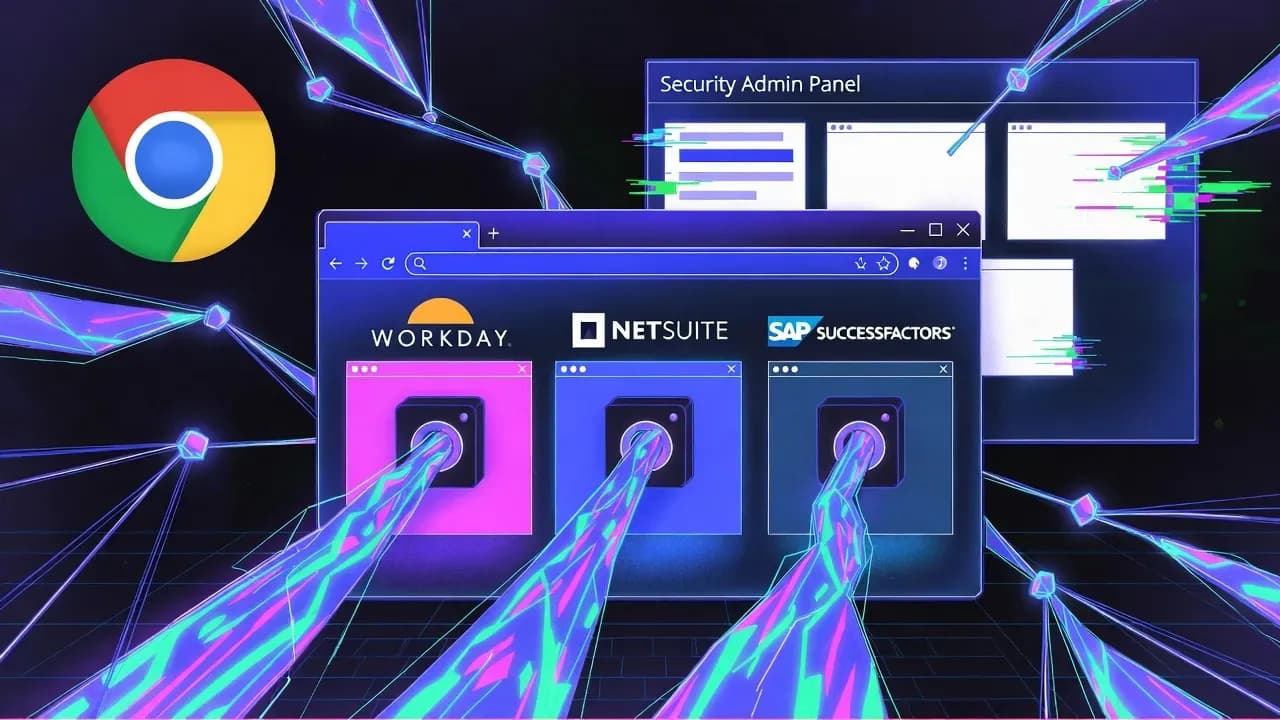
A new wave of credential-stealing Chrome extensions is targeting enterprise HR and ERP platforms in a way that should worry CISOs far more than the install count suggests. Security researchers uncovered a coordinated set of browser add-ons designed to steal authentication tokens, interfere with security administration, and enable direct account takeover for systems like Workday, NetSuite, and SAP SuccessFactors.

A new wave of credential-stealing Chrome extensions is targeting enterprise HR and ERP platforms in a way that should worry CISOs far more than the install count suggests. Security researchers uncovered a coordinated set of browser add-ons designed to steal authentication tokens, interfere with security administration, and enable direct account takeover for systems like Workday, NetSuite, and SAP SuccessFactors. What makes this campaign operationally dangerous is not just token theft, but the deliberate attempt to block incident-response controls inside the HR platform UI, increasing the attacker's dwell time right when defenders try to contain the breach.
What Happened: The Technical Breakdown Behind the Credential-Stealing Chrome Extensions
The campaign was identified by Socket's threat research team, which attributes the activity to five Chrome extensions that present themselves as productivity or security tools for HR/ERP users. On the surface, the listings promise "premium tools" and workflow improvements; under the hood, the extensions implement three core behaviors: cookie exfiltration, DOM-based blocking of admin pages, and cookie injection for session hijacking.
This is an important distinction for enterprise defenders: the extensions do not need to steal a password to cause damage. They go after the session layer, repeatedly extracting an authentication cookie (Socket highlights cookies named __session) and sending it to attacker-controlled infrastructure on a fixed cadence. That approach turns the browser itself into an authentication oracle. Even if the user logs out and logs back in, the extension continues to harvest fresh tokens, which is exactly how many modern identity compromises avoid traditional "password reset" containment.
Two of the extensions also take a second, more subtle step that indicates higher intent than typical credential stealers: they attempt to neutralize the defender inside the same SaaS platform. Socket describes how these add-ons monitor page titles and then erase or redirect content to block access to security controls and incident response pages in Workday. In practical terms, this can delay actions like checking session policies, reviewing audit logs, managing IP allowlists, and initiating account lockouts or forced re-authentication. That "deny-the-admin" component is not noise. It is a deliberate operational control designed to keep the victim organization blind and slow while the attacker consolidates access.
A third capability raises the ceiling further: bidirectional cookie manipulation. Instead of only exfiltrating tokens, at least one extension can receive stolen cookies from the attacker's server and inject them into the victim's browser using browser extension APIs, enabling session hijacking workflows that look, from the SaaS side, like legitimate authenticated sessions. This is a classic path to account takeover without an MFA prompt, because many SaaS platforms treat possession of a valid session cookie as proof of authentication.
Extension Portfolio: What the Malicious Add-Ons Looked Like in the Wild
Socket and downstream reporting describe five extensions, published under at least two publisher identities, but sharing patterns consistent with a single coordinated operation. Four were associated with a developer identity referenced as databycloud1104, while another used different branding.
| Extension (as reported) | Notable behavior (high-level) | Reported installs |
|---|---|---|
| DataByCloud Access | Token/cookie theft and exfiltration | 251 |
| Tool Access 11 | Blocks Workday admin/security pages | 101 |
| DataByCloud 1 | Cookie theft + anti-analysis behavior | 1,000 |
| DataByCloud 2 | Expanded blocking of incident-response pages | 1,000 |
| Software Access | Cookie theft + cookie injection for hijacking | 27 |
What matters for enterprise teams is that these extensions were not random grab-bag malware. They were intentionally shaped to blend into "enterprise tooling" expectations: requesting permissions that can appear plausible for platform integration and multi-account workflows, using polished dashboards, and providing privacy policy language that downplays data collection.
Why HR and ERP Platforms Are a High-Value Target
If an attacker compromises an HR system, the immediate impact goes beyond employee PII. HR and ERP platforms often sit at the junction of identity, payroll, vendor payments, onboarding/offboarding workflows, and privileged administrative processes. Gaining access can provide attacker visibility into organizational structure, contractor relationships, and internal workflows that accelerate follow-on attacks. It is also an ideal staging ground for business email compromise and payroll diversion, because the data and processes attackers want are already centralized.
Session hijacking via browser extensions is particularly attractive because it can bypass common enterprise safeguards. Many organizations invest heavily in MFA, conditional access, and anomaly detection, but still rely on the assumption that endpoints are trustworthy. A malicious extension collapses that assumption. It operates at a layer where it can observe or manipulate session state, and it can do so without triggering the obvious "login event" signals defenders monitor.
Attack Mechanics: How Browser Extension Permissions Enable Token Theft
Chrome's extension architecture is powerful by design, and that power can be abused. To access cookies, an extension must declare the cookies permission and appropriate host permissions for the target domains. That is not a vulnerability; it is an intended capability. But it explains why enterprise extension governance is a security control, not an IT housekeeping task.
From a defender's perspective, this is why "review permissions before installing" often fails as a mitigation in enterprise environments. A malicious extension can request permissions that look reasonable for the claimed feature set. If the pitch is "streamline Workday access," then host permissions for Workday domains and cookie access may not immediately raise alarms to non-security users. The consequence is that organizations cannot treat extension vetting as an end-user responsibility. It must be centralized, enforceable, and audited.
How Organizations Can Respond: Containment and Hardening Steps That Actually Work
If you suspect these credential-stealing Chrome extensions were installed in your environment, containment should be treated as an identity incident, not an "endpoint cleanup." Removing the extension is necessary, but not sufficient, because tokens may already be in attacker hands.
A realistic containment sequence is: identify impacted endpoints, remove the extension fleet-wide, and then rotate credentials and invalidate sessions for affected SaaS platforms. Where possible, force re-authentication at the IdP level and revoke active sessions in Workday/NetSuite/SuccessFactors administration consoles. The objective is to collapse the attacker's session cache and prevent a silent re-entry.
Preventive hardening should prioritize two controls that scale. First, enforce extension governance using Chrome Enterprise controls to allowlist approved extensions, block unknown add-ons, and require admin approval for new requests. Google's guidance explicitly supports "block all apps, admin manages allowlist" models and workflows where users request extensions for approval.
Second, monitor for identity symptoms consistent with token theft. That includes unusual session behavior, "impossible travel" anomalies, access from new device fingerprints, and suspicious administrative actions. In practice, you should assume that if a browser token is stolen, the attacker will prioritize actions that create persistence: adding new OAuth apps, creating API tokens, changing notification settings, or manipulating recovery methods. SaaS audit logs and IdP telemetry become your primary detection substrate.
Lessons Learned: Browser Extensions Are an Enterprise Identity Perimeter
The most important lesson from this campaign is structural: browser extensions are now part of the enterprise identity perimeter. Treating them as "user customization" is incompatible with the current threat landscape. The research shows how quickly an attacker can move from "convincing Chrome Web Store listing" to "valid session tokens for core enterprise systems."
It also demonstrates an attacker mindset shift. Many extension campaigns focus purely on credential theft and ad fraud. Here, the operational logic includes actively degrading the victim's incident response capability inside the platform. That is the kind of design choice you see when attackers understand enterprise response playbooks and want to buy time. Even with a small install base, one compromised Workday administrator session can produce outsized impact.
For security leaders, this is a governance signal: ensure endpoint teams, IAM teams, and SaaS owners share responsibility for extension controls. Extension allowlisting, periodic reviews of installed add-ons, and enforceable policies should sit alongside MFA and conditional access as baseline identity hygiene.
Prevention and Detection Strategies: Practical Controls for CISOs and SecOps
Prevention starts with reducing the extension attack surface. Remove the "open marketplace" from managed enterprise browsers and require a curated set of approved add-ons only. That control is available today in Chrome Enterprise admin tooling, and it is one of the few defenses that meaningfully reduces risk without relying on end-user judgment.
Detection is about correlating endpoint and identity telemetry. On endpoints, watch for unexpected extension installation events, newly granted permissions, and add-ons requesting broad host access to critical SaaS domains. On the identity side, treat session anomalies as first-class security events, even if the user never "logged in" in a way that triggers traditional alerts. Finally, build response playbooks that assume token theft: session revocation, IdP refresh token invalidation, and privileged account review should be standard steps.
Where feasible, apply least privilege aggressively. HR and ERP admin roles are often over-scoped because "the platform is business-critical." That reality is exactly what attackers exploit. Segment admin responsibilities, enforce step-up authentication for sensitive actions, and require privileged access workflows that are harder to satisfy with only a stolen session cookie.
Closing Perspective
This campaign is a reminder that credential-stealing Chrome extensions are no longer a consumer nuisance; they are a direct path into enterprise control planes for HR and ERP systems. The technical details matter because they show a mature playbook: steal session tokens repeatedly, disrupt the victim's ability to respond, and enable account takeover without triggering an MFA prompt. The organizations that come out ahead will be the ones that treat extension governance as identity security, not browser hygiene.
Frequently Asked Questions
They target session tokens stored as cookies, not passwords. If an attacker obtains a valid session cookie, they can often reuse it to access the account as the victim, bypassing MFA prompts that only occur during interactive login. The Socket report describes continuous extraction and exfiltration to keep tokens fresh.
Because it interferes with containment actions defenders need during an incident. If admins can't access authentication policy, session controls, audit logs, or account deactivation pages, the attacker gains time to pivot, persist, and exfiltrate data. Socket details page-erasure and redirect logic used to block these workflows.
Remove the extension from managed browsers, then treat it as an identity compromise: revoke sessions, rotate credentials, and review privileged actions taken during the suspected exposure window. Merely uninstalling the add-on doesn't invalidate tokens that may already be stolen.
Use Chrome Enterprise policies to block unapproved extensions and enforce an allowlist model, ideally with an admin approval workflow. Google documents enterprise controls to allow or block apps/extensions and limit what users can install.
Those platforms were specifically targeted here, but the technique generalizes to any SaaS app where session cookies grant access. Any enterprise relying on browser-based admin consoles should assume malicious extensions can become an account takeover vector if extension governance is weak.



Comments
Want to join the discussion?
Create an account to unlock exclusive member content, save your favorite articles, and join our community of IT professionals.
New here? Create a free account to get started.