ANAVEM
Languagefr
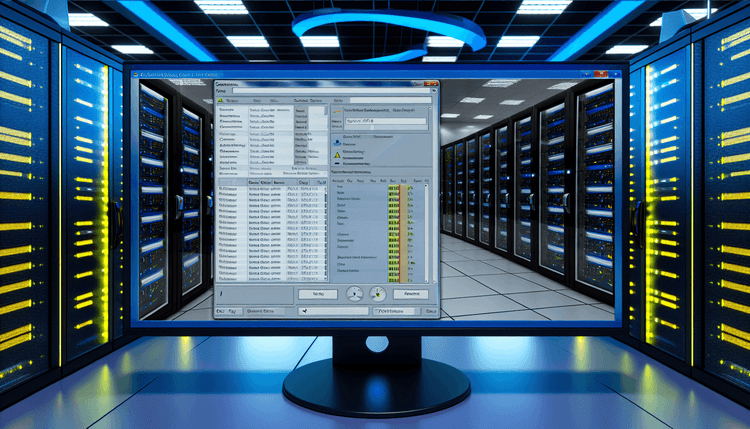
Windows Services management console displaying service status and configuration on a monitoring dashboard
Event ID 63ErrorService Control ManagerWindows

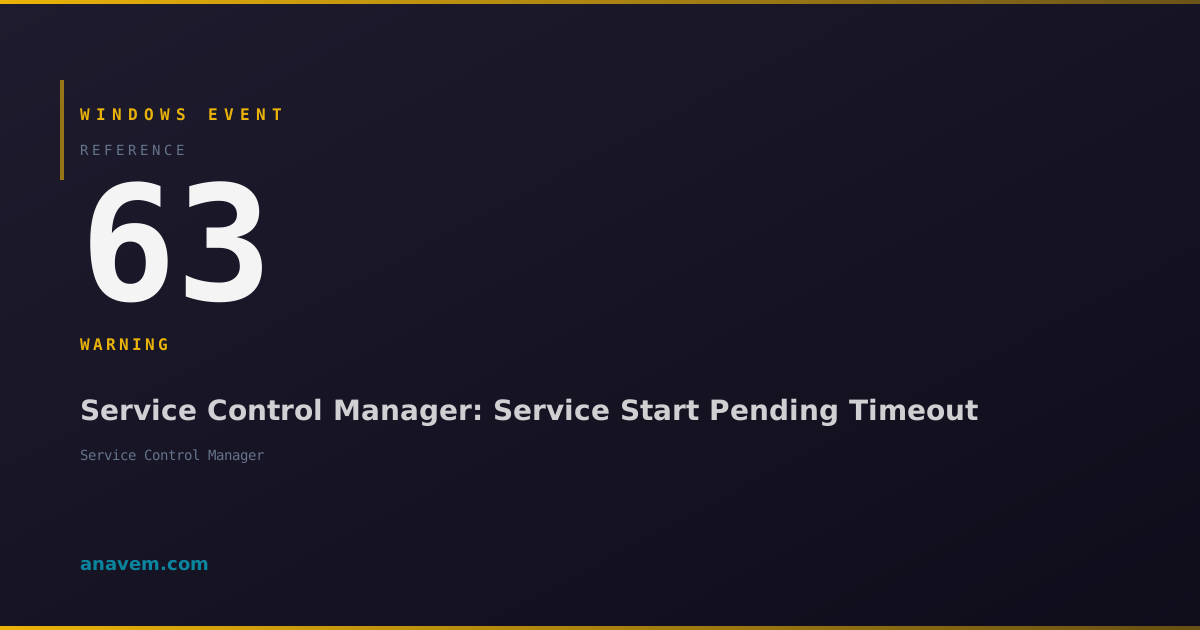
Windows Event ID 63 – Service Control Manager: Service Start Pending Timeout

Event ID 63 indicates a Windows service failed to start within the configured timeout period. This critical event helps identify service startup issues and potential system performance problems.

Emanuel DE ALMEIDAEmanuel DE ALMEIDA
18 March 202612 min read 0
Event ID 63Service Control Manager 5 methods 12 min
Event Reference

What This Event Means

Event ID 63 represents a critical service management event that occurs when the Windows Service Control Manager encounters a timeout during service startup operations. The SCM maintains strict timing controls to prevent services from hanging indefinitely during startup, which could impact system stability and boot performance.

When a service receives a start command, it must respond within a predefined timeout window. The default timeout is 30 seconds for most services, though this can be modified through registry settings. If the service fails to signal successful initialization within this timeframe, the SCM logs Event ID 63 and typically marks the service as failed to start.

This event commonly occurs in several scenarios: during system boot when multiple services start simultaneously and compete for CPU and memory resources, when services have unresolved dependencies on other services or hardware components, or when services encounter internal errors that prevent normal startup completion. The event provides valuable diagnostic information including the service name, timeout duration, and timestamp, making it an essential tool for troubleshooting service-related issues.

In enterprise environments, Event ID 63 can indicate broader system health issues, particularly when multiple services consistently fail to start within timeout periods. This may suggest insufficient system resources, storage performance problems, or network connectivity issues affecting service dependencies.

Applies to

Windows 10Windows 11Windows Server 2019/2022/2025
Analysis

Possible Causes

  • Service startup timeout exceeded due to slow system performance or resource contention
  • Service dependencies not available or failing to start properly
  • Insufficient system memory or CPU resources during service initialization
  • Disk I/O bottlenecks preventing services from loading required files
  • Network connectivity issues affecting services that require network resources during startup
  • Corrupted service binaries or configuration files
  • Registry corruption affecting service configuration parameters
  • Third-party services with poorly optimized startup routines
  • Hardware failures affecting storage or memory subsystems
  • Windows updates or driver changes affecting service compatibility
Resolution Methods

Troubleshooting Steps

01

Identify and Analyze the Failing Service

Start by identifying which specific service is causing Event ID 63 and gathering detailed information about the failure.

  1. Open Event Viewer by pressing Win + R, typing eventvwr.msc, and pressing Enter
  2. Navigate to Windows LogsSystem
  3. Filter for Event ID 63 by right-clicking the System log and selecting Filter Current Log
  4. Enter 63 in the Event IDs field and click OK
  5. Double-click the most recent Event ID 63 entry to view details including the service name and timeout duration
  6. Use PowerShell to get additional service information:
    Get-WinEvent -FilterHashtable @{LogName='System'; Id=63} -MaxEvents 5 | Format-Table TimeCreated, Id, LevelDisplayName, Message -Wrap
  7. Check the current status of the identified service:
    Get-Service -Name "ServiceName" | Format-List *
  8. Review service dependencies:
    Get-Service -Name "ServiceName" -DependentServices
02

Increase Service Startup Timeout Values

Modify the service timeout configuration to allow more time for slow-starting services to initialize properly.

  1. Open Registry Editor by pressing Win + R, typing regedit, and pressing Enter
  2. Navigate to HKLM\SYSTEM\CurrentControlSet\Control
  3. Look for the ServicesPipeTimeout DWORD value. If it doesn't exist, create it by right-clicking in the right pane and selecting NewDWORD (32-bit) Value
  4. Set the value data to 60000 (60 seconds) or higher in decimal format
  5. For specific service timeout adjustments, navigate to:
    HKLM\SYSTEM\CurrentControlSet\Services\[ServiceName]
  6. Create a new DWORD value named ServiceStartTimeout and set it to the desired timeout in milliseconds
  7. Use PowerShell to verify the registry changes:
    Get-ItemProperty -Path "HKLM:\SYSTEM\CurrentControlSet\Control" -Name "ServicesPipeTimeout" -ErrorAction SilentlyContinue
  8. Restart the system to apply the new timeout settings
  9. Monitor Event Viewer after restart to confirm the timeout adjustments resolved the issue
Warning: Increasing timeout values may extend boot times. Start with moderate increases and adjust as needed.
03

Analyze Service Dependencies and Startup Order

Investigate service dependency chains and startup order to identify and resolve dependency-related timeout issues.

  1. Open Services.msc by pressing Win + R, typing services.msc, and pressing Enter
  2. Locate the failing service and double-click to open its properties
  3. Click the Dependencies tab to view required services and dependent services
  4. Use PowerShell to get comprehensive dependency information:
    $serviceName = "YourServiceName"
    $service = Get-Service -Name $serviceName
    $service.ServicesDependedOn | Format-Table Name, Status, StartType
    $service.DependentServices | Format-Table Name, Status, StartType
  5. Check if dependency services are running:
    Get-Service -Name $service.ServicesDependedOn.Name | Where-Object {$_.Status -ne 'Running'}
  6. Review the service startup type and modify if necessary:
    Set-Service -Name "ServiceName" -StartupType Automatic
  7. For services with network dependencies, verify network connectivity during startup
  8. Consider changing the startup type to Automatic (Delayed Start) for non-critical services to reduce boot-time resource contention
  9. Test service startup manually to verify dependency resolution:
    Start-Service -Name "ServiceName" -Verbose
04

Perform System Performance and Resource Analysis

Analyze system performance metrics and resource utilization to identify underlying causes of service startup timeouts.

  1. Open Performance Monitor by pressing Win + R, typing perfmon, and pressing Enter
  2. Create a new Data Collector Set for service startup monitoring:
    Navigate to Data Collector SetsUser Defined → right-click → NewData Collector Set
  3. Add performance counters for:
    • Process: % Processor Time
    • Memory: Available MBytes
    • PhysicalDisk: Avg. Disk Queue Length
    • System: Processor Queue Length
  4. Use PowerShell to check system resource utilization during startup:
    Get-Counter "\Processor(_Total)\% Processor Time", "\Memory\Available MBytes", "\PhysicalDisk(_Total)\Avg. Disk Queue Length" -SampleInterval 5 -MaxSamples 12
  5. Monitor disk space on system drives:
    Get-WmiObject -Class Win32_LogicalDisk | Select-Object DeviceID, @{Name="Size(GB)";Expression={[math]::Round($_.Size/1GB,2)}}, @{Name="FreeSpace(GB)";Expression={[math]::Round($_.FreeSpace/1GB,2)}}
  6. Check for memory leaks or excessive memory usage:
    Get-Process | Sort-Object WorkingSet -Descending | Select-Object -First 10 Name, WorkingSet, PagedMemorySize
  7. Review Windows boot performance using Event Tracing:
    Get-WinEvent -FilterHashtable @{LogName='Microsoft-Windows-Diagnostics-Performance/Operational'; Id=100} -MaxEvents 5
  8. If resource constraints are identified, consider upgrading hardware or optimizing startup programs
Pro tip: Use Windows Performance Toolkit (WPT) for advanced boot performance analysis in enterprise environments.
05

Advanced Service Troubleshooting and Recovery Configuration

Implement advanced troubleshooting techniques and configure service recovery options to handle persistent timeout issues.

  1. Enable service failure logging by modifying the service configuration:
    sc.exe failure "ServiceName" reset= 86400 actions= restart/60000/restart/60000/restart/60000
  2. Configure detailed service logging by creating a custom Event Tracing for Windows (ETW) session:
    wevtutil.exe sl Microsoft-Windows-Services/Diagnostic /e:true
  3. Use Process Monitor (ProcMon) to trace service startup activity:
    • Download ProcMon from Microsoft Sysinternals
    • Set filters for the service executable name
    • Monitor file system, registry, and network activity during service startup
  4. Create a custom PowerShell script for automated service monitoring:
    $serviceName = "YourServiceName"
    $timeout = 60
    $stopwatch = [System.Diagnostics.Stopwatch]::StartNew()
    Start-Service -Name $serviceName
    do {
        Start-Sleep -Seconds 1
        $service = Get-Service -Name $serviceName
    } while ($service.Status -ne 'Running' -and $stopwatch.Elapsed.TotalSeconds -lt $timeout)
    $stopwatch.Stop()
    Write-Host "Service startup took $($stopwatch.Elapsed.TotalSeconds) seconds"
  5. Implement service health monitoring using Windows Management Instrumentation (WMI):
    Register-WmiEvent -Query "SELECT * FROM Win32_ServiceChangeEvent WHERE ServiceName='YourServiceName'" -Action { Write-Host "Service state changed: $($Event.SourceEventArgs.NewEvent.State)" }
  6. For critical services, configure automatic restart policies in the Services console under the Recovery tab
  7. Consider using Windows Service Hardening features for enhanced security and stability
  8. Document all configuration changes and create a rollback plan for production environments
Warning: Advanced troubleshooting may require system restarts and can impact production services. Test in non-production environments first.

Overview

Event ID 63 fires when the Windows Service Control Manager (SCM) determines that a service has exceeded its startup timeout period. This event typically appears in the System log when services fail to respond to start requests within the default 30-second window or a custom timeout value configured in the registry.

The Service Control Manager generates this event as part of its service lifecycle management. When you start a service manually through Services.msc, PowerShell, or during system boot, the SCM monitors the service's response time. If the service doesn't signal successful startup within the timeout period, Event ID 63 gets logged with details about which service failed and the timeout duration.

This event is particularly common during system startup when multiple services compete for resources, or when services have dependencies that aren't yet available. Understanding Event ID 63 is crucial for diagnosing boot performance issues, service dependency problems, and identifying services that may be hanging or experiencing resource contention.

Frequently Asked Questions

What does Windows Event ID 63 mean and why does it occur?+
Event ID 63 indicates that a Windows service failed to start within the configured timeout period, typically 30 seconds. This occurs when the Service Control Manager doesn't receive a successful startup signal from the service within the expected timeframe. Common causes include system resource constraints, service dependency issues, slow disk I/O, or services with inefficient startup routines. The event helps identify services that may be hanging or experiencing performance issues during initialization.
How can I determine which specific service is causing Event ID 63?+
You can identify the failing service by examining the Event ID 63 details in Event Viewer. Navigate to Windows Logs → System, filter for Event ID 63, and double-click the event entry. The event description will contain the service name and timeout duration. You can also use PowerShell: Get-WinEvent -FilterHashtable @{LogName='System'; Id=63} -MaxEvents 5 | Format-Table TimeCreated, Message -Wrap. This will display recent Event ID 63 occurrences with the service names clearly visible in the message field.
Is it safe to increase the service startup timeout values to resolve Event ID 63?+
Yes, increasing service startup timeout values is generally safe and often necessary for services that legitimately require more time to initialize. You can modify the ServicesPipeTimeout registry value in HKLM\SYSTEM\CurrentControlSet\Control or set specific timeouts for individual services. However, be aware that increasing timeouts may extend overall boot times. Start with moderate increases (60-90 seconds) and monitor system performance. For production environments, test timeout changes in non-production systems first to ensure they don't negatively impact startup performance.
Can Event ID 63 indicate hardware problems or just software issues?+
Event ID 63 can indicate both hardware and software issues. Software causes include service dependency problems, corrupted service binaries, registry issues, or poorly optimized service code. Hardware-related causes include failing hard drives causing slow disk I/O, insufficient RAM leading to memory pressure during startup, or CPU performance issues. To distinguish between hardware and software causes, monitor system performance counters during startup, check disk health using tools like chkdsk, and review memory usage patterns. Consistent Event ID 63 occurrences across multiple services often suggest hardware or system-level performance issues.
How do I prevent Event ID 63 from recurring after resolving the immediate issue?+
To prevent Event ID 63 recurrence, implement several preventive measures: configure appropriate service startup timeouts based on your system's performance characteristics, set non-critical services to 'Automatic (Delayed Start)' to reduce boot-time resource contention, regularly monitor system performance and address resource constraints before they impact service startup, maintain proper service dependencies and ensure required services start in the correct order, and keep services and drivers updated to prevent compatibility issues. Additionally, implement automated monitoring using PowerShell scripts or System Center Operations Manager to detect and alert on service startup issues before they become critical problems.
Documentation

References (2)

Emanuel DE ALMEIDA
Written by

Emanuel DE ALMEIDA

Senior IT Journalist & Cloud Architect

Microsoft MCSA-certified Cloud Architect | Fortinet-focused. I modernize cloud, hybrid & on-prem infrastructure for reliability, security, performance and cost control - sharing field-tested ops & troubleshooting.

Discussion

Share your thoughts and insights

You must be logged in to comment.

Loading comments...