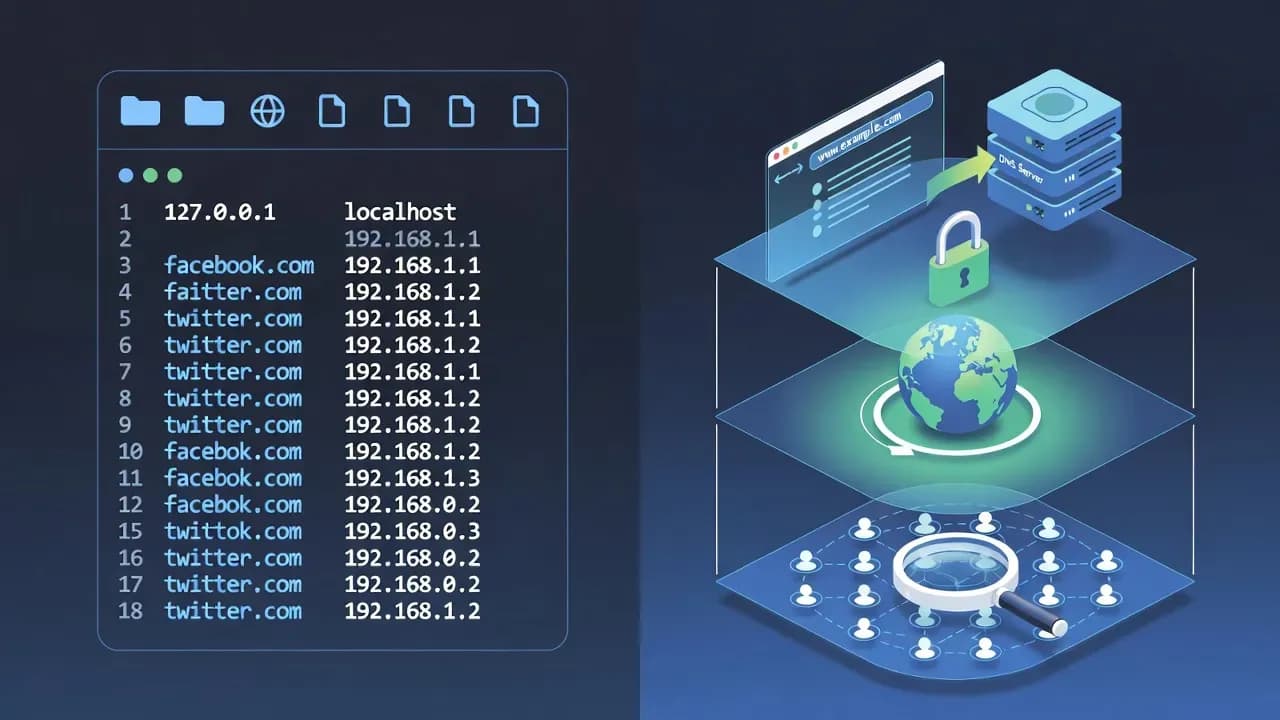
Hosts File Explained: How It Works, Why It Matters, and How to Use It
The hosts file remains a powerful but often misunderstood tool for mapping domain names to IP addresses. This explanation explores what the hosts file does, how operating systems use it, and how it can be used for blocking malicious domains, testing websites, and troubleshooting network issues.

Executive Summary
Before DNS exists or even when it fails, every operating system has relied on a simple but essential text file called the hosts file to resolve domain names to IP addresses.
Despite its simplicity, the hosts file continues to be relevant today - in cybersecurity, network diagnostics, parental controls, and development environments.
Unlike dynamic DNS systems, the hosts file is a local override that takes precedence over external name resolution. This gives system administrators and security professionals a reliable mechanism for controlling how hostnames map to addresses on a per-device basis.
Understanding how the hosts file works helps you diagnose network issues, enforce local domain blocks, and test services before DNS propagation.
What Is the Hosts File?
The hosts file is a plain text file stored on an operating system that associates human-readable domain names with IP addresses.
When you type a domain into a browser, the OS first checks the hosts file before querying DNS servers. This behavior makes it a local override mechanism:
- Check hosts file
- Query DNS
- Use the returned IP address
Because it’s processed first, the hosts file can redirect or block traffic without changing DNS infrastructure.
Where the Hosts File Lives
The location of the hosts file varies by OS:
- Windows:
C:\Windows\System32\drivers\etc\hosts - Linux / macOS:
/etc/hosts
Despite differences in path, the purpose and format remain consistent across platforms.
How Hosts File Entries Work
Each line in the hosts file typically consists of: <IP Address> <Hostname> [Alias1 Alias2 …]
Example: 127.0.0.1 example.com www.example.com
This tells the system to send traffic for example.com to the localhost address (127.0.0.1), effectively blocking access to the real site.
Why the Hosts File Still Matters
Although modern networks depend on DNS, the hosts file retains relevance for several use cases:
Local Testing and Development
Developers can map test domains to local servers without updating DNS records.
Example: 127.0.0.1 staging.myapp.local
This allows you to test services locally while preserving real DNS entries.
Blocking Malicious or Unwanted Domains
Security teams and power users often use the hosts file to block known malicious domains by redirecting them to non-routable addresses like: 0.0.0.0 badsite.example
This simple action prevents the system from connecting to the blocked domain without firewall rules.
Network Troubleshooting
By manually mapping domain names, you can verify whether DNS resolution or network routing is the cause of connectivity issues.
If a site resolves via hosts but fails via DNS, it points to DNS resolution as the likely issue.
Security Considerations
While useful, the hosts file can also be targeted by malware and unwanted software. Malicious actors may insert entries that redirect legitimate domains to phishing servers or command-and-control infrastructure.
Indicators of compromise include:
- Strange or unfamiliar entries
- Mappings to unexpected IP addresses
- Multiple entries for the same domain with inconsistent routing
Security professionals recommend:
- Regularly reviewing the hosts file
- Restricting write permissions
- Using file integrity monitoring where applicable
How to Edit the Hosts File
Windows
- Open Notepad or your preferred editor as Administrator
- Browse to
C:\Windows\System32\drivers\etc\hosts - Make changes and save
- Flush DNS with
ipconfig /flushdns
Linux / macOS
- Open a terminal
- Use
sudo nano /etc/hosts(or your editor of choice) - Save and exit
- Flush DNS (macOS:
dscacheutil -flushcache, Linux: varies by distro)
After editing, the changes take effect immediately on most systems.
Best Practices
- Only insert entries you understand
- Avoid unnecessary host overrides
- Document changes for audit purposes
- Backup the hosts file before modifying
Conclusion
The hosts file is one of the oldest yet most consistent mechanisms in networking - still valuable for network control, security, and diagnostics.
Whether you’re a developer needing local domain overrides, a sysadmin troubleshooting DNS issues, or a security professional blocking harmful domains, mastering the hosts file provides a lightweight and effective tool in your toolkit.
Frequently Asked Questions
Yes - by redirecting known ad or malware domains to a non-routable address, you can effectively block many unwanted connections at the OS level.
Generally no - changes take effect as soon as the file is saved and the DNS cache is flushed.
Standard hosts file overrides are typically not accessible on iOS or Android without root/jailbreak.
Yes - some security tools will add or remove entries to block threats or restore defaults after remediation.


Comments
Want to join the discussion?
Create an account to unlock exclusive member content, save your favorite articles, and join our community of IT professionals.
New here? Create a free account to get started.