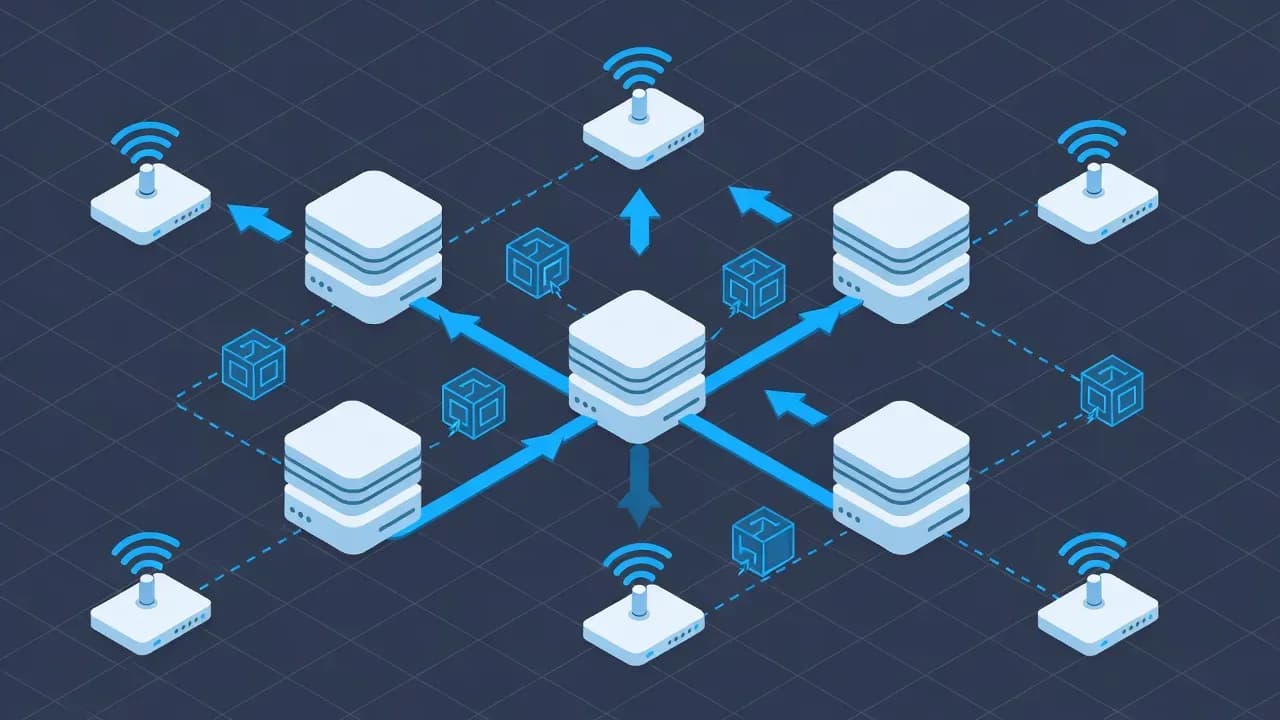
TCP vs UDP Ports Explained: How Internet Traffic Really Works
TCP and UDP ports are the foundation of how data moves across networks, yet they remain misunderstood. This in-depth explanation breaks down how ports work, why TCP and UDP behave differently, and how these protocols impact performance, security, and modern applications.

Executive Summary
Behind every website you load, every video you stream, and every application you connect to, network ports quietly orchestrate traffic flow. TCP and UDP are the two primary transport protocols that rely on these ports to deliver data between devices.
While they serve the same purpose - moving information from one endpoint to another - they do so in fundamentally different ways, with direct consequences for reliability, speed, security, and system design.
Understanding how TCP and UDP ports work is essential not only for network engineers and administrators, but also for developers, cybersecurity professionals, and anyone responsible for operating modern IT infrastructure.
What Is a Network Port?
A network port is a logical identifier that allows a single device to run multiple network services simultaneously.
An IP address identifies where a device is located on a network, while a port identifies which service on that device should receive the data.
Common examples include:
- Web traffic: Port 80 (HTTP) and Port 443 (HTTPS)
- Email delivery: Ports 25, 465, 587
- Secure remote access: Port 22 (SSH)
Ports range from 0 to 65535 and are divided into:
- Well-known ports (0 - 1023) - Standardized services
- Registered ports (1024 - 49151) - Vendor or application-specific
- Dynamic/Ephemeral ports (49152 - 65535) - Temporary client connections
Without ports, every network request would arrive at the same destination, making modern networking impossible.
TCP: Reliable, Ordered, and Controlled
Transmission Control Protocol (TCP) prioritizes reliability over speed.
Before sending data, TCP establishes a connection using a three-way handshake, ensuring both endpoints are ready to communicate.
Once connected:
- Packets are acknowledged
- Lost data is retransmitted
- Packet order is preserved
- Congestion control adapts transmission speed
This makes TCP ideal for workloads where data integrity matters, including:
- Web browsing
- Email communication
- File transfers
- Database connections
The trade-off is latency. TCP’s reliability mechanisms introduce overhead, which can affect real-time performance.
UDP: Fast, Lightweight, and Connectionless
User Datagram Protocol (UDP) takes a minimalist approach.
It sends data without establishing a connection, without acknowledgments, and without guaranteed delivery.
As a result, UDP offers:
- Extremely low latency
- Minimal overhead
- High performance for real-time traffic
But also comes with limitations:
- No delivery guarantees
- No packet ordering
- No automatic retransmission
UDP is preferred for use cases where speed outweighs accuracy, such as:
In these scenarios, missing a packet is often better than waiting for a retransmission.
Why Ports Matter in Cybersecurity
From a security standpoint, ports represent both access points and attack surfaces.
Exposed or misconfigured ports can enable:
- Unauthorized access
- Brute-force attacks
- Malware command-and-control traffic
- Lateral movement within networks
Security controls such as firewalls, IDS/IPS, and endpoint protection rely heavily on port-based filtering and inspection.
Best practices include:
- Closing unused ports
- Restricting administrative access
- Monitoring unusual UDP traffic
- Applying least-privilege network policies
A solid understanding of TCP and UDP behavior allows security teams to design effective controls without breaking legitimate traffic.
TCP vs UDP in Real-World Applications
In practice, TCP and UDP are rarely used in isolation.
Modern applications often combine both protocols. For example:
- UDP handles real-time audio and video streams
- TCP manages authentication, messaging, and file transfers
This hybrid model leverages the strengths of each protocol while minimizing their weaknesses.
Common Misconceptions
“UDP is insecure.”
UDP itself is not insecure. Security depends on encryption and authentication at higher layers.
“TCP is too slow for modern networks.”
Modern TCP implementations use advanced congestion control algorithms that perform well even at scale.
“One protocol is always better.”
The correct choice depends entirely on the workload and risk tolerance.
How to Identify Active Ports and Protocols
Administrators can inspect active ports using native tools on all major platforms:
netstatsslsof- PowerShell networking cmdlets
These tools help identify:
- Listening services
- Active connections
- Protocol usage (TCP vs UDP)
- Potential security exposures
Regular port audits are essential for both troubleshooting and security hardening.
Conclusion
TCP and UDP ports form the invisible backbone of the internet.
Their differences directly impact application performance, reliability, and security. By understanding how these protocols operate and when to use each, IT professionals can design more resilient systems and make informed decisions in complex network environments.
Frequently Asked Questions
No. Security depends on encryption, authentication, and application logic rather than the transport protocol.
DNS queries are small and latency-sensitive. TCP is used when responses exceed size limits.
Yes, but it requires deeper inspection since UDP has no connection state.
Yes. Reducing exposed ports significantly lowers attack surface.


Comments
Want to join the discussion?
Create an account to unlock exclusive member content, save your favorite articles, and join our community of IT professionals.
New here? Create a free account to get started.