
What Is ZTNA (Zero Trust Network Access)
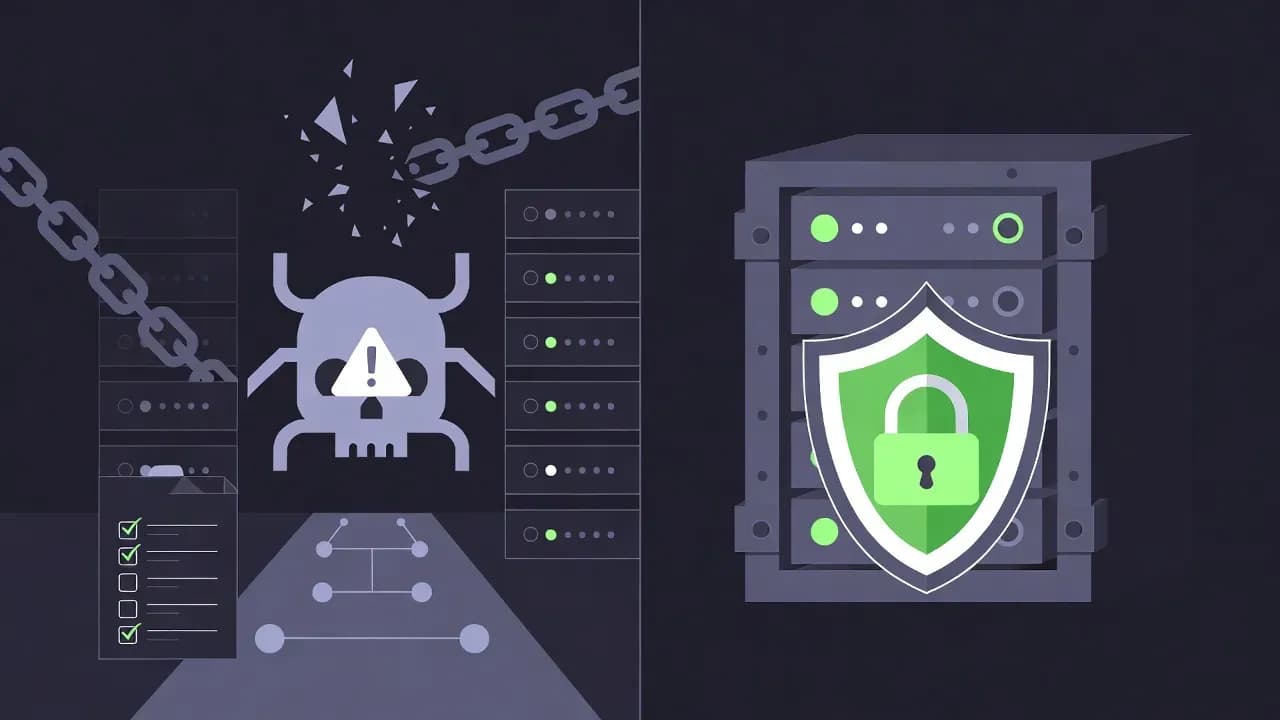
VPNs assume everyone inside is trustworthy. That assumption is why breaches spread. ZTNA flips the model - verify every user, every device, every request, every time.

reduction in potential lateral movement paths reported by organizations after implementing ZTNA
The VPN Problem Nobody Wants to Admit
For two decades, VPNs have been the standard for remote access. Connect to the VPN, authenticate once, and you're "inside" the network. From there, you can access file shares, internal applications, databases - essentially anything your network credentials permit.
This model made sense when networks had clear boundaries. Employees worked in offices. Applications ran in data centers. The perimeter was physical, and being inside it meant something.
That world no longer exists.
Employees work from home, coffee shops, airports. Applications run in AWS, Azure, SaaS platforms. Data flows between cloud services you don't control. The perimeter has dissolved, but VPNs still operate as if it hasn't.
The security implications are severe. When an attacker compromises a VPN credential - through phishing, credential stuffing, or a vulnerable VPN appliance - they gain the same broad network access as the legitimate user. They're "inside" now. Lateral movement is trivial. The SolarWinds attack, the Colonial Pipeline breach, countless ransomware incidents - all exploited this fundamental weakness. Once attackers get past the perimeter, the network trusts them implicitly.
VPNs also create operational headaches. They backhaul traffic through data centers, adding latency for cloud applications. They require network-level access when users only need specific applications. They scale poorly as every remote user consumes VPN concentrator capacity.
Zero Trust Network Access exists to solve these problems - not by fixing VPNs, but by replacing the entire model.
Zero Trust in 60 Seconds
The core principle of Zero Trust is simple: never trust, always verify.
Traditional security models assume users and devices inside the network perimeter are trustworthy. Zero Trust assumes the opposite - threats exist both outside and inside the network, and no user, device, or connection should be trusted by default.
ZTNA applies this principle specifically to network access. Instead of granting broad network connectivity after a single authentication, ZTNA grants access to specific applications only after continuously verifying identity, device health, and context.
ZTNA vs VPN Comparison
| Aspect | Traditional VPN | ZTNA |
|---|---|---|
| Access model | Network-level (full subnet access) | Application-level (specific apps only) |
| Trust assumption | Trust after authentication | Never trust, continuously verify |
| Visibility | User connected or not | Every request logged and analyzed |
| Attack surface | VPN appliance + entire internal network | Only authorized applications exposed |
| Lateral movement | Easy once connected | Blocked by design |
| User experience | Backhaul through data center | Direct-to-app connectivity |
With ZTNA, users never join the corporate network. They authenticate, their device is verified, their context is evaluated - and only then do they receive access to the specific application they're authorized to use. The application is the perimeter, not the network.
How ZTNA Actually Works
Understanding ZTNA architecture clarifies why it's more secure than VPNs.
The Components
A ZTNA implementation involves several cooperating components:
| Component | Role |
|---|---|
| Identity Provider (IdP) | Authenticates users, typically with MFA |
| ZTNA Controller | Evaluates access requests against policies |
| ZTNA Connector | Sits in front of applications, mediates access |
| Agent | Runs on user devices, collects posture info |
| Trust Broker | Coordinates components, makes access decisions |
The Access Flow
When a user attempts to access an application protected by ZTNA:
- User opens the application (link, portal, or dedicated app)
- Authentication request sent to identity provider
- User authenticates with MFA
- Device posture evaluated: Is device managed? OS patched? Endpoint protection running?
- Policy engine evaluates full context: user groups, application, device, location, time, behavior
- Decision: allow, deny, or step-up (require additional verification)
- If allowed, secure encrypted connection established to specific application
Throughout the session, ZTNA continues monitoring. If device posture changes (endpoint protection disabled, suspicious activity), access can be revoked mid-session.
The Invisible Network
The Architecture Models
ZTNA implementations fall into two broad categories.
Agent-Based ZTNA
A software agent runs on the user's device, handling authentication, collecting posture information, and establishing secure tunnels.
Advantages:
- Deep device visibility (OS version, patches, encryption, endpoint protection)
- Supports any application type (web, thick clients, SSH, RDP)
- Better performance than browser-based
Challenges:
- Agents must be deployed and maintained
- BYOD adoption difficult (users resist corporate software on personal devices)
- OS compatibility requires ongoing attention
Best for: Managed devices accessing full application portfolio
Agentless (Browser-Based) ZTNA
Uses the browser as the access mechanism through a reverse proxy that renders applications.
Advantages:
- No software installation - works with any modern browser
- Fast onboarding for contractors and third parties
- BYOD-friendly
Challenges:
- Limited to web applications (struggles with non-HTTP protocols)
- Legacy apps may not render correctly
- Limited device posture visibility
Best for: BYOD, contractors, web application access
Hybrid Approaches
Most enterprise deployments use both:
- Agent-based for managed devices accessing full portfolio
- Agentless for contractors and BYOD accessing specific web apps
The ZTNA platform applies appropriate policies based on access method and device type.
ZTNA vs VPN: The Real Differences
The differences represent fundamentally different security philosophies.
Access Granularity
VPNs provide network access. Once connected, users can reach any system their credentials permit. If the VPN places them on a subnet reaching the database, file server, and ERP - they can attempt connections to all.
ZTNA provides application access. Users reach only authorized applications. Even if 500 apps exist, a user might see only 5. The other 495 are invisible.
This limits blast radius. A compromised VPN account threatens the entire network. A compromised ZTNA account threatens only its authorized applications.
Trust Model
VPNs authenticate once at connection time. If the device is compromised after authentication, the VPN doesn't notice.
ZTNA continuously evaluates trust. Every request can be re-evaluated. Device posture is monitored throughout. Risk signals from other systems (EDR detecting malware, impossible travel detection) trigger immediate revocation.
Network Exposure
User Experience
VPNs backhaul traffic through data centers - a Singapore user accessing Oregon-hosted SaaS might route through London headquarters. Latency skyrockets.
ZTNA routes traffic directly. The Singapore user connects directly to Oregon, with ZTNA brokering from the nearest point of presence. Performance improves dramatically.
The Security Benefits
ZTNA's security improvements are measurable.
Attack Surface Reduction
By hiding applications behind ZTNA and eliminating VPN concentrator exposure, publicly visible attack surface shrinks dramatically. Reconnaissance-based attacks become ineffective against resources attackers can't see.
Contained Breaches
When users can only access specific applications, a compromised account's damage is limited. Lateral movement that would spread ransomware across a VPN-connected network is blocked by ZTNA's application-level isolation.
Improved Visibility
Every access request is logged with full context: user, device, application, location, time, action. Security teams gain insight they never had with VPNs, where visibility ended at "user connected."
Faster Incident Response
When threats are detected, security teams can immediately revoke access to specific applications without disrupting access to others. Response time measured in minutes rather than hours.
ZTNA and SASE
SASE (Secure Access Service Edge) is a framework converging network and security services into a unified, cloud-delivered platform.
ZTNA is one component of SASE:
| SASE Component | Function |
|---|---|
| ZTNA | Secure access to private applications |
| SWG | Secure internet access, URL filtering |
| CASB | SaaS visibility, DLP, shadow IT discovery |
| FWaaS | Cloud-delivered firewall |
| SD-WAN | Optimized, reliable connectivity |
You can implement ZTNA without full SASE. Many organizations start with ZTNA for immediate VPN replacement, then expand to broader SASE capabilities over time.
Implementation Approaches
Moving from VPN to ZTNA requires planning.
Step 1: Identify Applications
Inventory which applications need ZTNA protection. This often reveals surprises - many organizations don't have complete lists of internal applications, especially shadow IT.
Prioritize based on risk and user impact. Start with business-critical applications that have limited user populations - easier to pilot, high value if successful.
Step 2: Define Policies
Before implementing, define policies:
- Which users should access which applications?
- From which devices?
- Under what conditions?
- What posture requirements apply?
Step 3: Choose Deployment Model
Decide on agent-based, agentless, or hybrid:
- Mostly managed devices → Agent-based
- Significant BYOD/contractors → Hybrid
- Web apps only → Agentless may suffice
For agent deployment, integrate with existing endpoint management (MDM, SCCM, Intune).
Step 4: Run Parallel Operations
Don't hard-cut from VPN to ZTNA. Run both during transition. Migrate application access progressively while maintaining VPN as fallback.
Set a timeline for VPN retirement, but be realistic. Full migration typically takes 6-12 months for complex application portfolios.
Step 5: Monitor and Optimize
After migration, monitor continuously. Look for policy exceptions indicating overly restrictive rules. Watch for performance issues. Identify shadow applications still accessed through fallback VPN.
Common ZTNA Challenges
Organizations encounter predictable challenges. Anticipating them accelerates deployment.
Legacy Application Support
Applications built decades ago assume network-level access. They use non-HTTP protocols, expect direct database connections, or embed IP addresses in configuration. These don't fit ZTNA's application-centric model.
Solutions: RDP/SSH gateways that ZTNA protects, containerization, web interfaces, or extended VPN support until replacement.
User Experience Friction
Users accustomed to "connect VPN, access everything" resist granular restrictions. Step-up authentication requests interrupt workflow.
Solutions: Start with permissive policies, tighten gradually. Communicate changes before implementing. Provide clear remediation guidance when posture checks fail.
Device Diversity
| Device Type | Challenge | Approach |
|---|---|---|
| Managed Windows | Straightforward | Full agent-based ZTNA |
| Personal Android | Limited posture visibility, privacy concerns | Agentless for web apps |
| IoT devices | No agent support, no browser | Network segmentation may be better fit |
Multi-Cloud Complexity
Applications spanning AWS, Azure, and on-premises require consistent protection across environments. Modern ZTNA platforms support multi-cloud through connector deployment in each environment.
ZTNA Vendors and Market
The ZTNA market has matured rapidly.
Vendor Categories
| Category | Examples | Strength |
|---|---|---|
| Pure-play ZTNA | Zscaler Private Access, Netskope | Cloud-native, global PoPs |
| Network security | Palo Alto Prisma, Cisco Duo, Fortinet | Integration with existing firewall/SD-WAN |
| Identity vendors | Microsoft Entra Private Access, Okta | Deep identity infrastructure integration |
| Emerging | Cloudflare Access, Tailscale | Developer-friendly, simplified pricing |
Selection depends on existing investments, deployment preferences, and broader security architecture goals. Most enterprises evaluate 3-5 vendors through proof-of-concept.
Beyond Remote Access
While ZTNA originated as VPN replacement, benefits extend to all access scenarios.
Third-Party Access
Contractors, partners, and vendors need specific application access without broad network access. ZTNA handles this elegantly - create a contractor group, assign applications, enforce policies. When engagement ends, disable account. No network changes required.
Branch Office Connectivity
Organizations increasingly apply ZTNA to branches. Users access applications through ZTNA just like remote users. The branch network becomes simple internet connection; no direct corporate data center connectivity required.
Privileged Access
ZTNA for IT administrators limits them to specific systems they manage. Combined with PAM, this creates layered controls with full logging and session recording.
Measuring ZTNA Success
Define metrics before deployment and track over time.
Security Metrics
- Lateral movement paths available (should decrease)
- Unauthorized access attempts blocked
- Time-to-contain for incidents (should decrease)
Operational Metrics
- VPN support tickets (should decrease)
- Application access provisioning time (should decrease)
- Help desk calls for remote access (should decrease)
User Experience Metrics
- User satisfaction surveys
- Application latency before/after
- Authentication friction complaints
The Future of ZTNA
Identity-first security becomes more central. Real-time risk scores from identity platforms feed ZTNA policy decisions. Continuous authentication throughout sessions becomes standard.
AI-driven policy management addresses complexity. AI analyzes access patterns, suggests policies, detects anomalies, automates responses.
Convergence with endpoint security deepens. If EDR detects an attack, ZTNA instantly isolates the device.

Comments
Want to join the discussion?
Create an account to unlock exclusive member content, save your favorite articles, and join our community of IT professionals.
New here? Create a free account to get started.