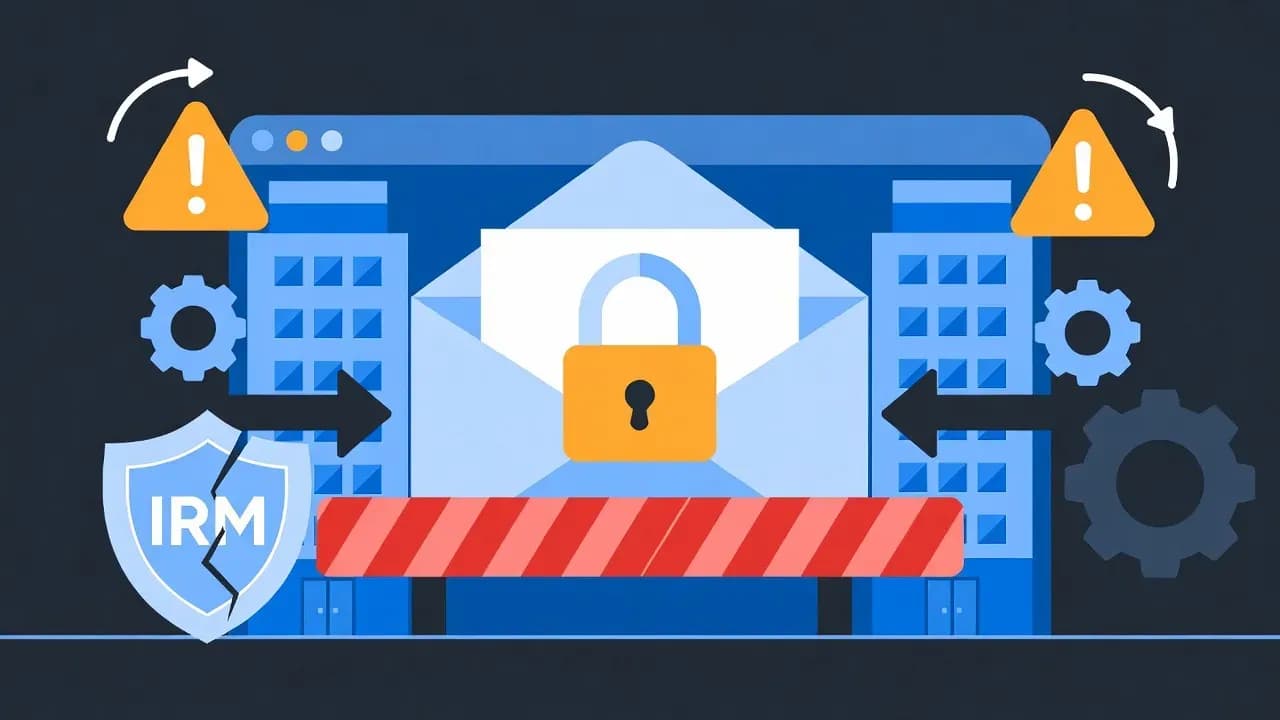
Classic Outlook Bug Blocks Opening Encrypted Emails from External Organizations
Microsoft confirms a known issue preventing Classic Outlook users from opening OMEv2 encrypted emails sent from other Microsoft 365 tenants. The bug affects all Office update channels with no permanent fix available yet.

Every Office update channel is affected - Current Channel, Monthly Enterprise, and Semi-Annual. No version of Classic Outlook is immune.
Encrypted email communication between organizations has become a critical business requirement, especially in regulated industries where compliance mandates secure transmission of sensitive data. Microsoft's Classic Outlook for Windows has just made that significantly harder.
A confirmed bug prevents users from opening OMEv2 encrypted emails - those protected by Microsoft Purview Message Encryption - when those emails originate from a different Microsoft 365 tenant. The application hangs indefinitely displaying "Configuring your computer for Information Rights Management..." and the email never opens.
The Technical Failure
Classic Outlook handles Information Rights Management decryption on the client side. When receiving an encrypted email from an external organization, the application must contact the sender's Azure Rights Management endpoint to obtain a decryption license.
The bug manifests when the sending organization enforces Conditional Access policies or Multi-Factor Authentication on their Azure RMS services. Classic Outlook fails to properly complete the authentication flow, resulting in an infinite hang. Some users experience a Windows Security credential loop that repeatedly prompts for authentication before ultimately failing.
New Outlook and Outlook Web Access bypass this issue entirely because decryption occurs server-side rather than on the client. The encrypted content is processed by Microsoft's servers before delivery to the user, avoiding the problematic client-side authentication flow.
Scope of Impact
The issue affects every Office update channel. Organizations running Current Channel, Monthly Enterprise Channel, or Semi-Annual Enterprise Channel all experience the same failure. Internal encrypted emails within the same tenant work correctly - only cross-tenant encrypted communication triggers the bug.
Microsoft has acknowledged the issue but provided no timeline for a permanent fix. The Outlook and Purview teams are investigating, but organizations requiring cross-tenant encrypted email today need workarounds.
Industries most heavily impacted include healthcare organizations exchanging HIPAA-protected patient information, legal firms communicating privileged attorney-client content, financial institutions sharing encrypted documents with clients and partners, and government agencies coordinating across departments and jurisdictions.
Cost of the workaround - but it requires coordination between sending and receiving organizations and may conflict with Zero Trust security principles
The Workaround Path
Microsoft provides two configuration approaches, both requiring changes in Microsoft Entra ID. The critical understanding is that the workaround must be applied by the organization whose encrypted emails you want to open.
The recommended approach enables cross-tenant MFA trust. In Microsoft Entra admin center, navigating to External Identities, then Cross-tenant access settings, allows administrators to enable trust for multifactor authentication from external Microsoft Entra tenants. This tells your organization to accept the MFA performed by the sending organization rather than requiring re-authentication that Classic Outlook cannot complete.
The alternative approach modifies Conditional Access policies to exclude external users from MFA requirements when accessing Azure RMS services. This option provides more granular control but may conflict with organizational security requirements.
PowerShell Alternative
Organizations managing configurations programmatically can implement the cross-tenant MFA trust via Microsoft Graph PowerShell:
Connect-MgGraph -Scopes "Policy.ReadWrite.CrossTenantAccess"
Update-MgPolicyCrossTenantAccessPolicyDefault -B2BCollaborationInbound @{
    IsMfaAccepted = $true
}
This accomplishes the same configuration as the admin center approach but enables scripted deployment across multiple tenants for managed service providers.
Immediate User Options
While IT departments implement the tenant-level workaround, affected users have several options for accessing encrypted email content. Switching to New Outlook for Windows provides immediate relief as the server-side decryption model works correctly. Outlook Web Access at outlook.office.com offers another path to the same content. Mobile apps on iOS and Android also handle encrypted emails correctly.
Requesting senders to resend content without encryption remains an option for non-sensitive material, though this defeats the purpose of encrypted communication for confidential information.
Security Implications
The workarounds do not introduce new attack vectors. Trusting external MFA simply accepts that partner organizations have properly authenticated their users through their own MFA implementation. Organizations with mature security programs typically require MFA, making this trust reasonable.
However, organizations operating under strict Zero Trust principles may find the workarounds conflict with their security posture. Excluding external users from Conditional Access policies particularly requires careful risk assessment and documentation.
Related Outlook Issues
Classic Outlook has experienced several encryption-related issues recently. Errors when replying to encrypted emails have been fixed. The inability to apply labels with encryption in Outlook Desktop has been resolved. S/MIME issues in New Outlook for MacOS and Windows remain under investigation. Problems editing contacts with X509 S/MIME certificates have been addressed.
This pattern suggests Microsoft is actively working on encryption-related functionality but the complexity of cross-tenant authentication continues to create challenges in the Classic Outlook codebase.
Comments
Want to join the discussion?
Create an account to unlock exclusive member content, save your favorite articles, and join our community of IT professionals.
New here? Create a free account to get started.