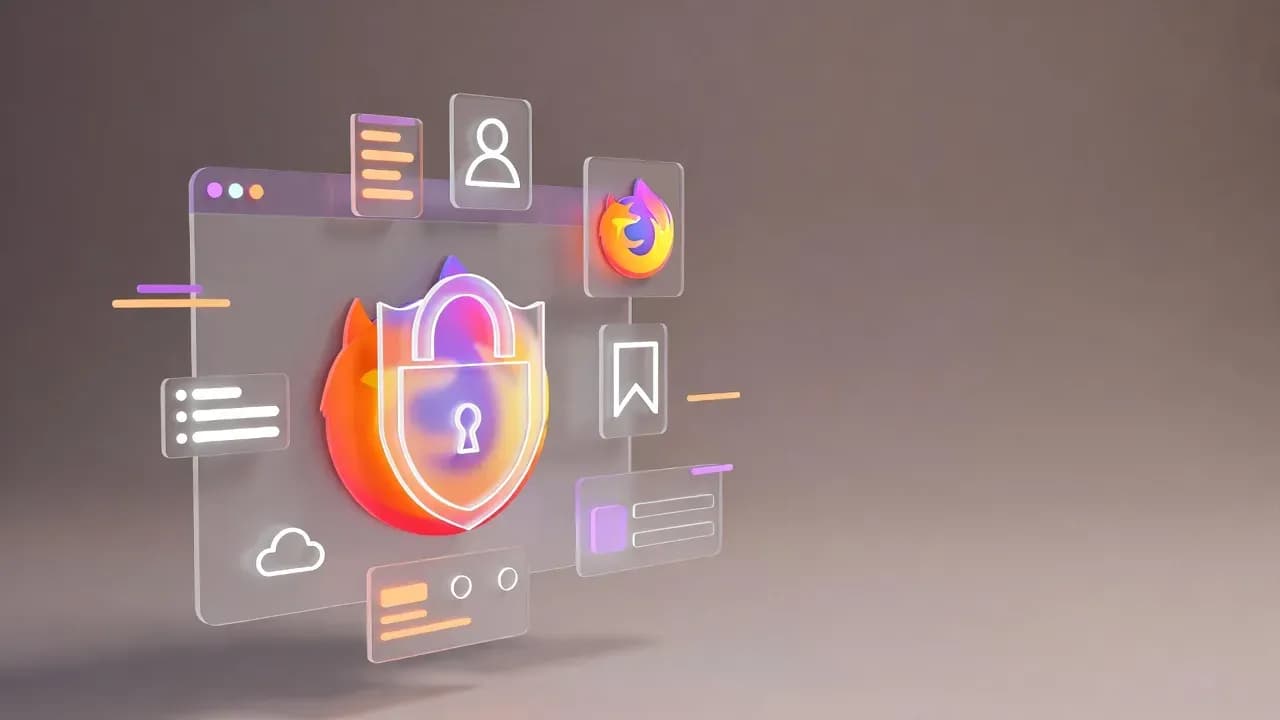
Firefox 146 Introduces Encrypted Local Backups on Windows
Mozilla Firefox 146 strengthens user data protection with encrypted local backups on Windows, alongside security hardening and platform stability improvements.

Executive Summary
Mozilla has released Firefox 146, introducing a major privacy-focused enhancement for Windows users: encrypted local browser backups. This update addresses a long-standing security gap by ensuring that locally stored Firefox data cannot be accessed or restored without proper system authorization.
Beyond backups, Firefox 146 includes multiple security fixes, stability improvements, and under-the-hood refinements aimed at enterprise and professional environments. While not a disruptive feature release, this update reinforces Mozilla’s ongoing commitment to user data protection and secure-by-default browser behavior.
What Changed
The most notable change in Firefox 146 is the introduction of encrypted local backups on Windows systems.
Previously, Firefox profile backups stored on disk could potentially be accessed by attackers with filesystem access. With this release, backup data is now encrypted using Windows-native cryptographic mechanisms, reducing the risk of data exposure during device theft, unauthorized access, or malware activity.
Additional changes include:
- Improved handling of profile recovery scenarios
- Internal stability enhancements across the Windows platform
- Security patches addressing multiple internally discovered vulnerabilities
- Performance refinements for long-running browser sessions
No user-facing configuration is required to enable encrypted backups - the feature is active by default.
Security Analysis
From a security standpoint, Firefox 146 significantly improves data-at-rest protection.
Encrypted local backups mitigate several real-world attack scenarios:
- Offline access to stolen or lost devices
- Unauthorized access via shared or compromised Windows accounts
- Malware attempting to extract browser profiles for credential harvesting
While Mozilla has not disclosed publicly exploited vulnerabilities in this release, the backup encryption feature aligns with modern security best practices, particularly for enterprise and regulated environments.
This update reduces the attack surface without impacting usability, making it a low-risk, high-value security improvement.
Who Should Update
Firefox 146 is recommended for:
- Windows users storing sensitive browsing data locally
- IT administrators managing Firefox deployments in enterprise environments
- Security-conscious users concerned about device-level data exposure
- Organizations operating under compliance or data protection requirements
Users on shared workstations or mobile devices will benefit most from the encrypted backup mechanism.
Deployment Guidance
Standard Users
Firefox updates automatically through the built-in update mechanism.
To manually verify:
- Open Firefox
- Navigate to Settings → About Firefox
- Allow Firefox to check for and apply updates
- Restart the browser if prompted
Enterprise & Managed Environments
For managed deployments:
Distribute Firefox 146 via standard software management tools
- No policy changes are required to enable encrypted backups
- Existing profiles are automatically protected after the update
- Verification
After upgrading, encrypted backups are handled internally by Firefox and do not require manual validation.
Conclusion
Firefox 146 is a quiet but important update, particularly for Windows users.
By introducing encrypted local backups, Mozilla closes a meaningful security gap that could otherwise expose sensitive user data. Combined with routine security fixes and stability improvements, this release reinforces Firefox’s position as a privacy-focused browser suitable for professional and enterprise use.
Organizations and individual users alike are encouraged to deploy this update promptly.
Related Updates
View All
RIP MDT: Microsoft Quietly Kills Its Free Windows Deployment Toolkit
After nearly 20 years, Microsoft has silently discontinued the Microsoft Deployment Toolkit (MDT), removing downloads an...
Classic Outlook Bug Blocks Opening Encrypted Emails from External Organizations
Microsoft confirms a known issue preventing Classic Outlook users from opening OMEv2 encrypted emails sent from other Mi...
Microsoft Cancels Exchange Online Bulk Email Limits After Customer Backlash
Microsoft has abandoned its controversial plan to limit Exchange Online mailboxes to 2,000 external recipients per day....
Comments
Want to join the discussion?
Create an account to unlock exclusive member content, save your favorite articles, and join our community of IT professionals.
New here? Create a free account to get started.