
Microsoft Introduces Hardware Acceleration for BitLocker in Windows 11
Microsoft has introduced hardware acceleration support for BitLocker encryption in Windows 11, leveraging modern CPU features to improve encryption performance and minimize impact on system resources for enterprise and consumer workloads.

Overview
Microsoft has announced that the BitLocker drive encryption feature in Windows 11 will now benefit from hardware acceleration, leveraging modern processor cryptographic instructions to significantly improve encryption and decryption performance.
This enhancement is part of ongoing investments by Microsoft to reduce the performance overhead of full-disk encryption, especially for enterprise environments where BitLocker is widely deployed on desktops, laptops, and virtualized endpoints. By tapping into dedicated CPU features like AES-NI and other cryptographic accelerators, BitLocker operations require fewer CPU cycles and deliver faster throughput without sacrificing security.
What Changed
BitLocker has long been a staple of Windows security, protecting data at rest by encrypting entire drives. In previous generations of Windows, BitLocker encryption relied solely on software-based cryptographic routines that consumed significant CPU resources during full or incremental encryption processes.
With Windows 11’s hardware acceleration support:
- BitLocker can use CPU-native cryptographic instructions (e.g., AES-NI)
- Encryption/decryption consumes fewer cycles
- System responsiveness remains high during encryption tasks
- Boot times and runtime performance on encrypted volumes improve
These improvements are especially noticeable on platforms with dedicated hardware crypto support or newer Intel/AMD processors with advanced instruction sets.
Who is Affected
This update benefits a broad range of Windows 11 users:
- Enterprise IT teams deploying BitLocker widely across devices
- System administrators managing encryption at scale
- Performance-sensitive workloads (e.g., VDI, large file servers)
- Mobile professionals who encrypt laptops and travel frequently
While all Windows 11 installations with BitLocker will see some benefit, the most dramatic gains appear on systems with modern CPUs supporting accelerated cryptographic instructions.
Technical Context
Hardware acceleration for encryption relies on processor features that implement cryptographic functions in silicon. Many modern CPUs include instructions that expedite AES and related algorithms commonly used in drive encryption.
In Windows 11, BitLocker has been updated to detect and leverage these capabilities automatically when present. This represents a broader trend across OS vendors to reduce cryptographic costs by moving heavy mathematical operations into optimized hardware paths.
For IT professionals, understanding hardware acceleration means recognizing that:
- Older devices without acceleration support will not see the same speed gains
- Group Policy and MDM settings may need review to ensure BitLocker behavior remains consistent
Business Impact
From a business perspective, hardware acceleration for BitLocker has concrete implications:
- Lower overhead on employee machines, improving productivity
- Reduced performance costs during mass deployment or re-key operations
- Better experience on VDI and cloud-connected devices
- Stronger security posture without sacrificing performance
Organizations evaluating enterprise encryption strategies can now balance security, compliance, and performance more effectively.
Recommended Actions
Administrators should consider the following steps:
- Verify hardware capabilities across devices: confirm processor support for AES-NI or equivalent
- Update Windows 11 installations to the latest build supporting hardware accelerated BitLocker
- Review Group Policy and MDM configuration to ensure encryption policies align with performance expectations
- Document baseline performance before and after acceleration to measure gains
- Train support teams on potential differences in BitLocker behavior with hardware acceleration enabled
Related Updates
View All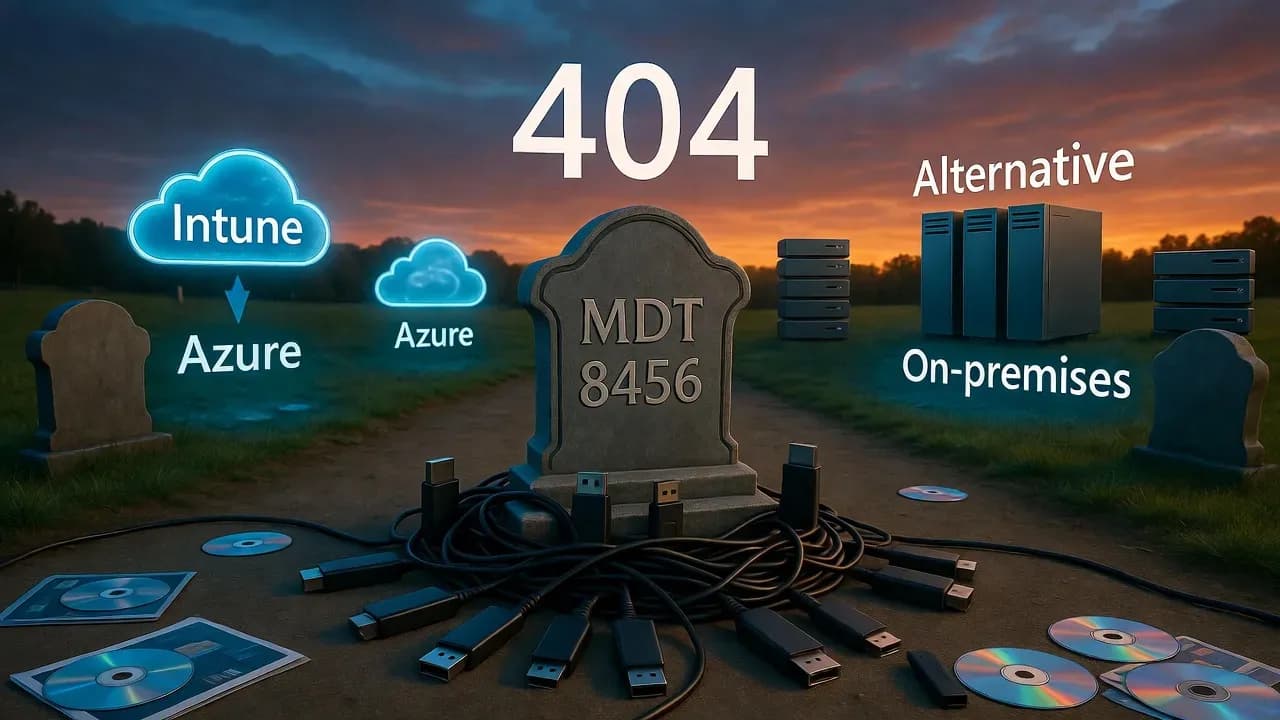
RIP MDT: Microsoft Quietly Kills Its Free Windows Deployment Toolkit
After nearly 20 years, Microsoft has silently discontinued the Microsoft Deployment Toolkit (MDT), removing downloads an...
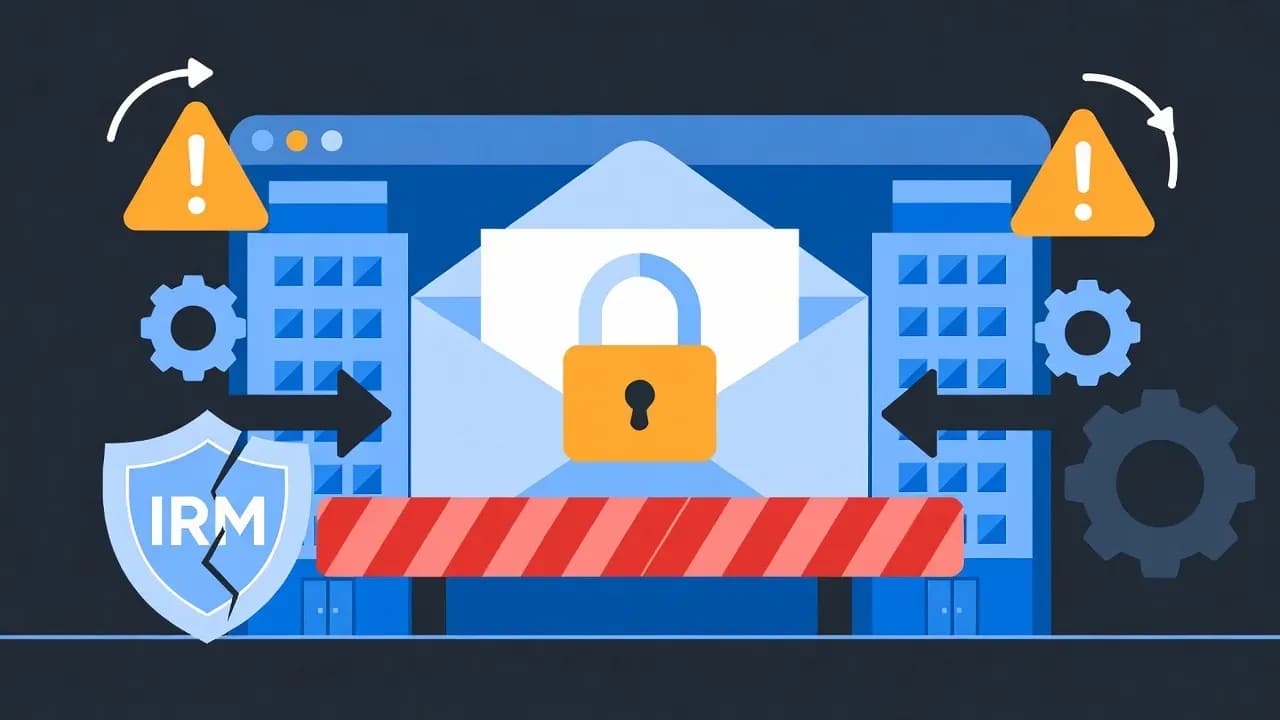
Classic Outlook Bug Blocks Opening Encrypted Emails from External Organizations
Microsoft confirms a known issue preventing Classic Outlook users from opening OMEv2 encrypted emails sent from other Mi...

Microsoft Cancels Exchange Online Bulk Email Limits After Customer Backlash
Microsoft has abandoned its controversial plan to limit Exchange Online mailboxes to 2,000 external recipients per day....
Comments
Want to join the discussion?
Create an account to unlock exclusive member content, save your favorite articles, and join our community of IT professionals.
New here? Create a free account to get started.