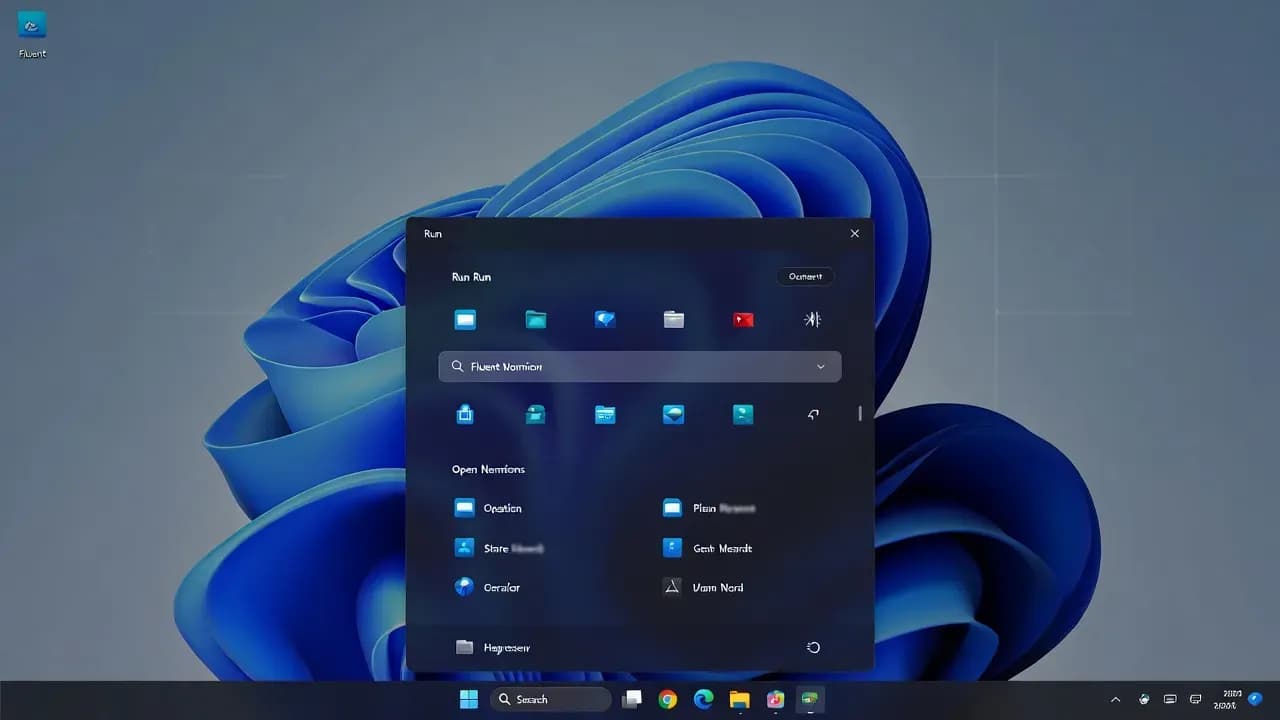
Windows 11 Insider Builds Reveal a Modernized Run Dialog
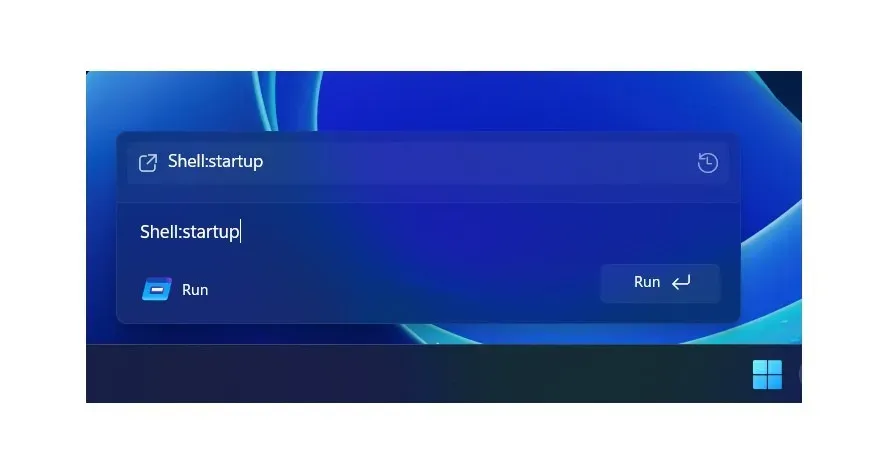
Microsoft is testing a redesigned Run dialog in Windows 11 Insider builds, modernizing a decades-old system tool with Fluent UI styling, improved accessibility, and better visual consistency across the operating system.

Executive Summary
The Run dialog is one of the oldest surviving components of the Windows operating system, dating back to the Windows 95 era. Despite its age, it remains widely used by power users, IT administrators, and enterprise support teams for launching commands, management consoles, and system tools.
In recent Windows 11 Insider builds, Microsoft has begun testing a visually redesigned version of the Run dialog. The update focuses entirely on modernization and accessibility, leaving functionality untouched. While subtle, the change signals Microsoft’s continued effort to eliminate legacy UI inconsistencies and align all system surfaces with Windows 11’s Fluent Design language.
For organizations evaluating Windows 11 adoption, this update represents a low-risk cosmetic evolution, rather than a disruptive platform change.
Technical Analysis
From a technical standpoint, the redesigned Run dialog introduces no new execution logic, command parsing behavior, or privilege changes. All existing workflows remain compatible.
What has changed
- Fluent UI visual treatment aligned with modern system dialogs
- Updated spacing, typography, and border radius
- Improved dark mode rendering and contrast ratios
- Better scaling on high-DPI and mixed-resolution displays
What has not changed
- Command syntax and execution behavior
- Interaction with environment variables
- Administrative privilege handling
- Integration with legacy MMC snap-ins
Microsoft’s approach mirrors recent redesigns of Task Manager, Notepad, and File Explorer, where UI modernization was deployed without altering core behavior.
What To Do Now
For most users and IT teams, no action is required.
However, organizations running Windows Insider builds should:
- Inform helpdesk teams about the visual change to avoid confusion
- Validate accessibility tooling (screen readers, magnification) if in testing environments
- Continue documenting Insider UI changes for future user training
Production systems running stable Windows 11 releases are not affected at this time.
Related Updates
View All
RIP MDT: Microsoft Quietly Kills Its Free Windows Deployment Toolkit
After nearly 20 years, Microsoft has silently discontinued the Microsoft Deployment Toolkit (MDT), removing downloads an...

Classic Outlook Bug Blocks Opening Encrypted Emails from External Organizations
Microsoft confirms a known issue preventing Classic Outlook users from opening OMEv2 encrypted emails sent from other Mi...
Microsoft Cancels Exchange Online Bulk Email Limits After Customer Backlash
Microsoft has abandoned its controversial plan to limit Exchange Online mailboxes to 2,000 external recipients per day....
Comments
Want to join the discussion?
Create an account to unlock exclusive member content, save your favorite articles, and join our community of IT professionals.
New here? Create a free account to get started.