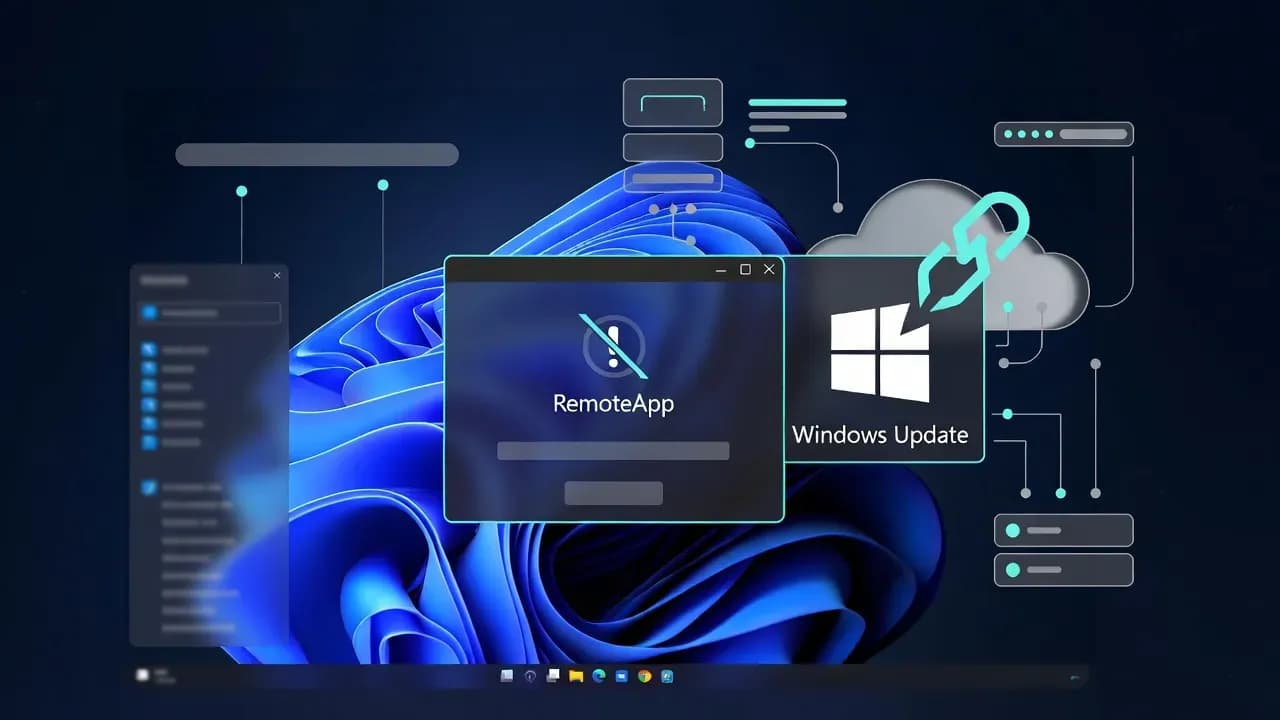
Windows Updates Break Azure Virtual Desktop RemoteApp Connections
Recent Windows updates have introduced a regression affecting Azure Virtual Desktop RemoteApp, preventing published applications from launching correctly. This update analysis explains what changed, who is impacted, and how IT teams should respond.

Incident Overview
Recent Windows cumulative updates have caused widespread connection failures for Azure Virtual Desktop (AVD) RemoteApp environments, preventing users from launching published applications. While full desktop sessions remain functional, RemoteApp-based deployments are failing during session initialization.
The issue affects enterprise environments running Windows 11 (24H2 / 25H2) and Windows Server 2025, where RemoteApp is commonly used to deliver individual applications rather than full virtual desktops. Organizations relying on RemoteApp for business-critical workloads have reported immediate operational disruption.
Impact Analysis
The impact is concentrated on organizations that depend on Azure Virtual Desktop RemoteApp to deliver applications to distributed users. Reported symptoms include:
- RemoteApp applications failing to launch
- Users receiving connection or initialization errors
- Business applications becoming inaccessible
- No data loss or security impact observed
Because RemoteApp is often used for legacy or line-of-business applications, the outage directly affects productivity, especially in regulated or highly centralized IT environments.
Technical Details
Microsoft has confirmed that the issue is linked to recent Windows updates that introduced changes in the Remote Desktop and RemoteApp session initialization process. These changes interfere with how RemoteApp sessions are spawned within Azure Virtual Desktop host pools.
Key technical characteristics:
- Only RemoteApp sessions are affected
- Full desktop sessions continue to operate normally
- The issue is not caused by AVD infrastructure outages
- Changes appear related to RDP shell handling and process startup behavior
The failure occurs after update installation, suggesting a regression introduced at the operating system level rather than in Azure Virtual Desktop itself.
What users should do
IT administrators managing Azure Virtual Desktop environments should take the following actions:
-
Pause broad update rollouts Delay further deployment of the affected Windows updates across AVD session hosts.
-
Validate in test environments Test Windows updates in isolated AVD host pools before production rollout.
-
Monitor Microsoft Update Health Track official communications and mitigation guidance from Microsoft.
-
Provide temporary workarounds Where possible, shift affected users to full desktop AVD sessions as a short-term alternative.
Vendor Response
Microsoft has acknowledged the RemoteApp connectivity issue and confirmed that engineering teams are actively working on remediation. As an interim measure, Microsoft is deploying a Known Issue Rollback (KIR) to revert the problematic update behavior.
Key points from Microsoft:
- The rollback may take up to 24 hours to propagate
- No manual action may be required in managed environments
- A permanent fix is expected in a future update
At the time of publication, Microsoft has not released a standalone hotfix.
Resolution and lessons
Until a permanent fix is released, organizations should prioritize containment and validation rather than rapid update adoption.
Key lessons:
- Always validate Windows updates in AVD staging environments
- RemoteApp deployments carry unique risk compared to full desktops
- Known Issue Rollback is critical for enterprise update resilience
- Communication plans are essential during update-related disruptions
This incident reinforces the need for structured update governance in cloud-hosted virtual desktop environments.
Related Updates
View All
RIP MDT: Microsoft Quietly Kills Its Free Windows Deployment Toolkit
After nearly 20 years, Microsoft has silently discontinued the Microsoft Deployment Toolkit (MDT), removing downloads an...

Classic Outlook Bug Blocks Opening Encrypted Emails from External Organizations
Microsoft confirms a known issue preventing Classic Outlook users from opening OMEv2 encrypted emails sent from other Mi...

Microsoft Cancels Exchange Online Bulk Email Limits After Customer Backlash
Microsoft has abandoned its controversial plan to limit Exchange Online mailboxes to 2,000 external recipients per day....
Comments
Want to join the discussion?
Create an account to unlock exclusive member content, save your favorite articles, and join our community of IT professionals.
New here? Create a free account to get started.