

September Windows Server updates are breaking RDS session hosts
KB5122876, KB5122882 and KB5122871 are all implicated. Microsoft says it is investigating, and rolling back means giving up the largest Patch Tuesday it has ever shipped.

On this page
Fine for a few hours, then nothing
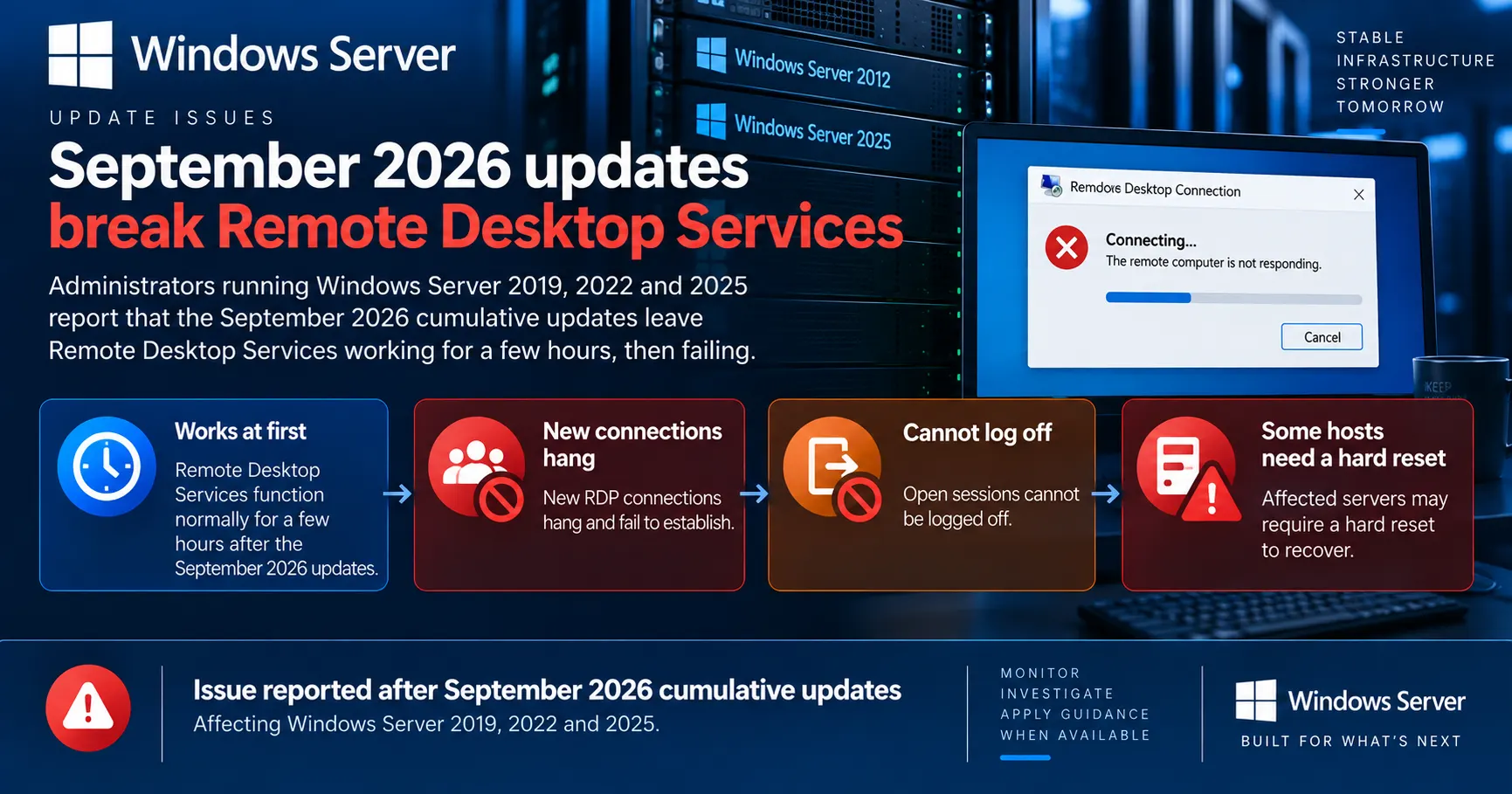
Windows administrators report that the September 2026 cumulative updates are taking down Remote Desktop Services on Windows Server 2019, 2022 and 2025. The updates went out on 8 September, and reports started building on Reddit and in readers' mail to BleepingComputer within days.
The described pattern repeats across unrelated environments. The session host comes back from the update and works. A few hours later, new RDP connections hang during the connection phase and eventually fail, and users already signed in cannot disconnect or log off cleanly.
Several administrators say a normal restart does not clear the fault and that a hard reset is the only way to get the server back. Others report the service failing specifically after the first user logs out. Rolling back the September cumulative update restores Remote Desktop, according to admins who have done it.
Your post-patch check will pass
The failure surfaces hours after installation. If your validation is a single test connection after the reboot, this bug walks straight through it.
The deadlock theory
One administrator debugging a Windows Server 2022 host posted a more specific account. According to that analysis, the RDP service stops responding once users begin logging out, and the stack shows it hanging in a close routine inside the RDP server component with no timeout configured. The result is described as a deadlock between the RDP service and the Local Session Manager.
That lines up with what other admins see from the outside. The Local Session Manager is the component that tracks session state, so if it is waiting on a call that never returns, both the teardown of old sessions and the setup of new ones stall behind the same lock. It also explains why the host stays healthy until the first logoff.
This is one administrator's debugging on one machine, not a vendor finding. Microsoft has not confirmed it as the cause, and nothing in the KB documentation points at it.
Who should be worried
Reports cover Windows Server 2019, 2022 and 2025, which is every supported release carrying these three updates. That spread is itself a signal, since a fault in one servicing branch would not show up identically across three.
The exposure is anyone running the Remote Desktop Session Host role, whether that is a modern RDS farm or a single Terminal Server that nobody has renamed since 2012. Multi-user hosts are where the failure bites, because the trigger appears to involve users logging off.
MSPs are in an awkward spot here. Patch automation did its job on schedule across a customer base, and the failure lands hours later, often outside the maintenance window and usually on the one server every user connects through.
Response
Response status: No response
Patch available: No
Workaround available: No