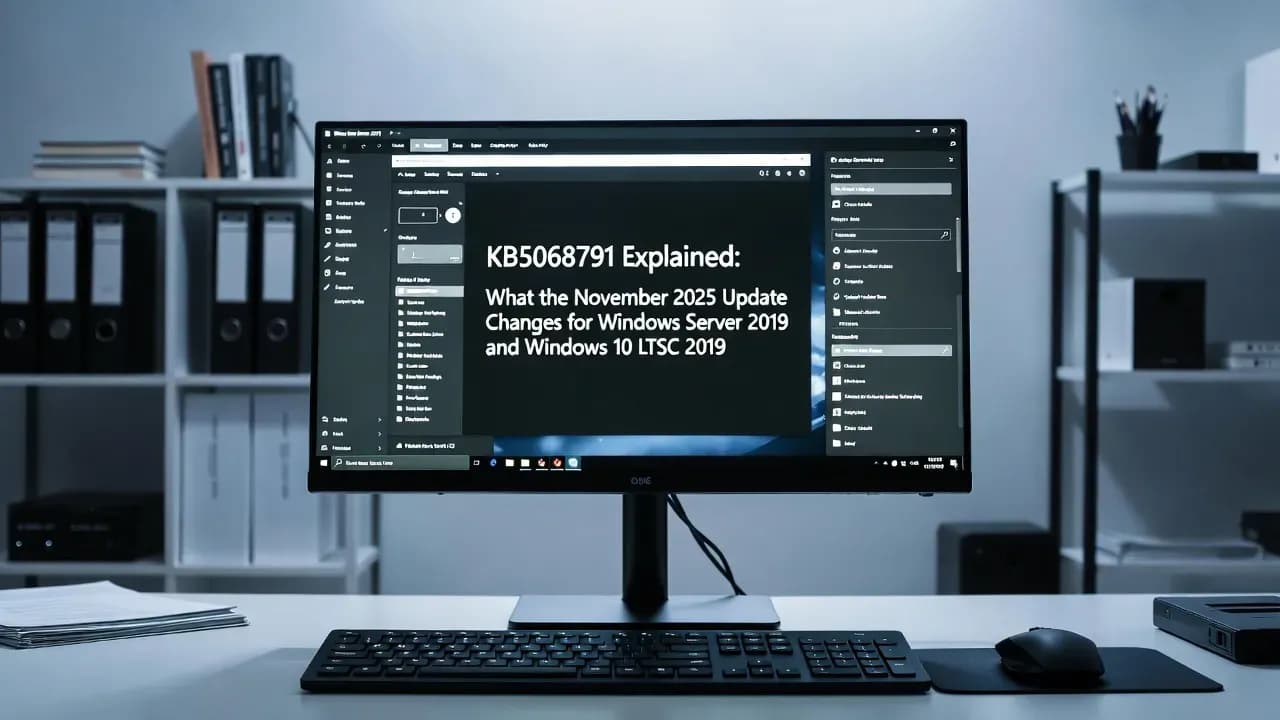
KB5068791 Explained: What the November 2025 Update Changes for Windows Server 2019 and Windows 10 LTSC 2019
KB5068791 updates Windows Server 2019 and Windows 10 LTSC 2019 to build 17763.8027, fixes MSI UAC prompts, and flags Secure Boot cert expiry prep.

Introduction: why KB5068791 matters beyond "just another Patch Tuesday"
Security updates for Windows Server 2019 often look routine on the surface: install, reboot, move on. KB5068791 is one of those updates that is easy to underestimate because Microsoft's changelog is intentionally concise. Yet for enterprise admins, it intersects with two topics that are operationally high impact: Windows servicing reliability and pre-boot trust (Secure Boot).
First, this update lands in the Windows 10 version 1809 and Windows Server 2019 servicing line, moving systems to OS Build 17763.8027. Second, it includes a documented fix for unexpected User Account Control (UAC) prompts triggered by certain MSI repair flows, an issue that became more visible after security hardening in 2025. Third, Microsoft uses the KB page to surface a strategic warning: Secure Boot certificates used by most Windows devices begin expiring starting June 2026, and organizations should plan certificate authority (CA) updates ahead of time to avoid disruption.
This explainer clarifies what KB5068791 is, what it changes, what it does not change, and how to treat it in a real enterprise patching workflow.
What is KB5068791 and which systems are affected?
KB5068791 is the November 11, 2025 security (monthly cumulative) update for:
- Windows Server 2019 (all editions)
- Windows 10 Enterprise LTSC 2019 (version 1809)
After installation, the target build is 17763.8027.
What's actually new in KB5068791 (and what Microsoft documents)
Microsoft's release notes for KB5068791 are short, but they contain three concrete signals that matter operationally.
1) Secure Boot certificate expiration warning (June 2026 and beyond)
Microsoft flags that Secure Boot certificates used by most Windows devices start expiring in June 2026. If organizations do not update the relevant Secure Boot databases (KEK and DB) with new CA material, affected devices can lose the ability to boot securely and can fall out of a supported security posture for pre-boot components.
This matters because Secure Boot trust is not just "a Windows setting." It is a chain that involves UEFI firmware, certificate stores (DB, DBX, KEK), and boot loader signature trust. Microsoft's Secure Boot guidance explains the expiring certificates and replacement certificates (2023 CAs), and calls for a plan tailored to how devices are managed (Microsoft-managed updates vs IT-managed updates).
2) Fix: unexpected UAC prompts during MSI repair operations (app compatibility)
KB5068791 includes a documented fix for an issue that produced unexpected UAC prompts for some applications, including Autodesk AutoCAD. Microsoft points to a broader Windows Installer hardening story: changes enforced to address a vulnerability led to user-facing friction in some MSI repair and "silent repair" flows.
In Microsoft's dedicated advisory, the company explains that MSI repair prompting behavior was tightened for security reasons (including reference to CVE-2025-50173) and then refined in subsequent updates to reduce unnecessary prompts while keeping the security posture. For organizations that still hit edge cases, Microsoft also documents an allowlist-based workaround via policy/registry.
3) Servicing Stack Update (SSU) is bundled, plus a prerequisite to note
Microsoft indicates that the latest Servicing Stack Update (SSU) is combined with the latest LCU, and specifically references KB5070248 (SSU) version 17763.8020 as part of the servicing baseline around this release.
Microsoft also states a prerequisite: you must have installed the August 10, 2021 SSU (KB5005112) before installing this cumulative update. In many environments this is already long satisfied, but in disconnected, long-lived images or unusual servicing paths, prerequisites can still surprise you.
Secure Boot certificate expiration: what admins should do now (even if June 2026 feels far away)
Secure Boot is a pre-boot integrity gate. It helps ensure only trusted software runs during startup by validating signatures against trusted certificates stored in UEFI firmware. Microsoft's guidance highlights that older Microsoft certificate authorities (2011-era) are nearing expiration and need to be replaced with newer 2023 certificate material.
What could go wrong if you ignore it
If expiring CAs are not replaced, devices can end up unable to trust updated boot loaders or can stop receiving security fixes for pre-boot components in a way that compromises serviceability and boot security. Microsoft explicitly warns that lack of updates can affect ongoing Secure Boot security updates and trust in new boot loaders.
A practical enterprise checklist
- Inventory device populations by OS and management model (Intune-managed, WSUS-managed, ConfigMgr, offline).
- Identify UEFI Secure Boot state and any known exceptions (dual-boot, custom keys, specialized hardware).
- Pilot CA updates in a representative ring (hardware diversity matters here).
- Define rollback and recovery procedures (especially for remote sites).
- Document operational ownership (UEFI and boot trust touches security and platform engineering, not only Windows patching).
Microsoft provides separate guidance paths depending on whether updates are Microsoft-managed or IT-managed, including organizational methods and supporting material linked from the Secure Boot CA update hub.
MSI repair hardening and UAC prompts: why this shows up in a "security update" changelog
The UAC prompt behavior is a classic example of a security hardening measure creating friction in enterprise app ecosystems.
Microsoft's advisory explains:
- The behavior surfaced with security updates and was reinforced in August 2025 to address a vulnerability.
- Non-admin users could see failed silent repairs or unexpected prompts, depending on how MSI custom actions and repair flows were implemented.
- Later updates refined the prompting scope so prompts are required only when elevated custom actions are actually executed in the repair flow.
What to watch for in enterprise environments
- Legacy MSI packages that rely on silent repair during first-run sign-in.
- Active Setup or user-context installs that trigger repair operations.
- ConfigMgr deployments with user-targeted advertising behaviors.
- Non-admin user populations where elevation prompts become a support incident generator.
If you still encounter unavoidable prompts, Microsoft documents an allowlist mechanism (with explicit security warnings) that effectively opts specific MSI product codes out of the prompt requirement.
Known issues: what Microsoft reports for KB5068791
Microsoft states it is not aware of any issues with this update at the time of publication. That does not guarantee a perfectly smooth deployment in every environment, but it does indicate no widely acknowledged regressions were tracked on the KB page.
How to get and deploy KB5068791 in real environments
KB5068791 is available through standard servicing channels:
- Windows Update / Microsoft Update
- Windows Update for Business
- WSUS
- Microsoft Update Catalog (manual import or direct download)
Download/package notes (useful for offline servicing)
The Update Catalog lists:
| Package | Size |
|---|---|
| Windows 10 version 1809 x64 | ~710.2 MB |
| Windows 10 version 1809 x86 | ~382.0 MB |
| Windows Server 2019 x64 | ~710.2 MB |
Post-install verification (quick ops checks)
Confirm OS build: 17763.8027 (winver or system properties).
PowerShell-friendly check (example):
$cv = Get-ItemProperty "HKLM:\SOFTWARE\Microsoft\Windows NT\CurrentVersion"
"$($cv.ProductName) $($cv.ReleaseId) Build $($cv.CurrentBuild).$($cv.UBR)"
In this servicing branch, you should see Build 17763 with an updated UBR consistent with 8027 after KB5068791.
Where KB5068791 sits in the servicing timeline (important if you troubleshoot regressions)
KB5068791 is the November 2025 update for this branch. Microsoft's update history for Windows 10 1809 / Server 2019 shows subsequent releases in December 2025 (including an out-of-band update). If you are investigating a regression, you should always compare behavior across the month you suspected introduced the issue and the latest cumulative update available in your environment.
Key numbers at a glance
Release date: November 11, 2025
OS build after install
| Field | Value |
|---|---|
| KB | KB5068791 |
| Release date | November 11, 2025 |
| Applies to | Windows Server 2019; Windows 10 Enterprise LTSC 2019 (version 1809) |
| OS build after install | 17763.8027 |
| Known issues (Microsoft) | None reported |
| Catalog sizes (approx.) | 710.2 MB (x64), 382.0 MB (x86 Windows 10 1809) |
| Notable documented fix | MSI repair / unexpected UAC prompts (some apps) |
| Strategic notice | Secure Boot cert expirations start June 2026 |
Frequently Asked Questions
KB5068791 is a monthly cumulative security update that brings Windows Server 2019 and Windows 10 LTSC 2019 (1809) to OS Build 17763.8027, rolling up prior fixes and adding November 2025 security and quality changes.
Microsoft indicates the SSU is combined with the LCU for this release line and references an SSU version associated with the update baseline. SSUs improve the reliability of the update process itself.
Microsoft documents a fix for unexpected UAC prompts triggered by some MSI repair operations affecting certain applications (including Autodesk AutoCAD), tied to earlier Windows Installer security hardening.
Microsoft reports it is not currently aware of any known issues for this update at the time of publication.
Microsoft warns that Secure Boot certificates used by most Windows devices begin expiring starting June 2026 and recommends reviewing guidance and updating certificates ahead of time to avoid boot and servicing disruption.
Comments
Want to join the discussion?
Create an account to unlock exclusive member content, save your favorite articles, and join our community of IT professionals.
New here? Create a free account to get started.