


TutorialIntune
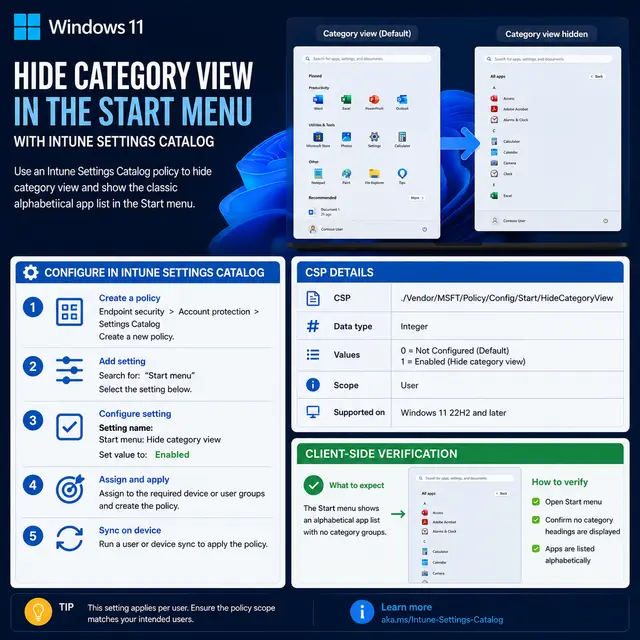
Hide Category View in Windows 11 Start Menu Using Intune
Learn how to hide category view in the Windows 11 Start menu using an Intune Settings Catalog policy, including the CSP details and client-side verification.
Practical IT guides, comparisons, explainers and news — curated by practitioners.
Browse articles tagged Settings Catalog.
Learn how to hide category view in the Windows 11 Start menu using an Intune Settings Catalog policy, including the CSP details and client-side verification.
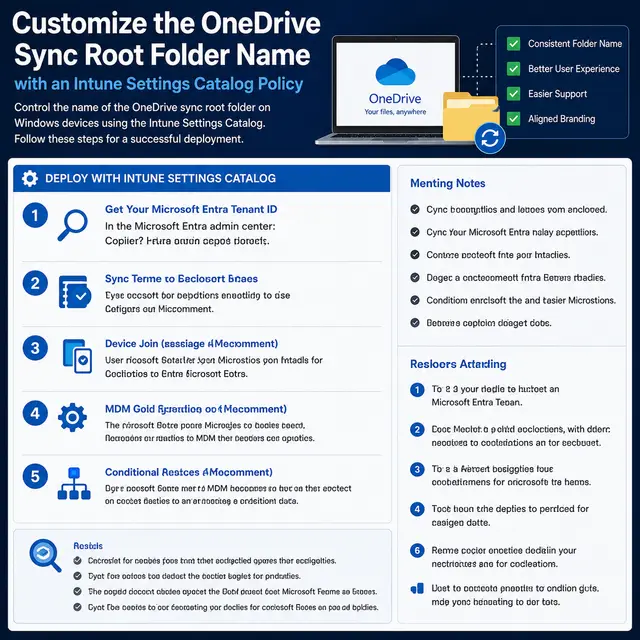
Learn how to customize the OneDrive sync root folder name using an Intune Settings Catalog policy, including tenant ID lookup, naming rules, and end user relinking steps.
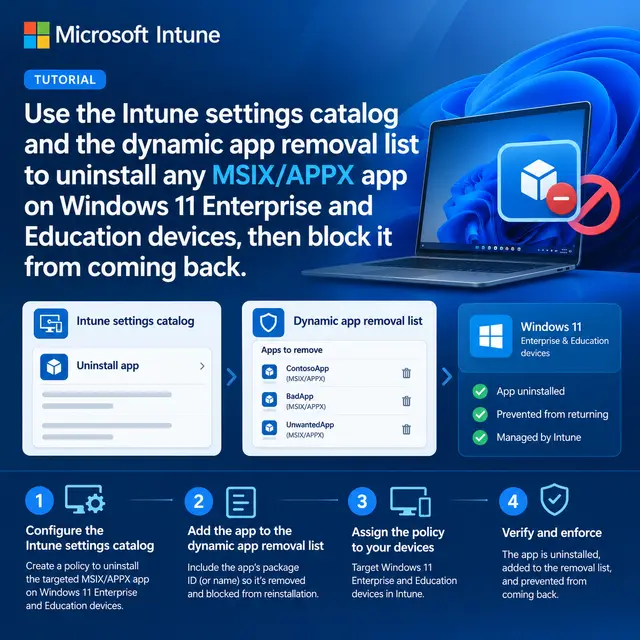
Use the Intune settings catalog and the dynamic app removal list to uninstall any MSIX/APPX app on Windows 11 Enterprise and Education devices, then block it from coming back.
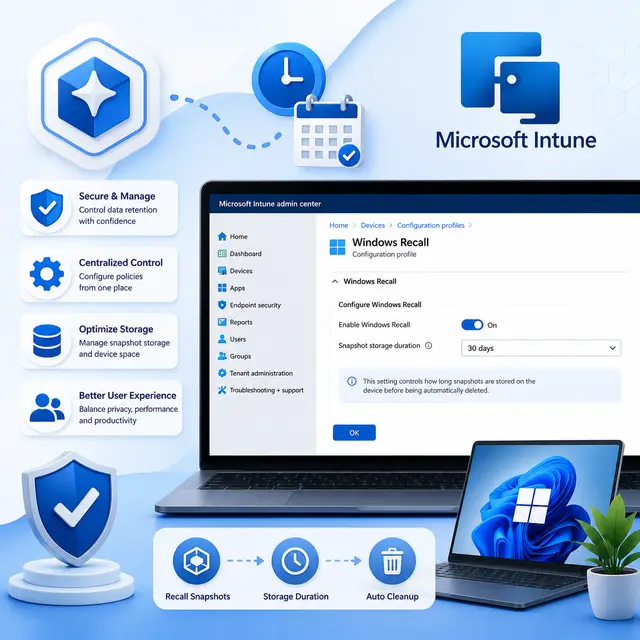
Use the Microsoft Intune Settings Catalog and Windows AI policies to enforce a maximum storage duration for Windows Recall snapshots on Copilot+ PCs, ensuring data retention compliance.
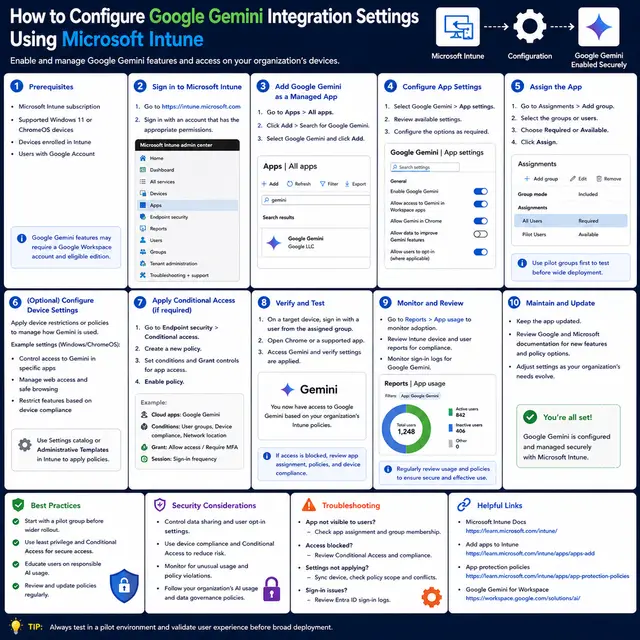
Learn how to configure and control Google Gemini access in Chrome and Android using Microsoft Intune policies, Settings Catalog, custom OMA-URI, and Defender for Endpoint integration for enterprise AI governance.
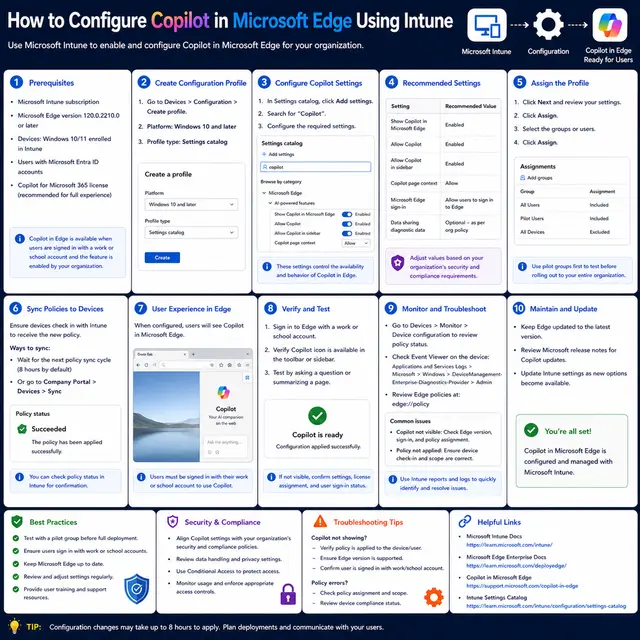
Create an Intune settings catalog policy to control Microsoft 365 Copilot features in Microsoft Edge — toolbar icon, page context access, and browsing history sharing — then deploy and monitor it.
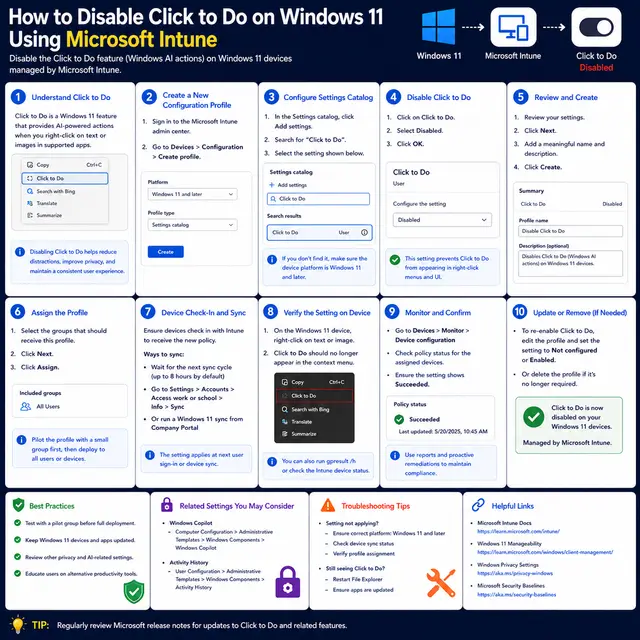
Create an Intune Settings Catalog device configuration policy that disables the Windows 11 Click to Do AI feature across your managed fleet, then verify enforcement on target devices.
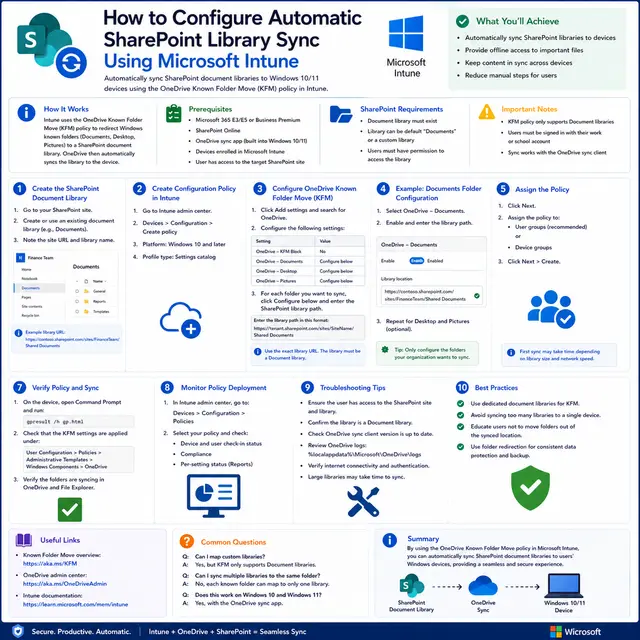
Push SharePoint document libraries to your Windows fleet automatically with an Intune Settings catalog policy, so they appear in File Explorer without any user action.