


TutorialWindows
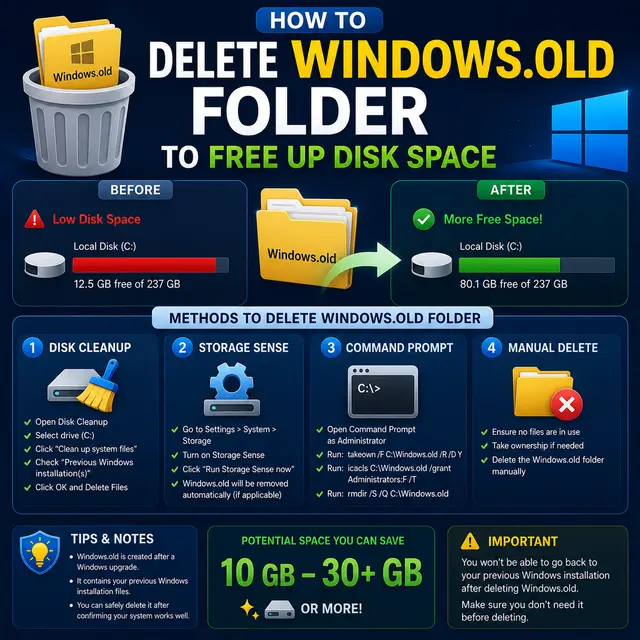
How to Delete the Windows.old Folder to Free Up Disk Space
Remove the Windows.old folder safely using Storage settings, Disk Cleanup, or PowerShell, and reclaim 10 to 30 GB of disk space after a Windows upgrade.
Practical IT guides, comparisons, explainers and news — curated by practitioners.
Browse articles tagged Windows 11.
Remove the Windows.old folder safely using Storage settings, Disk Cleanup, or PowerShell, and reclaim 10 to 30 GB of disk space after a Windows upgrade.
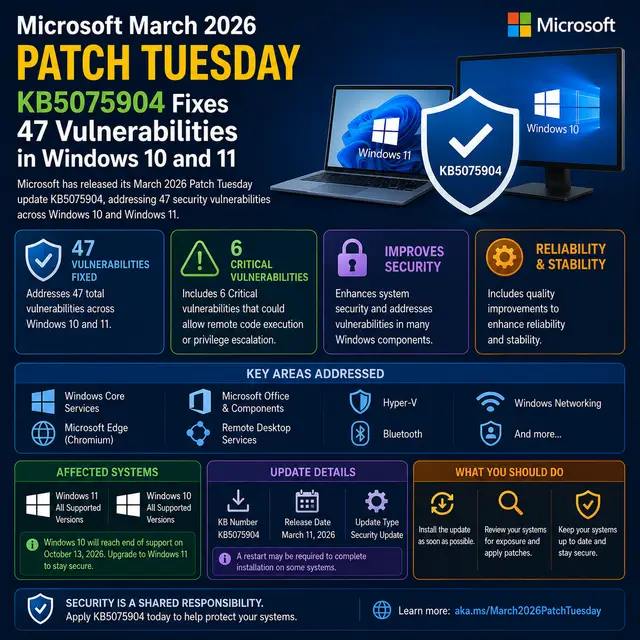
Microsoft released KB5075904 on March 11, 2026, the March Patch Tuesday cumulative update for Windows 10 and Windows 11. It patches 47 vulnerabilities including 8 critical CVEs, fixes Windows Hello errors, and improves network and memory performance.
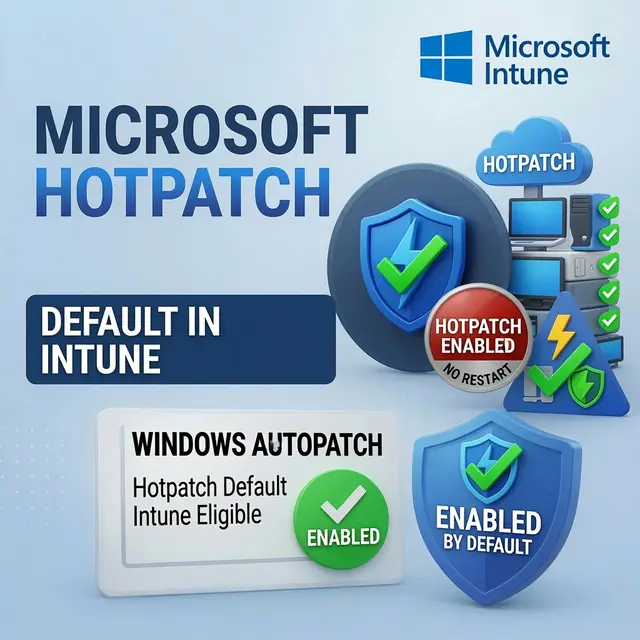
Starting with the May 2026 security update, Windows Autopatch enables hotpatch security updates by default for eligible Intune-managed (and Microsoft Graph) devices - applying monthly fixes without a restart. Tenant opt-out controls arrived April 1, 2026, with a grace period to May 11.
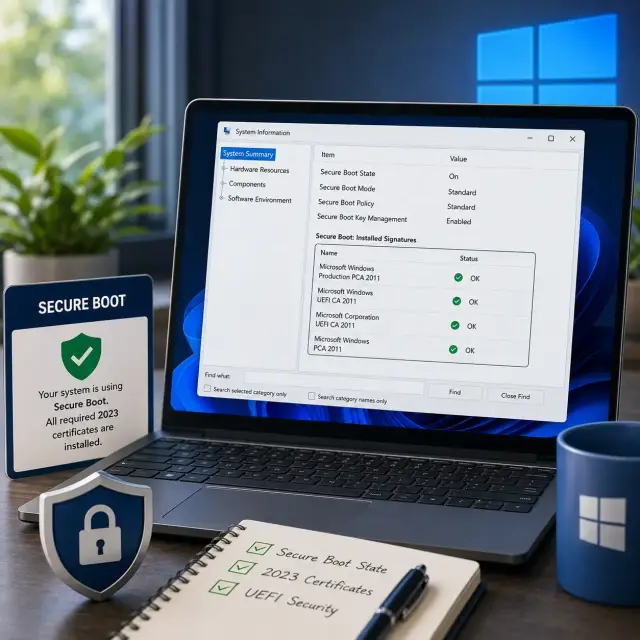
Verify whether your Windows PC has the new Secure Boot 2023 certificates (Windows UEFI CA 2023, KEK 2K CA 2023) before the 2011 certificates start expiring in June 2026 - by reading the UEFI variables, the way Microsoft documents.